Chapter 2 Operating the
VIC
20
43
Enter the line exactly as shown; do not type end quotes
or
press RETURN.
Try to make the necessary change to "HOYT".
PRINT
"HOYT
DOOS
FOR
S
ALE
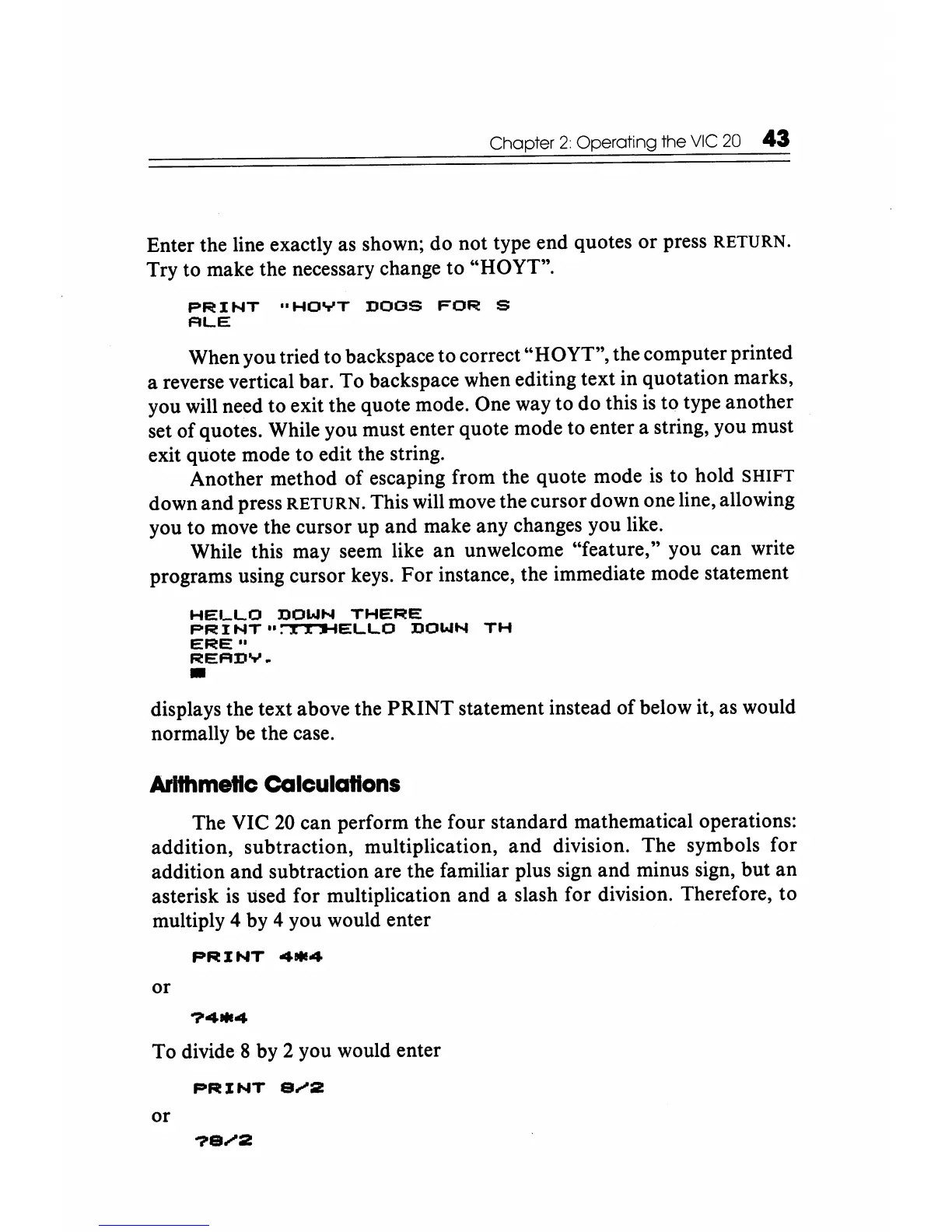
When you tried to backspace to correct "HOYT", the computer printed
a reverse vertical bar. To backspace when editing text in quotation marks,
you will need to exit the quote mode. One way to do this
is
to type another
set of quotes. While you must enter quote mode to enter a string, you must
exit quote mode to edit the string.
Another method of escaping from the quote mode
is
to hold SHIFT
down and press
RETURN.
This will move the cursor down one line, allowing
you to move the cursor up and make any changes you like.
While this may seem like
an
unwelcome "feature," you can write
programs using cursor keys. For instance, the immediate mode statement
HELLO
DOWN
THERE
PR
I
NT
II
:-rr'.I-IELLO
DOWN
TH
ERE"
READY
•
•
displays the text above the
PRINT
statement instead of below it, as would
normally
be
the case.
ArIthmetic
calculations
The VIC
20
can perform the four standard mathematical operations:
addition, subtraction, multiplication, and division. The symbols for
addition and subtraction are the familiar plus sign and minus sign, but an
asterisk
is
used for mUltiplication and a slash for division. Therefore,
to
mUltiply 4 by 4 you would enter
PRINT
4*4
or
?4*4
To divide 8 by 2 you would enter
PRINT
e
.....
:z
or






 To Next Page