44
The
VIC
20
User
Guide
PROGRAM
MODE
In both immediate mode and program mode, you enter statements and
the computer responds to them. However, immediate mode statements are
very limited.
If
you were to press the CLEAR SCREEN key, your statement
would be gone.
The immediate mode examples you entered earlier in this chapter were
simple, one-line programs, but they do
not
do much. Once you become
familiar with your computer you will want to write longer programs. BASIC
programs can be hundreds
of
statements long; program mode statements
should not be
as
expendable as immediate mode statements. Therefore, the
VIC
20
stores program mode statements in main memory. Program mode
statements are more powerful than immediate mode statements because
they execute "under their own power." In immediate mode the computer
executes one statement and then waits for you to key in another statement.
In program mode, statements execute automatically in
an
order that you
specifY·
Program
Entry
Programs may be entered using the keyboard
or
loaded into memory
through the Datassette
or
disk drive. Each statement entered through the
keyboard has a corresponding line number. When you press
RETURN
at
the
end of each statement, that line
is
stored in the VIC's memory.
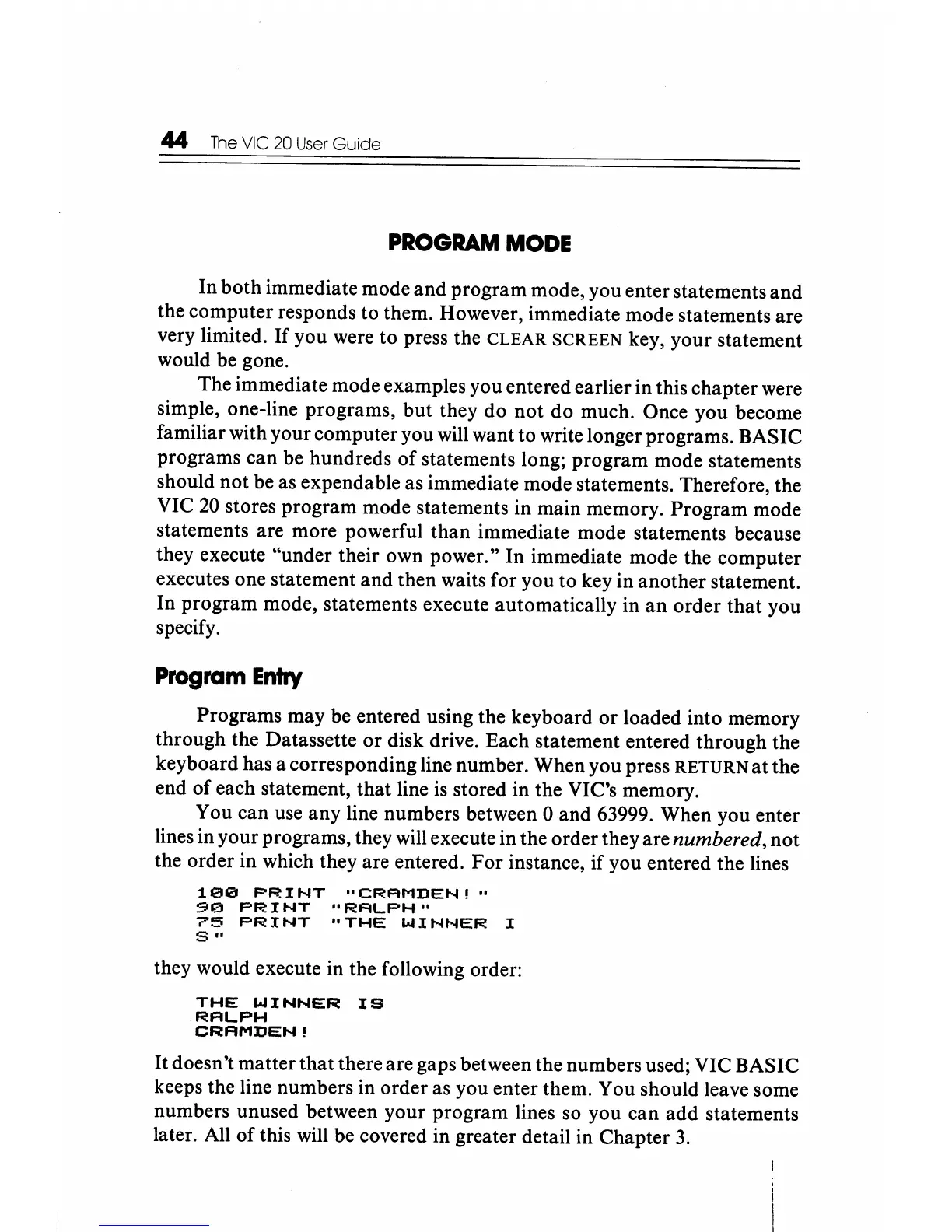
You can use any line numbers between 0 and 63999. When you enter
lines in your programs, they will execute in the order they are
numbered, not
the order in which they are entered. For instance, if you entered the lines
1121121
PRINT
"CRRMDEN!"
90
PRINT
"RALPH"
7'5
PRINT
"THE
WINNER
I
S ..
they would execute in the following order:
THE
WINNER
IS
.RRLPH
CRAMDEN!
It
doesn't matter that there are gaps between the numbers used; VIC BASIC
keeps the line numbers in order as you enter them. You should leave some
numbers unused between your program lines so you can add statements
later. All
of
this will be covered in greater detail in Chapter
3.






 To Next Page