Chapter
2:
Operating the
VIC
20
45
Running
a
Program
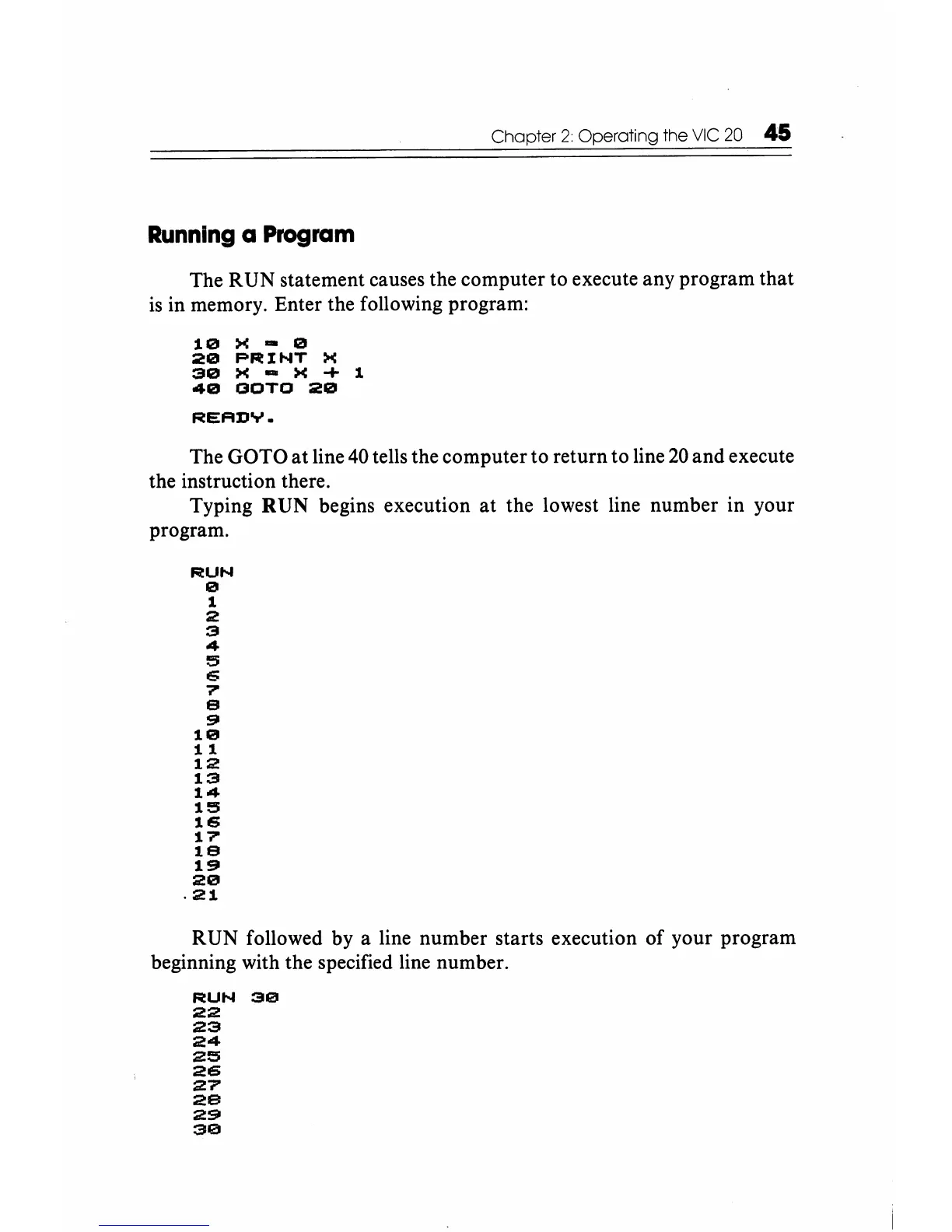
The RUN statement causes the computer to execute any program that
is
in memory. Enter the following program:
10
X - 0
20
PRINT
X
30
X - X
...
1
40
OOTO
20
READY.
The GO TO
at
line 40 tells the computer to return to line
20
and execute
the instruction there.
Typing RUN begins execution
at
the lowest line number in your
program.
RUN
o
1
2
3
4
3
6
7'
e
~
10
11
12
13
14
13
16
17'
1e
1~
20
.21
RUN followed by a line number starts execution of your program
beginning with the specified line number.
RUN
30
22
23
24
25
26
27
29
291
30






 To Next Page