82
The
VIC
20
User
Guide
BASIC
Word
Abbreviations
You learned early in this book that the BASIC statement
PRINT
could
always be entered from the keyboard by the abbreviation
..
?
".
This
is
expanded by the VIC BASIC interpreter to the full word PRINT.
Most BASIC commands, statements, and functions can be abbreviated
using the first two characters
of
the keyword, with the second character
entered in shifted mode. With the VIC 20's normal character set (that is,
upper-case
or
graphic characters), the second character appears as a graphic
character.
For
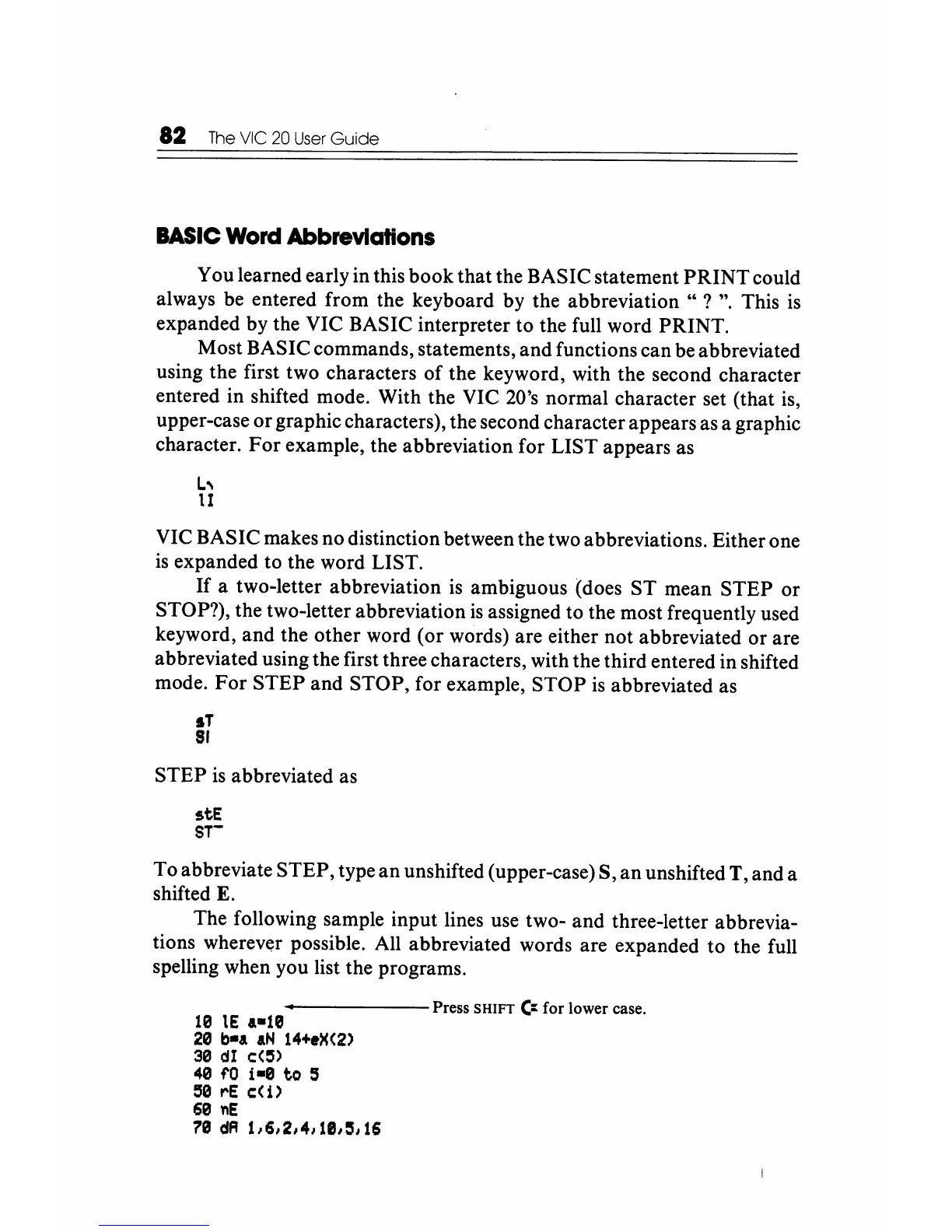
example, the abbreviation for LIST appears as
L,
1I
VIC BASIC makes no distinction between the two abbreviations. Either one
is
expanded to the word LIST.
If
a two-letter abbreviation is ambiguous (does
ST
mean STEP
or
STOP?), the two-letter abbreviation
is
assigned to the most frequently used
keyword, and the other word (or words) are either not abbreviated or are
abbreviated using the first three characters, with the third entered in shifted
mode.
For
STEP and STOP, for example, STOP
is
abbreviated as
IT
81
STEP
is
abbreviated as
stE
8T-
To abbreviate STEP, type an unshifted (upper-case) S,
an
unshifted T, and a
shifted E.
The following sample input lines use two- and three-letter abbrevia-
tions wherever possible. All abbreviated words are expanded to the full
spelling when you list the programs.
------
Press SHIFT
~
for lower case.
10
lE
.-18
20
b-a
aN
14+eX(2)
30
dI
c:(:5)
40
ro
i-0
to
:5
58
roE
c:(
1)
60
nE
70
dA
1/6/2/4/18/5/16






 To Next Page