4. Insert the plug into the-phone socket in the back of the
VICMODEM.
(see
figure
2)
Now^ypur computer is ready
to
operate as a terminal. At this point yournust follow the
instructions given to you with yourCompuServe subscription,
or, if using another service, in thekJnstructlons.^WOTE;T)nce
you
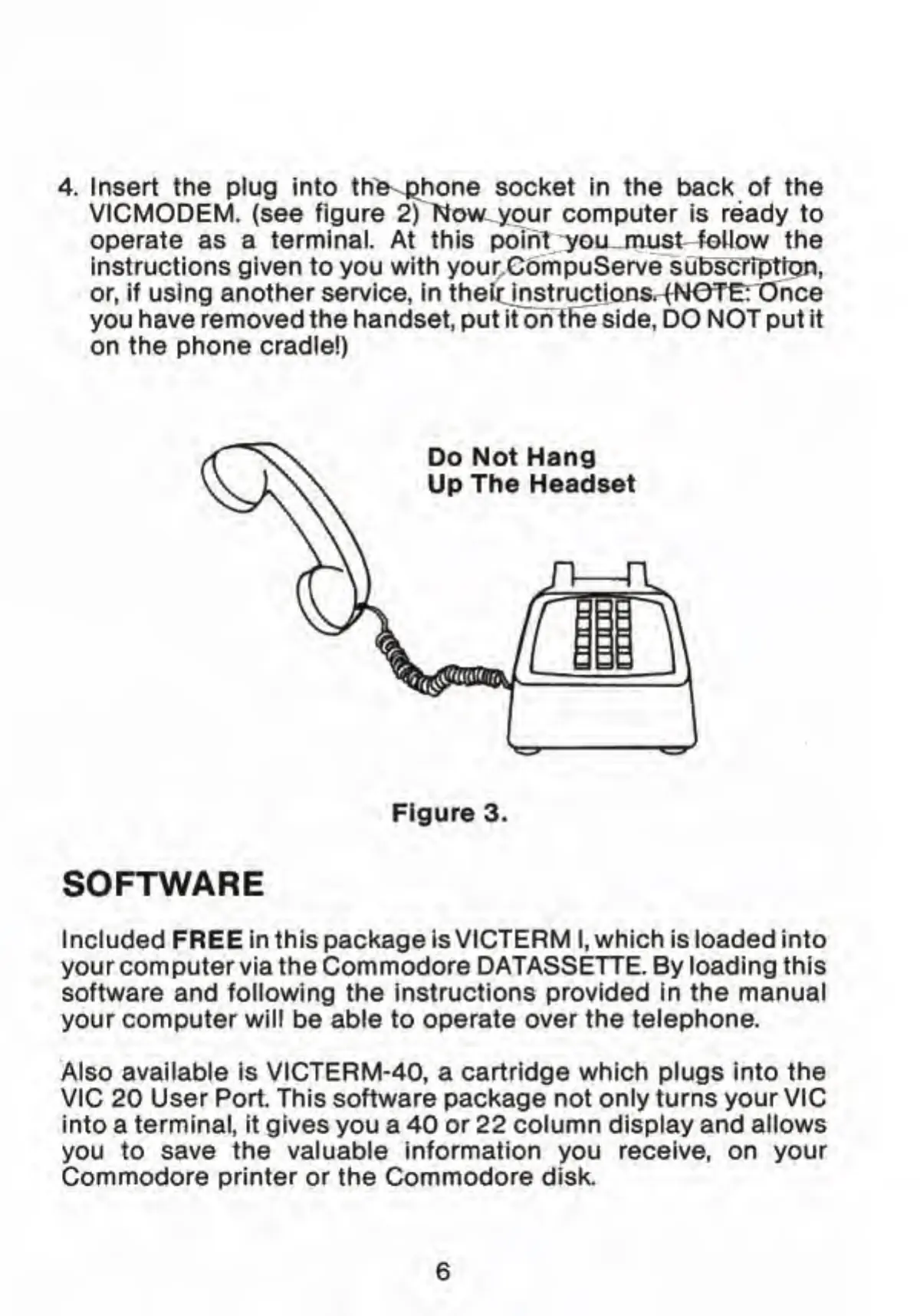
have removed the handset, put it oh the side, DO NOT put it
on the phone cradle!)
Do Not Hang
Up The Headset
Figure 3.
SOFTWARE
Included
FREE
in this
package
is VICTERM I, which is loaded into
your computer via the Commodore DATASSETTE. By loading this
software and following the instructions provided in the manual
your computer will
be
able
to
operate over the telephone.
Also available is VICTERM-40, a cartridge which plugs into
the
VIC 20 User Port. This software package not only turns your VIC
into a terminal, it gives you
a
40 or 22 column display and allows
you to save the valuable information you receive, on your
Commodore printer or the Commodore disk.



 To Next Page