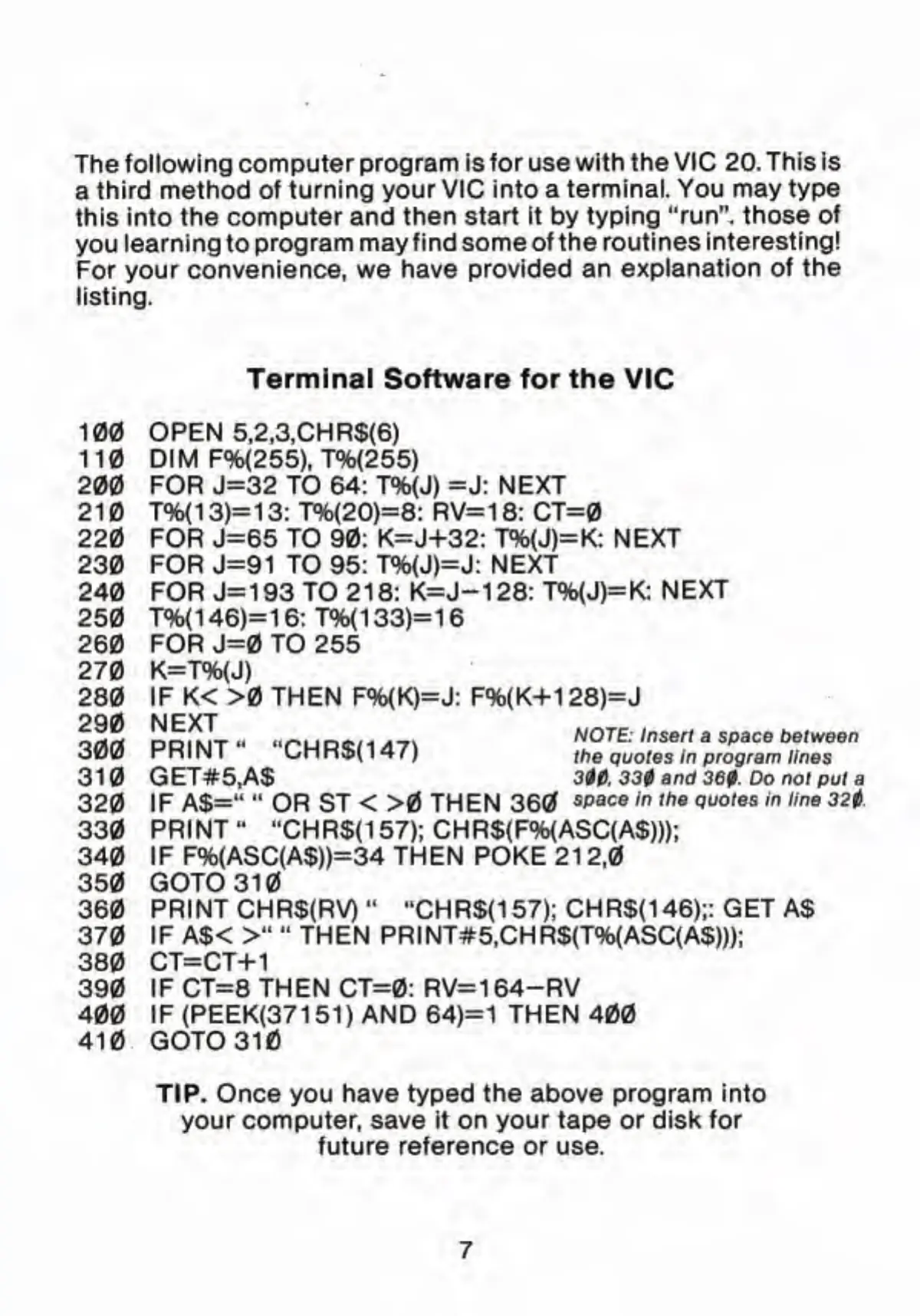
The following computer program is
for
use
with the VIC 20. This is
a
third method of turning your VIC into a
terminal. You may type
this into the computer and
then start It by typing "run",
those of
you
learning to
program may find some of the routines
interesting!
For your convenience, we have provided
an explanation of
the
listing.
Terminal Software for the VIC
100 OPEN 5,2,3,CHR$(6)
110
DIM F%(255),
T%(255)
200 FOR J=32 TO 64: T%(J) =J: NEXT
210 T%(13)=13: T%<20)=8: RV=18: CT=0
220 FOR
J=65
TO 90: K=J+32: T%(J)=K: NEXT
230
FOR
J=91
TO 95: T%(J)=J: NEXT
240 FOR
J=193 TO
218: K=J-128: T%(J)=K:
NEXT
250 T%(146)=16:T%(133)=16
260 FOR J=0 TO 255
270 K=T%(J)
280 IF
K< >0
THEN F%(K)=J: F%(K+1 28)=J
^rtw nr^iki-*-.! >.**• »«.<*
.-..
NOTE: Insert
a space between
300
PRINT" "CHR$(147)
the quotes in program ,ines
31
GET#5,A$ 300. 330 and 360. Do not
put a
320 IF A$="
"
OR ST < >0 THEN 360
«>
flc
«
ln tne auotes m ,ine
3H
330
PRINT" "CHR$(157);CHR$(F%{ASC(A$)));
340 IF F%(ASC(A$))=34 THEN POKE 21
2,0
350 GOTO 310
360 PRINT CHR$(RV)"
"CHR$(157);
CHR$<146);: GET A$
370 IF A$<
>"
"
THEN PRINT#5,CHR$(T%(ASC(A$)));
380 CT=CT+1
390 IF CT=8 THEN CT=0: RV=164-RV
400 IF(PEEK(37151) AND
64)=
1
THEN 400
410 GOTO 31
TIP. Once you have typed the above program into
your computer, save it on your tape or disk for
future
reference
or use.



 To Next Page