7900 Pager Manual
Page 6 © CommtechWireless
2. THE 7900 PAGER
2.1 Getting Started
2.1.1 Case Layout
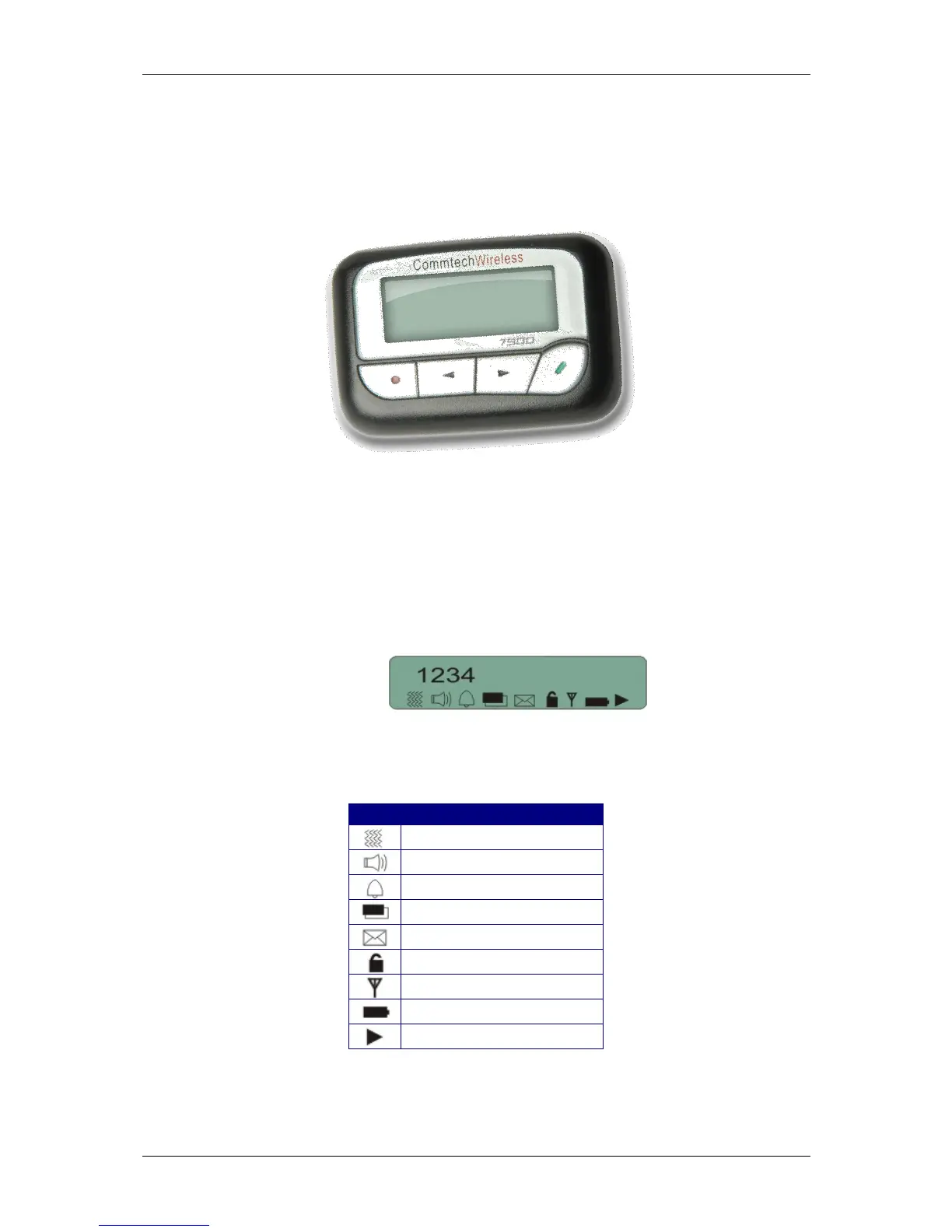
The Commtech 7900 pager has four buttons on its case.
| | | |
Escape Left Right Read
Key Key Key Key
2.1.2 LCD Screen
The 7900 Pager contains a backlit, two line, alphanumeric LCD screen. Each line is 18
characters long. There is also a row of small icons underneath this line which give a quick
indication of the current status and settings for the pager. The LCD screen is shown
below.
The table below shows the meaning of each icon.


 To Next Page