Pager Hand Pro~ramming
Manual
I
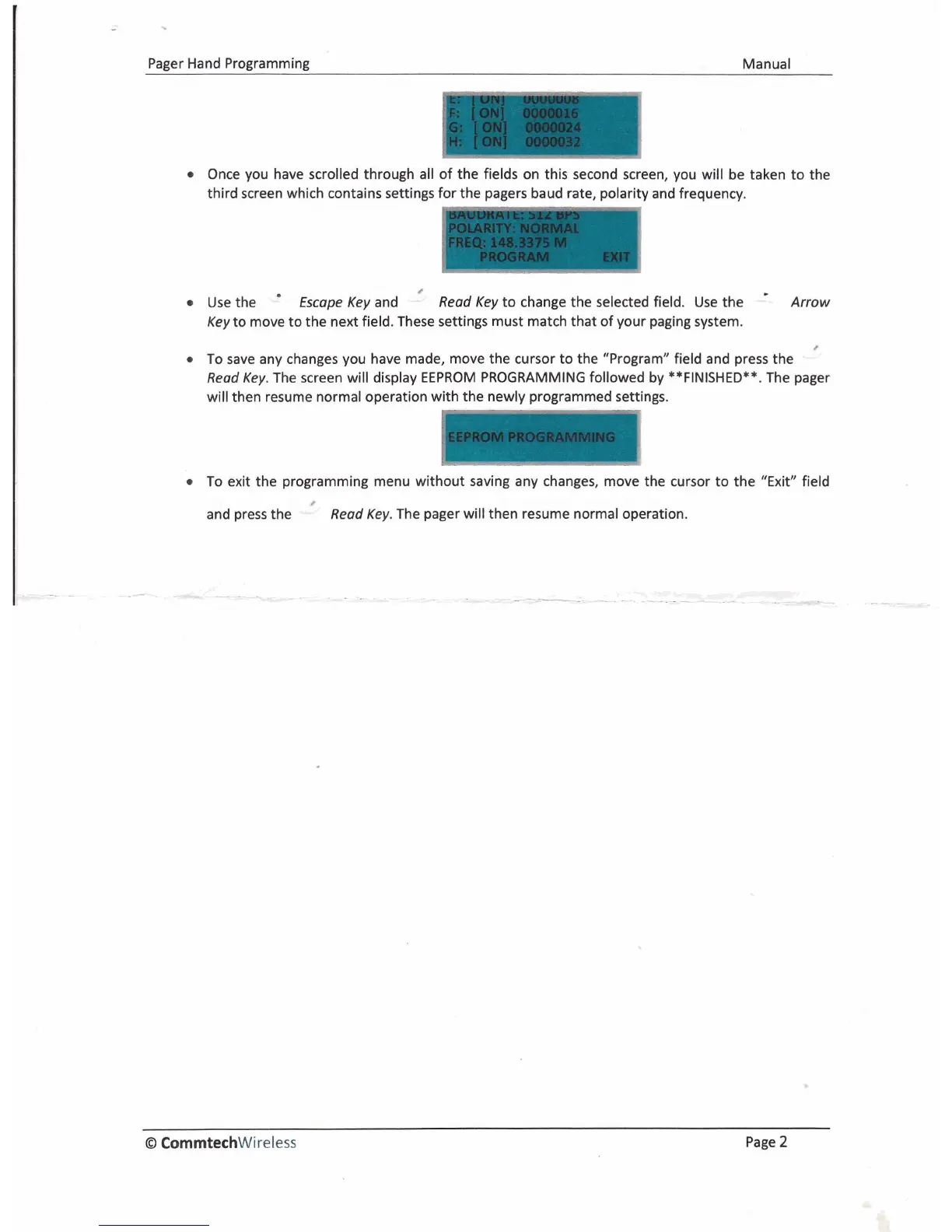
Once you have scrolled through all of the fields on this second screen, you will be taken to the
third screen which contains settings for the pagers baud rate, polarity and frequency.
8
Use the
.
Escape Key
and
-
Read Key
to change the selected field. Use the
Arrow
Key
to move to the next field. These settings must match that of your paging system.
#
To save any changes you have made, move the cursor to the "Program" field and press the
Read Key.
The screen will display EEPROM PROGRAMMING followed by **FINISHED**. The pager
will then resume normal operation with the newly programmed settings.
To exit the programming menu without saving any changes, move the cursor to the "Exit" field
and press the
Read Key.
The pager will then resume normal operation.
O
CommtechWireless
Page
2



 To Previous Page