ComNav 1101 Autopilot SYSTEM OVERVIEW 3 - 5
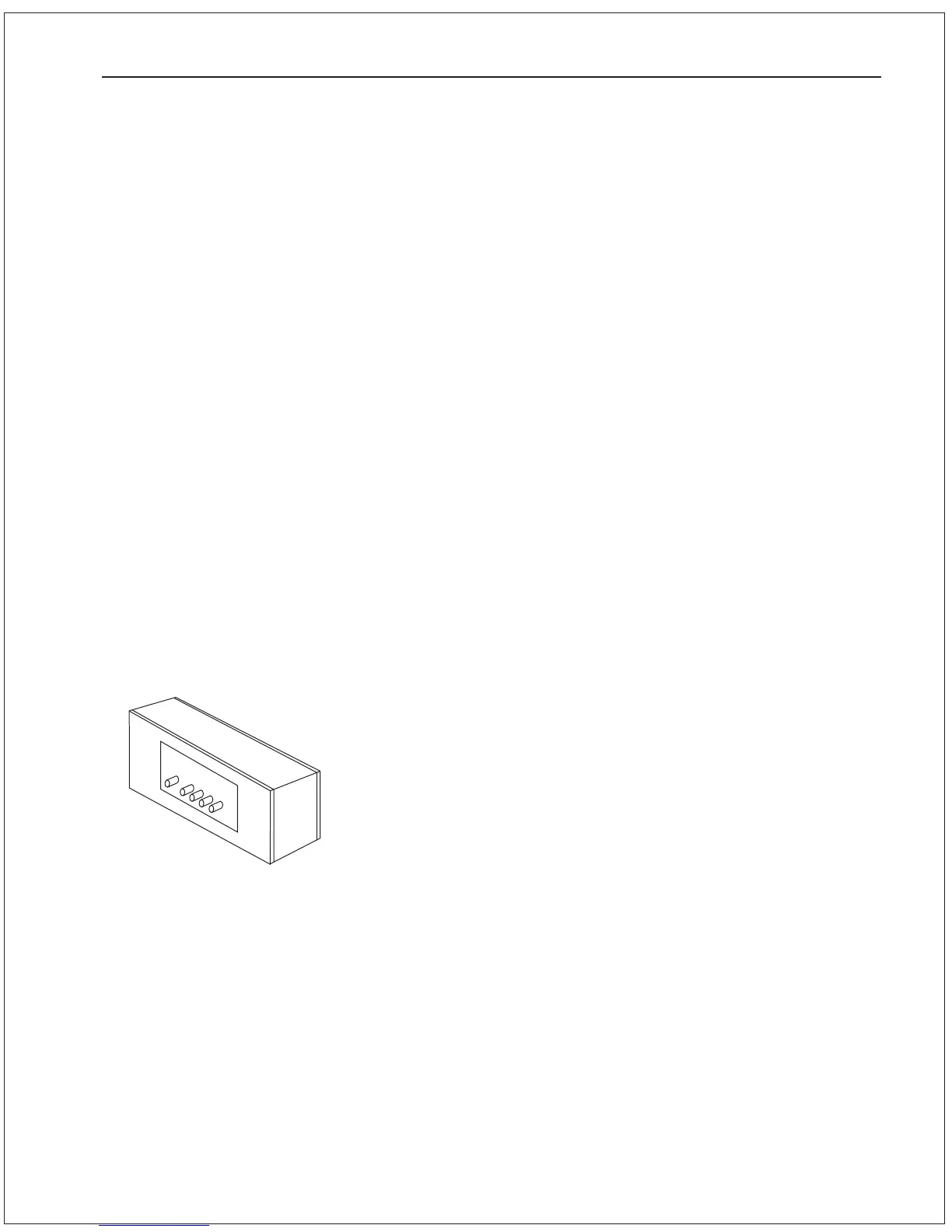
Signal Processing Unit
The SPU, as its name suggests, accepts a number of signals from
the other components of the Autopilot System and processes them
as necessary to control the movement of the vessels rudder so as
to maintain a given heading. As well as steering the vessel, the
sophisticated software within the SPU continually checks all aspects
of the Autopilots performance, and will advise the user via the
Control Head if any problems are detected.
1101 Signal Processing Unit
Part # 82888
10) DODGE STARBOARD button
In POWER STEER mode pressing and holding this button moves the
rudder to starboard. Pressing this button while in AUTOPILOT or NAV
modes allows you to avoid obstacles in the vessels path by turning
to starboard, and then automatically recover your original heading or
track afterwards.
11) RUDDER button
In AUTOPILOT or NAV modes, immediately brings up the Steering
Parameters menu and positions the cursor at the Rudder value.
Use the ADJUSTMENT KNOB to change this value if desired.
12) CNTR RUDDER button
In AUTOPILOT or NAV modes, immediately brings up the Steering
Parameters menu and positions the cursor at the Cntr Rudder
(Counter Rudder) value. Use the ADJUSTMENT KNOB to change this
value if desired.
13) TURN RATE button
In AUTOPILOT or NAV modes, immediately brings up the Steering
Parameters menu and positions the cursor at the Turn Rate value.
Use the ADJUSTMENT KNOB to change this value if desired.
14) YAW button
In AUTOPILOT or NAV modes, immediately brings up the Steering
Parameters menu and positions the cursor at the Yaw value. Use
the ADJUSTMENT KNOB to change this value if desired.



 To Next Page