ComNav 1101 Autopilot6 - 1 BASIC OPERATIONS
6. Basic Operations
Introduction
Now you have become familiar with the information and procedures
in the Getting Started section, you are ready to learn about basic
operations in AUTOPILOT mode. Be sure to complete all of the
Setup and Sea Trial procedures in Getting Started before
attempting the procedures given later in this section.
AUTOPILOT Mode
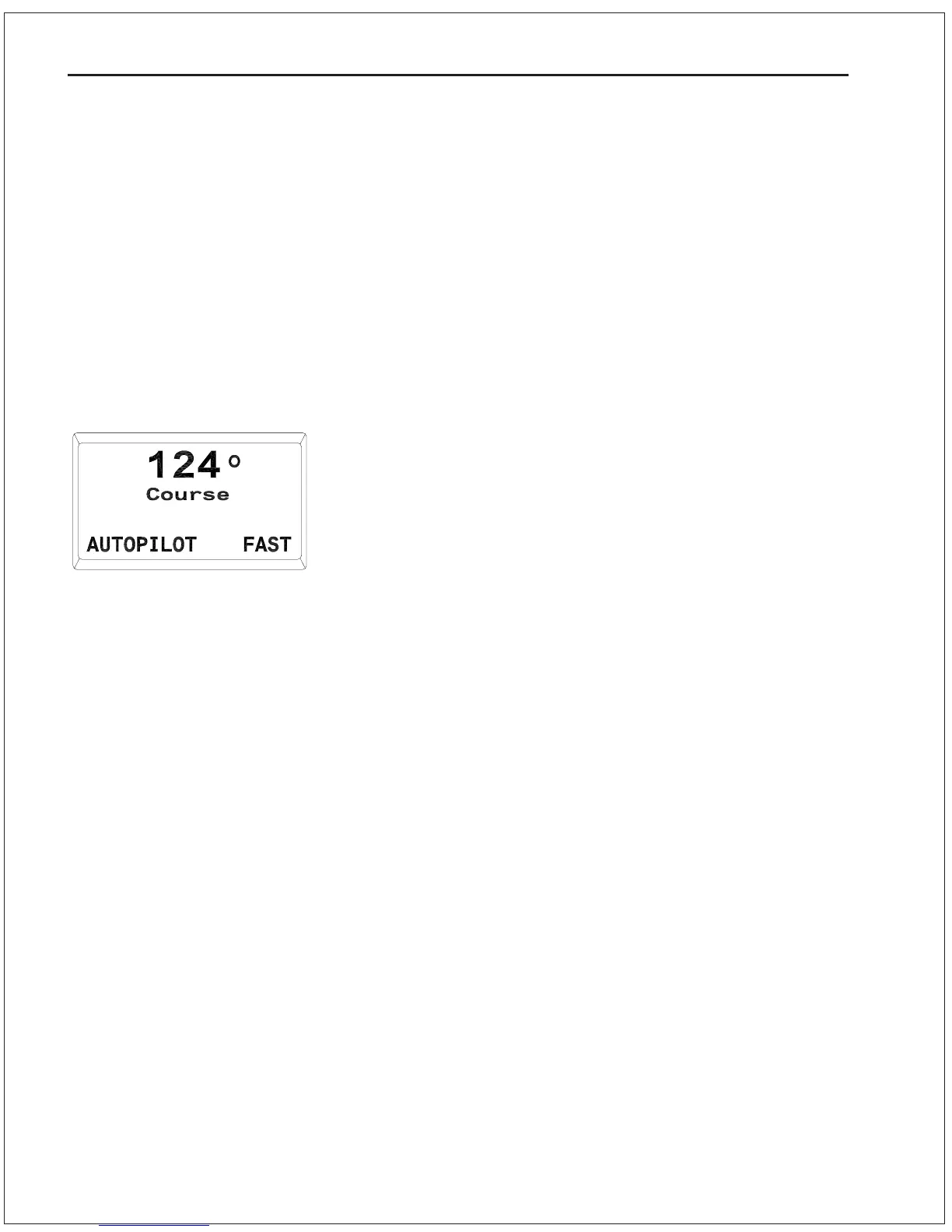
To enter AUTOPILOT mode, press and hold the AUTOPILOT button
until a beep sounds. When AUTOPILOT mode is first entered, the
Autopilot will steer the last course which the vessel was on prior to
entering AUTOPILOT mode. This safety feature prevents the vessel
from executing any unexpected turns as you change modes. The
number which appears on the display above the word Course is
the course which the Autopilot is currently steering. To determine
the vessels actual heading refer to your steering compass or other
navigational device.
To change the vessels course, turn the ADJUSTMENT KNOB. A
clockwise turn will result in an increase of your commanded course
and the vessel will turn to starboard. A counter clockwise turn will
result in a decrease of your commanded course and the vessel will
turn to port. Rapidly turning the knob will result in a 10 degree
course change, while slowly turning the knob will result in a 1
degree course change. The Autopilot will bring the vessel onto the
new course at the turn rate set in the Steering Parameter menu.
Instructions on changing steering parameters appear in the Sea
Trials procedures later in this section.
Display in AUTOPILOT Mode



 To Next Page