ComNav 1101 Autopilot
to enter the Steering Parameter menu and turn the
ADJUSTMENT KNOB one click counterclockwise to decrease the
rudder setting by one level).
or
Increase the counter rudder one level. (Press the COUNTER
RUDDER button once to enter the Steering Parameter menu and
turn the knob one click clockwise to increase the counter rudder
setting by one level).
9. Repeat steps 4 through 8 as often as necessary to achieve
satisfactory steering performance.
Fast Settings
Once you have achieved satisfactory steering performance using the
Slow Settings, adjust and fine-tune the steering parameters for Fast
Speed operation. Generally speaking, you should find that suitable
Rudder and Counter-Rudder settings for Fast Speed operation are
somewhat lower than those used for Slow Speed Operations.
1. Adjust the vessels speed so that it is moving at its normal
passage speed or a fast cruising speed.
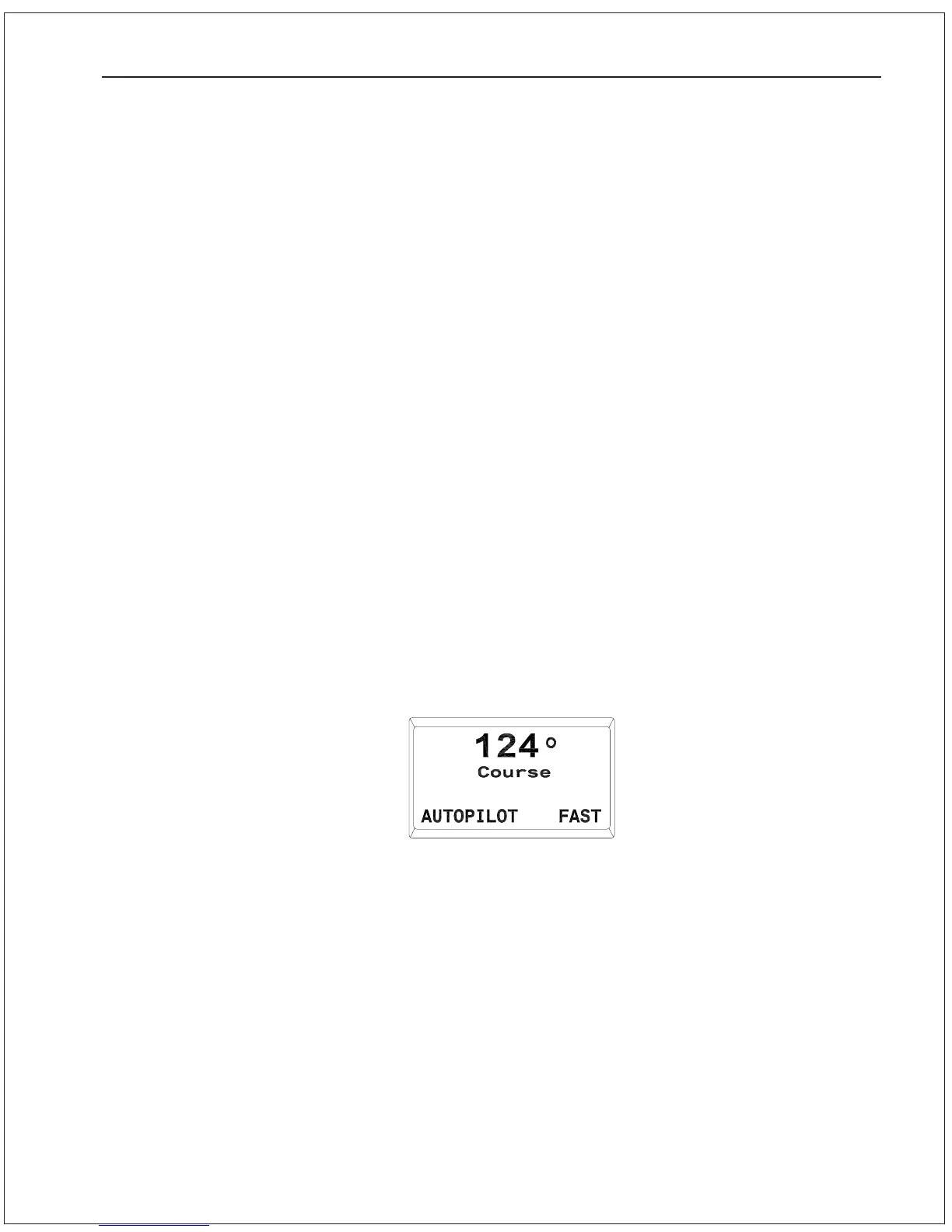
2. Enter pilot mode press the AUTOPILOT button until the display
comes up as shown here:
3. If the display reads SLOW in the bottom right corner, press
and hold the SPEED button until the display reads FAST:
BASIC OPERATIONS 6 - 12
4. Monitor the Autopilot performance for a few minutes. It should
maintain a steady course within the limits of the yaw setting.
(Press the YAW button to enter the Steering Parameter menu
and see what these limits are. Use the ADJUSTMENT KNOB to
change the Yaw setting if desired).
If the Autopilot does not maintain a steady course and begins to
ess back and forth, reduce the rudder gain. (Press the
RUDDER button to enter the Steering Parameter menu and turn
the ADJUSTMENT KNOB one click counter-clockwise to reduce
the rudder gain by one level).
Proceed to step 5 once the Autopilot maintains a steady
straightline course within the yaw setting.


 To Next Page
 Loading...






