ComNav 1101 Autopilot
c) Use the ADJUSTMENT KNOB to position the cursor at
NMEA checksum, then press the STANDBY button again.
The parameter value for NMEA checksum will begin to
flash.
d) Use the ADJUSTMENT KNOB to change the parameter to
Off.
e) Press the STANDBY button once more to deselect the
parameter value. The word On will stop flashing.
f) Double the STANDBY button to exit the Standby menu and
go back into STANDBY mode.
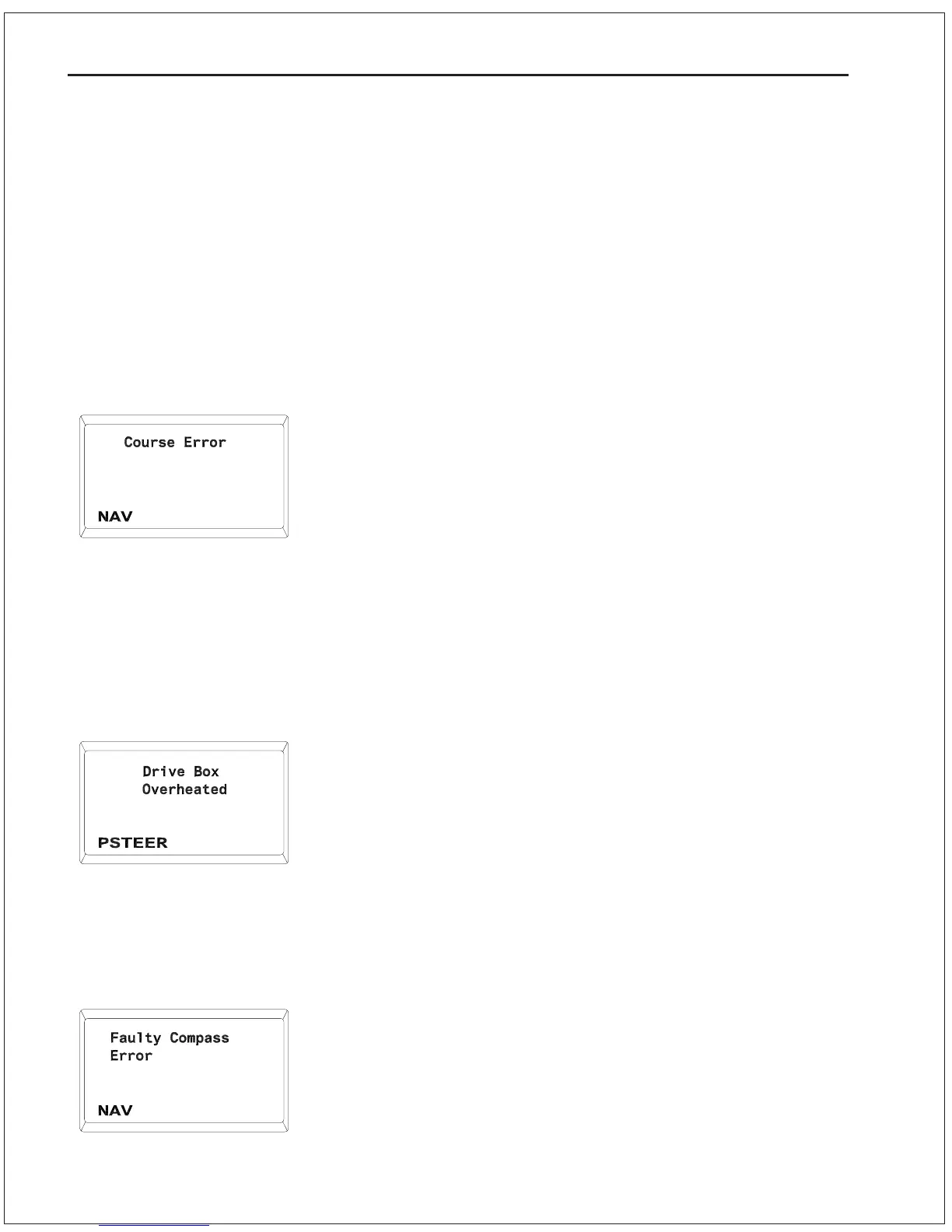
Course Error
This alarm can occur in either AUTOPILOT mode or NAV mode. It
indicates that the vessel has fallen off course by more than 20
degrees and has remained off course for at least 30 seconds.
1. The RUDDER and/or COUNTER RUDDER settings may be set
too low for the Autopilot to bring the vessel onto course.
2. There could be a failure in the Steering System. Check for an
inoperative Motor Drive, blown fuse, stuck valves, etc.
3. This error may also be caused by a failure in the Rudder
Follower or its linkage. Check both to make sure they are
functioning properly.
Drive Box Overheated
If the Autopilot is being used with a Drive box (for example, a CT2
Reversing Motor Drive) that feeds its operating current and
temperature back to the Autopilot, and these levels exceed safety
margins for more than 4 seconds, then the above message will
occur. This message will occur in STANDBY mode or POWER
STEER mode only.
1. Check for a jammed rudder or similar problem that would cause
an excessive load on the motor.
Faulty Compass Error
If this error occurs, the Autopilot will be operable only in STANDBY
or POWER STEER modes.
1. Ensure that the correct type of compass has been selected
using DOCKSIDE SETUP.
2. The connector for the Fluxgate Compass or Magnetic Sensor
may be loose.
3. The Fluxgate Compass or Magnetic Sensor may be defective.
9 - 7 PROBLEM SOLVING


 To Next Page
 Loading...






