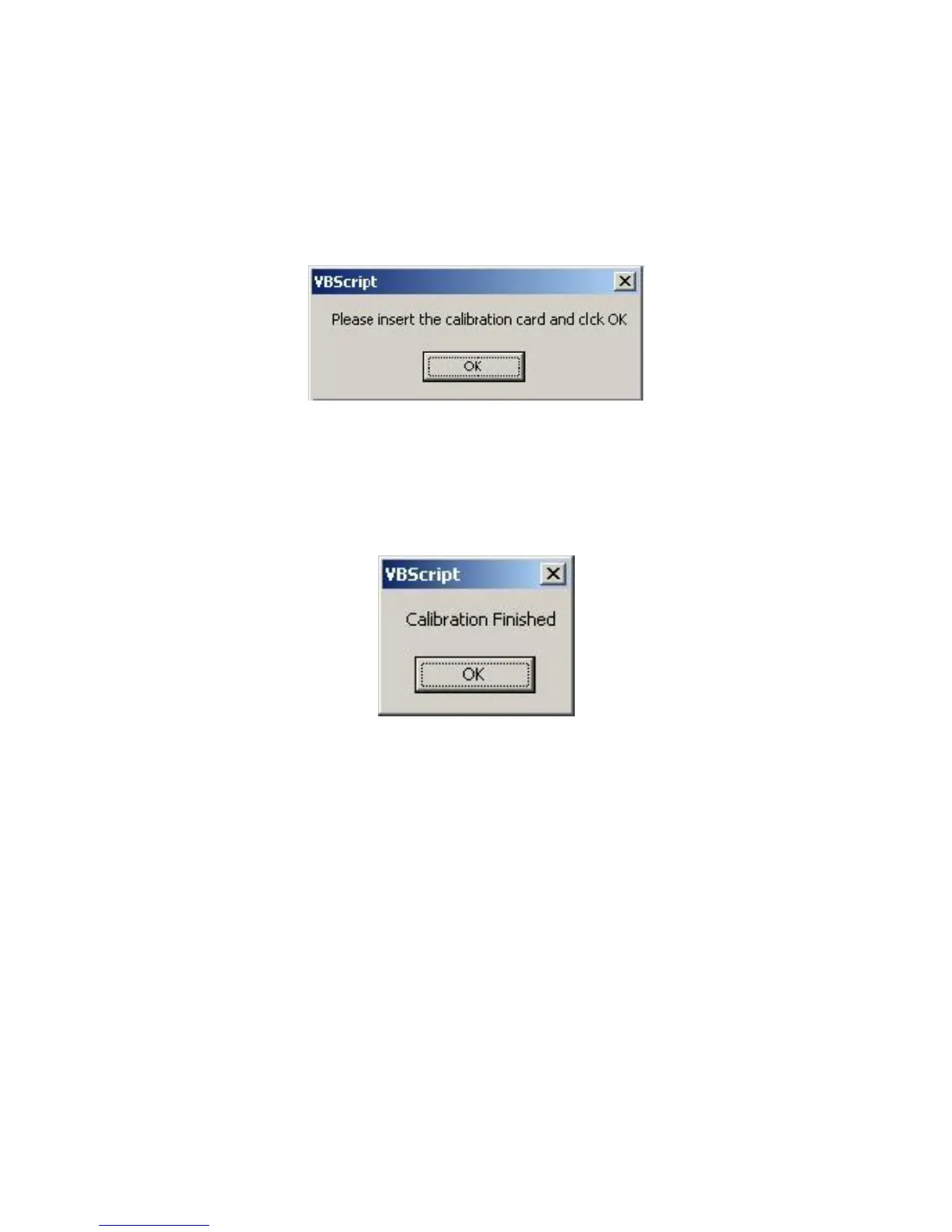
You will be prompted first to insert the calibration card into your scanner. Do so at
this time, noting the alignment directions on the back of the card. Click OK to begin
the calibration process (Image 20).
Image 20
Once calibration has finished, click OK (Image 21).
Image 21
NOTE: FROM TIME TO TIME THE SCANSHELL 800 MAY REQUIRE MAINTENANCE OR
CLEANING. AN AUTHORIZED OPERATOR MAY RETURN TO THESE CONTROLS
WHENEVER NECESSARY TO INITIATE THE CALIBRATION OR CLEANING PROCESS.
ALWAYS ENSURE YOU HAVE THE REQUIRED MATERIALS (CALIBRATION AND/OR
CLEANING CARDS) READY BEFORE INITIATING THESE PROCESSES.
IG0069.2 — V6450 Driver’s License Optical Scanner Page 11 of 16


 To Next Page