Image 23
The ScanShell 800 device will draw the License through the scanner as it images it
and collects the required data. Do not force the license through as it will devoid the
scan and could damage the devise. Shortly after the scan completes, KeepnTrack will
process the data captured from the license and the appropriate fields in the browser
should fill in with the Name and Birthdate automatically. When available, the picture
on the license will also be captured and displayed.
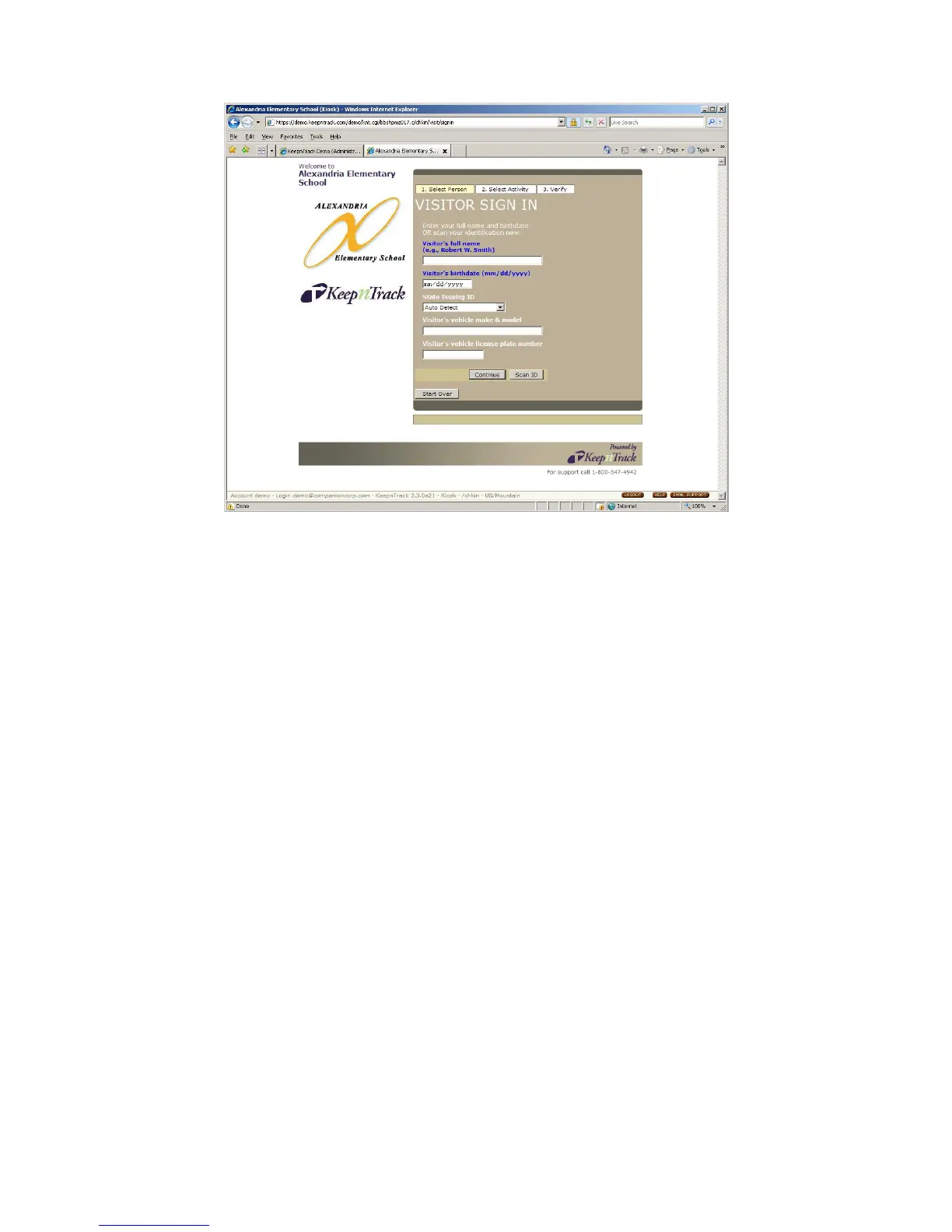
You can review the information on the Sign In page and make any necessary
corrections, then click Continue (Image 24). KeepnTrack will perform checks of the
name and age and either allow the person to sign in or prompt them with an
appropriate dialog (depending on your system settings).
IG0069.2 — V6450 Driver’s License Optical Scanner Page 13 of 16


 To Next Page
 Loading...