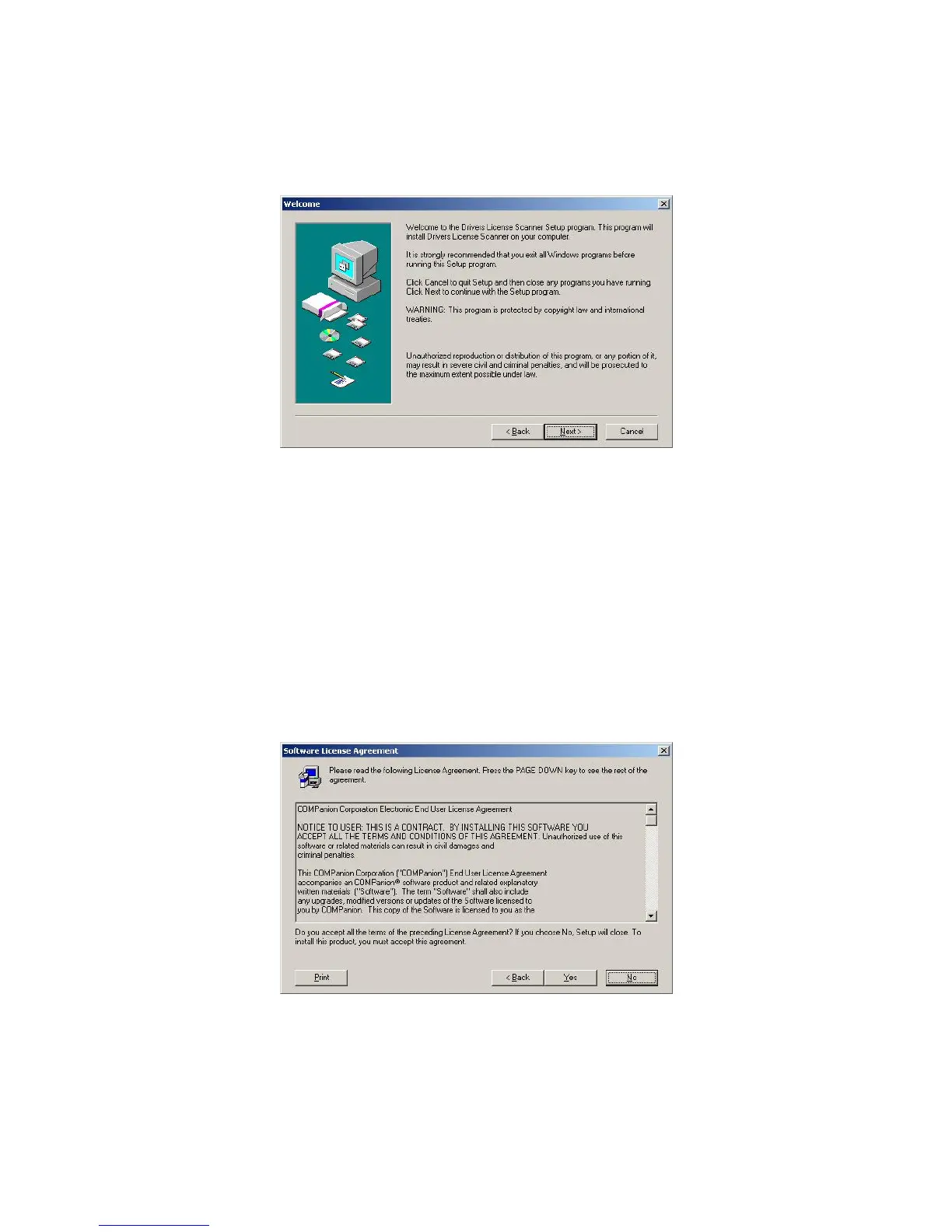
Image 2
Click Next to continue from the welcome screen (Image 2).
After reviewing the End User License Agreement, click Yes to accept the terms stated
within and proceed (Image 3). If you select No, you will be unable to continue with
the installation, and the Drivers License Scanner will not be installed on your
computer.
Image 3
IG0069.2 — V6450 Driver’s License Optical Scanner Page 3 of 16


 To Next Page