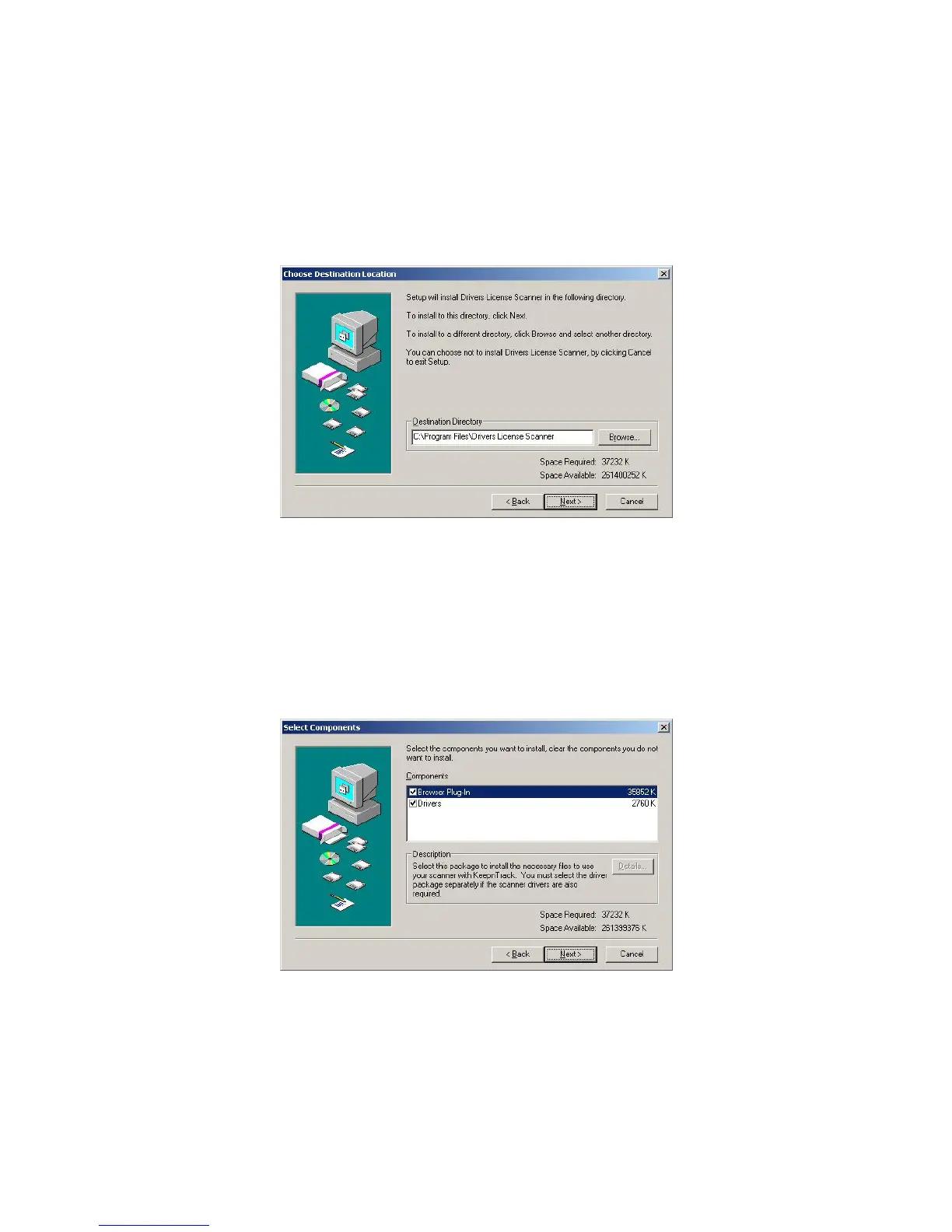
Next, select a destination directory on your computer where you wish to install the
Drivers License Scanner files. If you wish to install to a path other than the default
shown click Browse… and select another location. COMPanion Corporation
recommends installing to the default directory. Once you have selected the
installation directory, click Next to continue (Image 4).
Image 4
In the next step, you will need to select the components you wish to install. The
Drivers License Installer package is broken down into two main components:
1) The files required for the Browser Plug-in, or Active X Control.
2) The drivers required for the scanner hardware to function.
Image 5
Select the components you wish to install by placing a check mark in the box
provided and then click Next to continue (Image 5).
IG0069.2 — V6450 Driver’s License Optical Scanner Page 4 of 16


 To Next Page
 Loading...