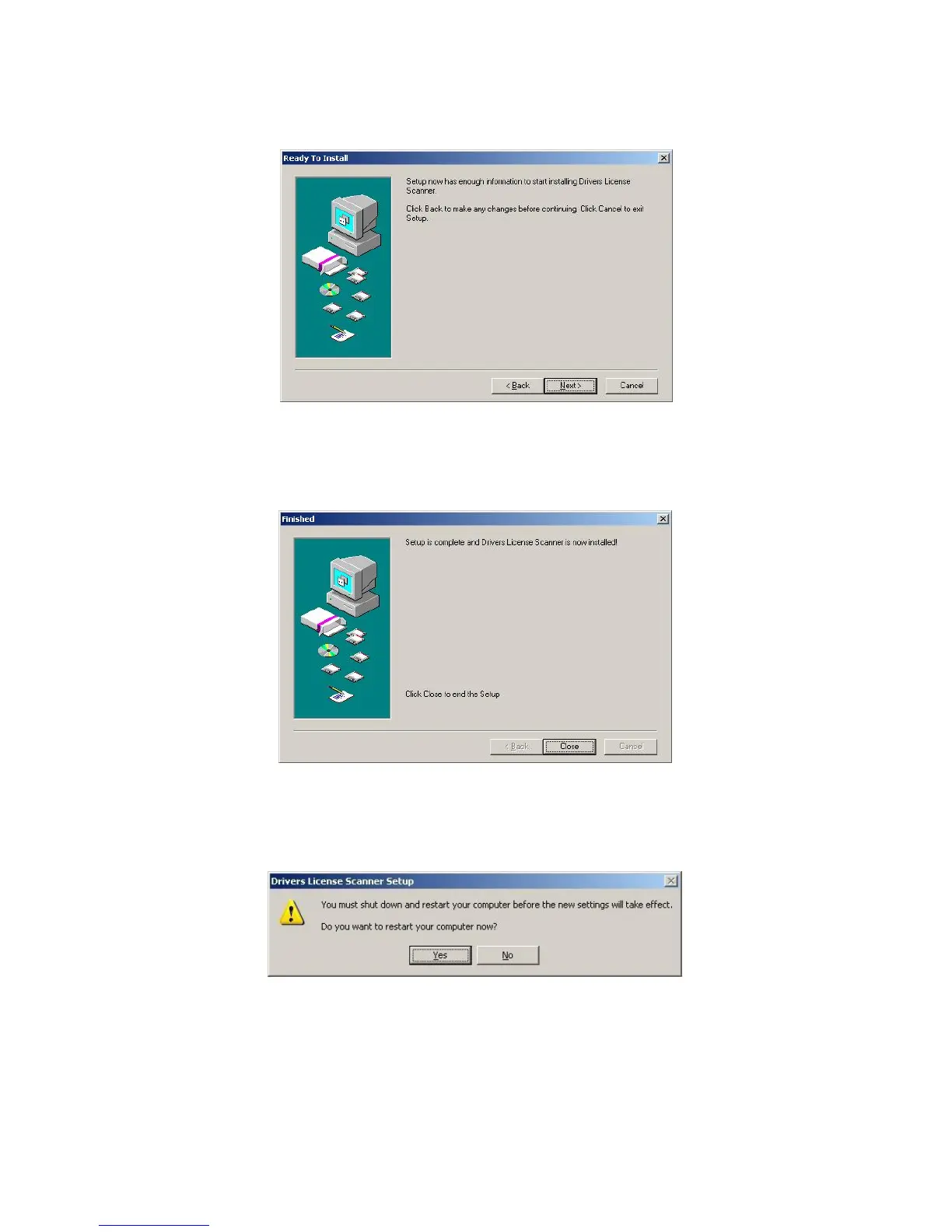
Once you are satisfied with your selections, click Next to begin the installation (Image
8).
Image 8
Once the installation has finished click Close to exit the Installer and proceed with
setup of your hardware (Image 9).
Image 9
You must Restart your computer first (Image 10)!
Image 10
IG0069.2 — V6450 Driver’s License Optical Scanner Page 6 of 16


 To Next Page