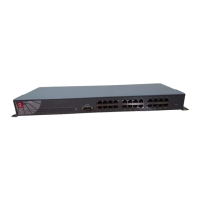
English Compex MicroHub
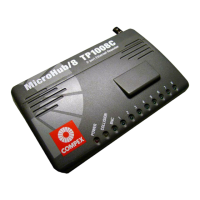
/6 (TP1006C);
Compex MicroHub
/8 (TP1008C);
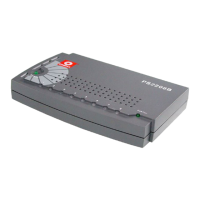
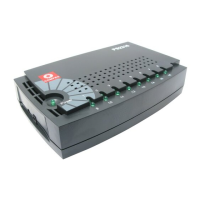
Compex MicroHub
/16 (TP1016C/ TP1016F)
3
♦
Power Supply:
TP1008C/ TP1006C: 7.5V DC @ 1 Amp external
Power adapter (stepped down from
110VAC/220VAC power supply);
§ TP1016C/ TP1016F: 90VAC to 250VAC.
♦
Environment
Requirements:
Operating temperature: 0°C to 50°C; (Storage
temperature: -20°C to 70°C); Operating humidity: 10%
to 80% RH; (Storage humidity: 5% to 91% RH). [RH =
Relative Humidity]
♦
Physical
Dimension:
TP1006C & TP1008C: 149 x 90 x 25mm (L x W x H).
TP1016C & TP1016F: 428 x 108 x 44mm (L x W x H)
♦
Weight:
about 0.18 kg (TP1006C/TP1008C); / 1.58 kg (TP1016C/
TP1016F)
♦
Safety: LVD certified.
±
♦
Troubleshooting
LED Indicators:
The Compex MicroHub
/6 (TP1006C); Compex
MicroHub
/8 (TP1008C); and Compex MicroHub
/16 (TP1016C/
TP1016F) Ethernet hubs are designed with LED indicators to indicate
the signal status such as: Power ON/OFF, Link/Activity Status,
Collision Status, and Jabber Status. The LEDs function as useful
troubleshooting aids and are found on the front panel of the TP1006C/
TP1008C/ TP1016C/ TP1016F hub.
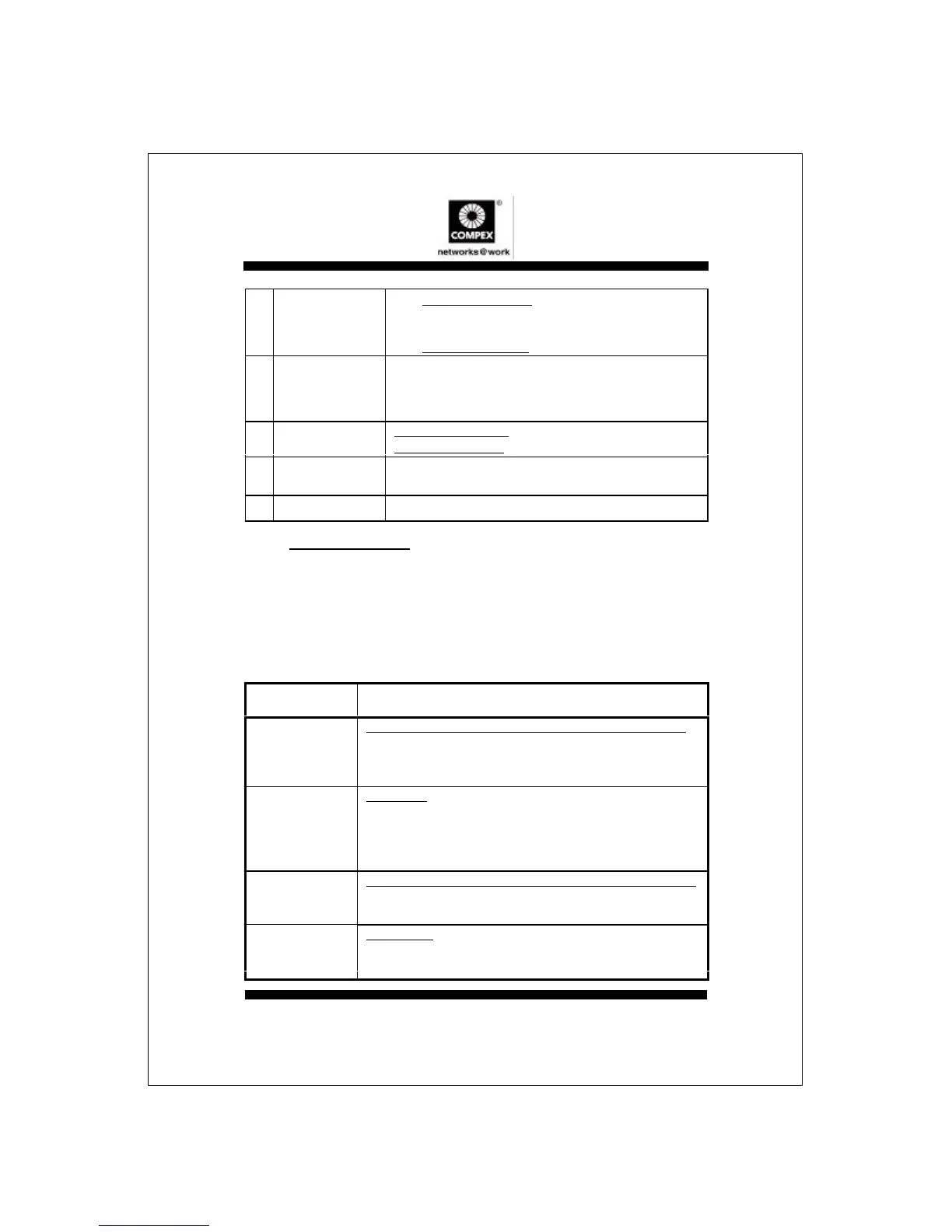
LED indicator Description of Function
Power
Green LED (TP1016C/F) or Red LED (TP1006C/TP1008C).
If Power LED does not come ON, check that:
[1] Plug/cord is properly inserted into the socket.
[2] Hub’s ON/OFF switch is turned ON.
Link/Activity
Green LED.
When LED does not turn ON, check that:
[1] Wire pairs connection at RJ-45 plug are correct.
[2] RJ-45 plug is fully inserted until you hear a click sound.
[3] The PC is powered-up.
Collision
Red LED (TP1016C/F) or Yellow LED (TP1006C/TP1008C).
BLINKS when 2 or more stations are assessing the network
heavily. This is normal.
Jabber
Yellow LED.
BLINKS to indicate transmission of packet/s exceeding the
specified time.



 To Next Page