MT series remote control intelligent turntable user guide
Copyright reserved by Shenzhen ComXim Technology Co., Ltd. 2017
12
6 Instructions for mobile phone App software (ig: Android)
6.1 Function overview
Mobile App software supports Andriod and IOS systems.
Mobile phone App software and Windows PC software functions are similar, supporting the two features of
mobile terminal features:
Touch
Shake
6.2 Software using steps
Here is an example of using Android App to connect MT200RUWSL10 devices to introduce software steps.
First Step: Download Phone App follow Figure2
Second Step: Turn on the turntable and wait for the turntable to be initialized (about 5
seconds)
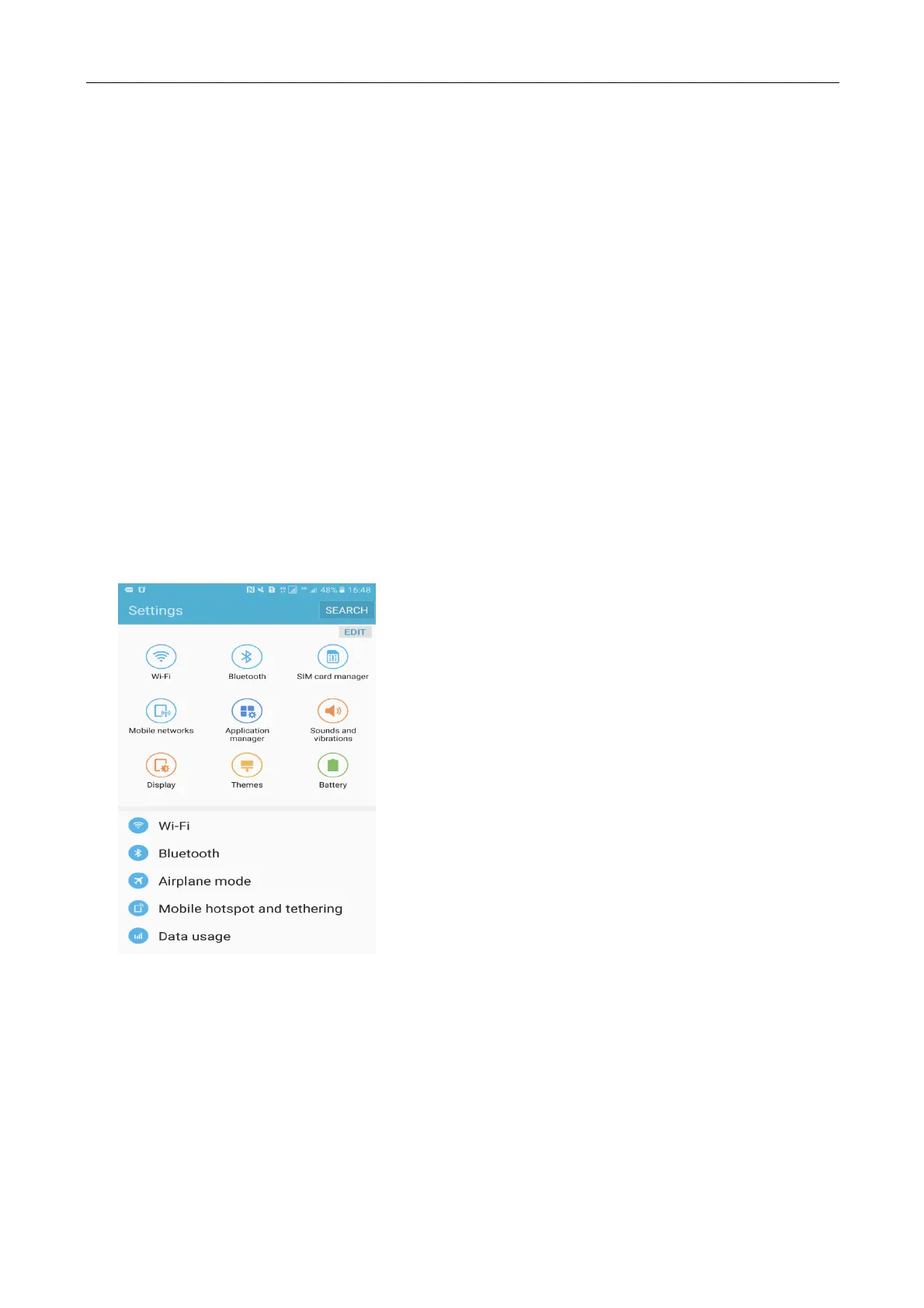
Third Step: Find and access the phone settings interface (the same as using the WiFi Internet
settings), enter the WLAN settings
First Step: Search WIFI network, find the hot spot of MT200RxWxx



 To Next Page