USER 1
Display and store data
1. Once the gender IS set, data storage
is
complete.
2.
User number displays for a few seconds, Height displays for a few seconds, and
Age for another few seconds.
3.
The
scale
is
now
ready
for
body
analysis
measurements
.
NOTE:
In
personal data setting mode, the scale returns to standby mode automatically if
no
button IS pressed within 30 seconds.
Body Analysis
Measurement
1.
Operate the scale on a secure flat floor.
In
standby I
mode,
press
the
User
button
repeated
ly
unt
il
the
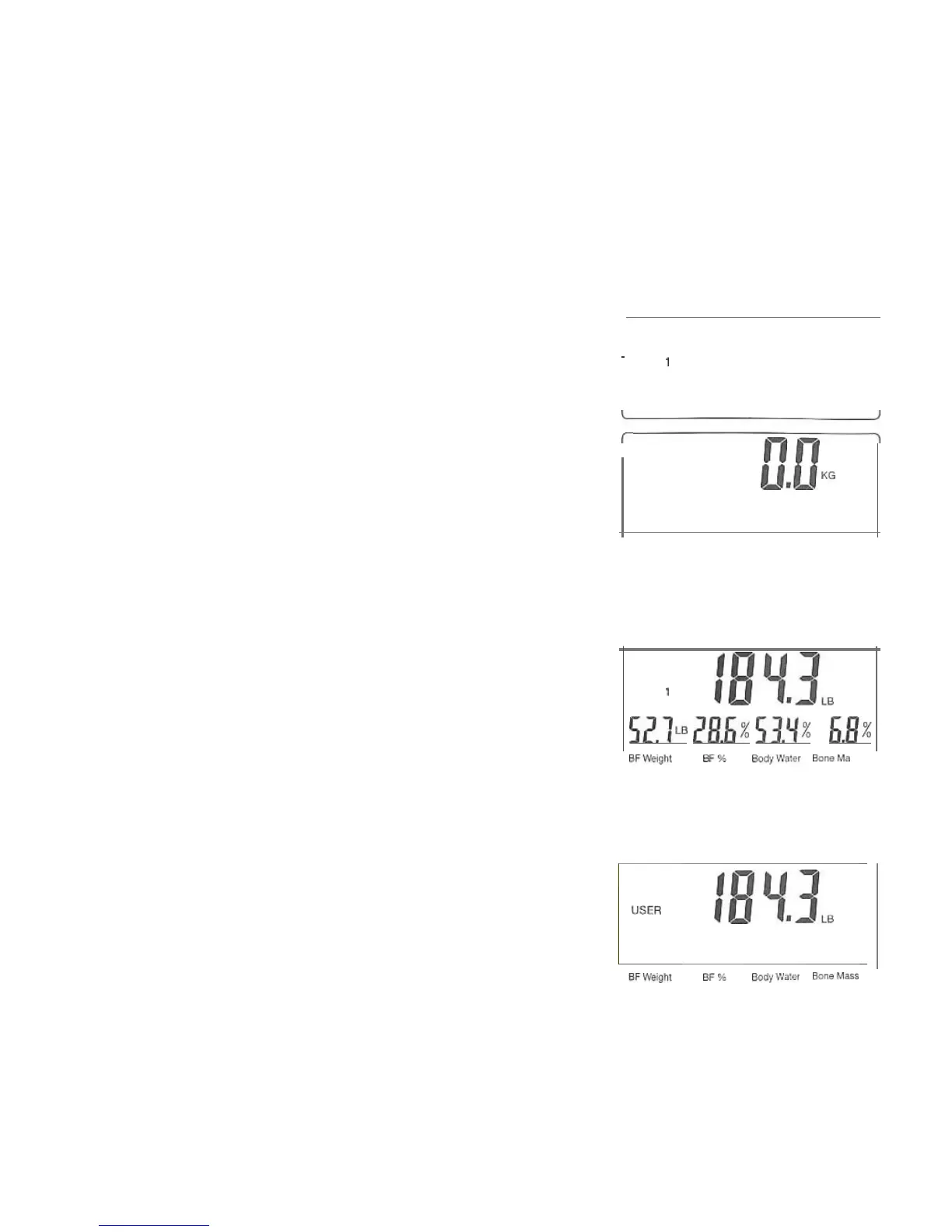
USER 1
display shows your user number.
The
scale wi
ll
display
your personal data (height, age, gender) and then
'-::====:::;;:;
;==~
display "0.0".
,-
nn
i
U.U
,e
USER 1
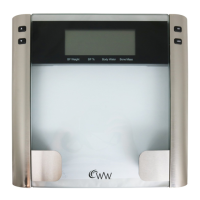
2. Step on the scale barefoot with your feet aligned on
the
two
electrodes on the glass. Weight shows for
severa
l
seconds.
3. After several seconds, body fat weight, body fat
percent,
body
water
and
bone
mass
data
are
shown
on the bottom l
in
e
of
the display
:B~
.l
i
52.1
~
28.6
%
53.'1
%
6.8
%
B"We;g/lt
•
>'
Body"~.,,,
Booo
Ma
..
4. The scale shu
ts
off automatica
ll
y.
NOTE:
:B~.l
i
If you step on the scale before "0.0" appears or if your
feet are not aligned on the electrodes, the scale will
US~
R
I
not function properly.
Err
Err
Er
r
Err
Sfl'>
.~\
."
Elo<Iy"~
.
"
BonoMllS





 To Next Page