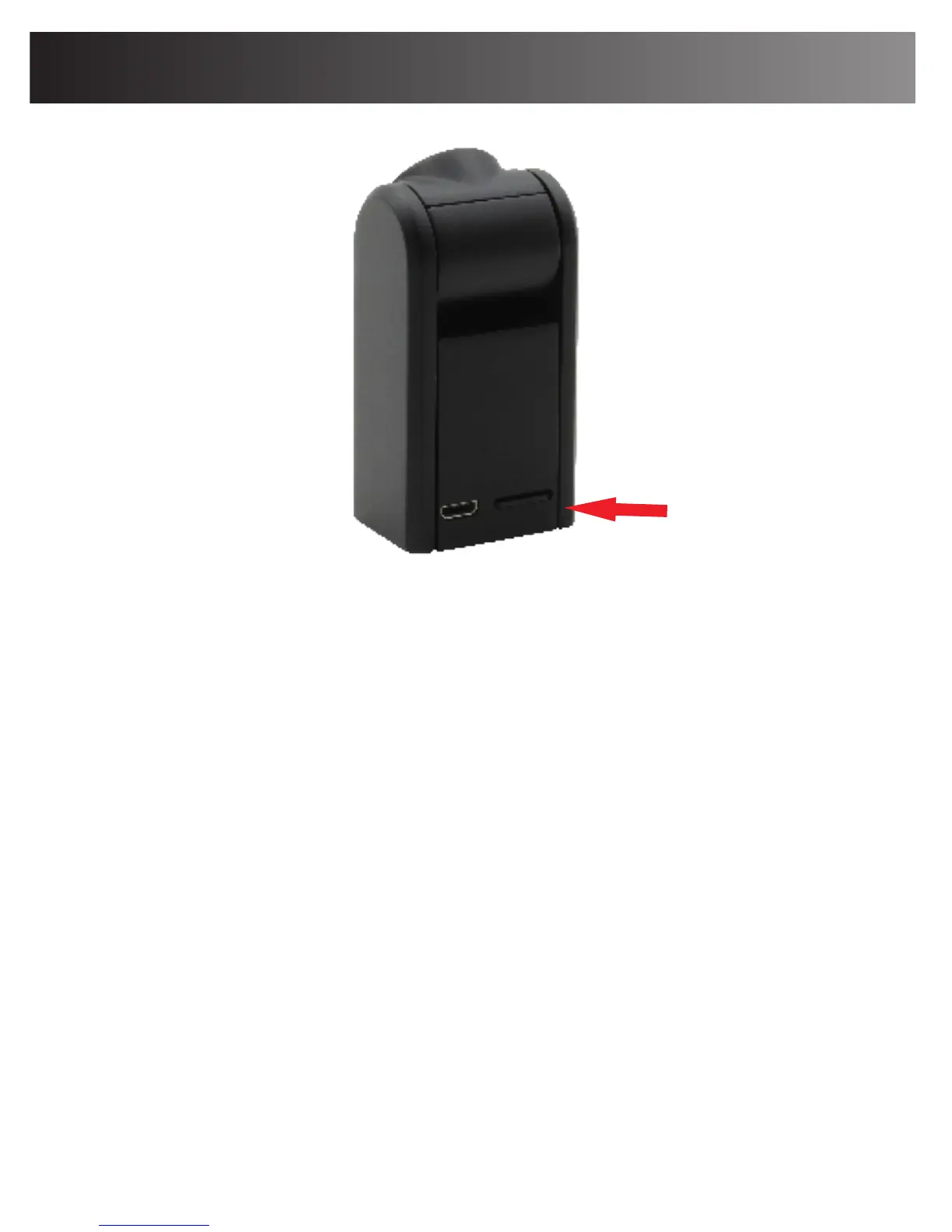
How to insert and take out Micro-SD card
Installing the Micro-SD card: Please insert the
Micro-SD card correctly into the Camera card slot.
The Micro-SD card must be in the slot to record video
and audio.
Removing the Micro-SD card: Please use your
fingernail to push the card slightly into the slot until it
“sets”. When you want to remove the Micro-SD card,
use your fingernail again to lightly push in on the card
and then the card will pop out automatically.
DO NOT remove the Micro-SD when the camera is
either powered On or when it is connected to a
computer. This can cause damage to the Micro-SD or
the entire camera.
Insert Micro-SD card
10


 To Next Page