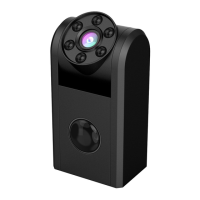
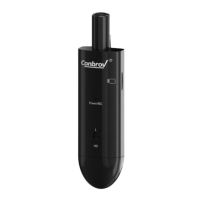
How to insert and take out Micro-SD card
is either powered ON or connected to a computer. This
may cause damage to Micro-SD or the entire camera.
- Please ensure that minimal effort is applied to the
Micro-SD when inserting it in or removing it from the
Camera. Use of force may damage the Micro-SD or
the product parts.
- Before using the product for the first time, ensure that
the Micro-SD is formatted. Please check for any saved
data in the Micro-SD to avoid unexpected loss.
Conbrov is not liable or responsible for malfunctions
that result from failure to follow these directions.
11
The Camera records video only when Micro-SD is
inserted.
- DO NOT insert or remove Micro-SD when the camera


 To Next Page