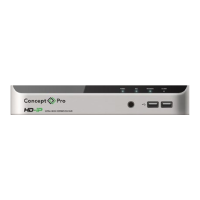
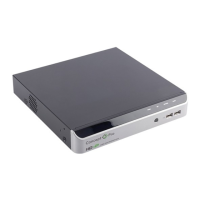
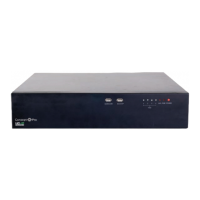
NETWORK VIDEO RECORDER QUICK START GUIDE
1. WHAT’S IN THE BOX?
Packaging Contents
Network Video Recorder x1 Quick Start Guide x1 DC48V Power Adapter x1
AC Power Cord x1 5-Pin Te5-Pin Terminal Block x2
(VUHDIP-4/16)
USB Mouse x1
Remote Control x1 Cable clamp x 1 Cable Clamp Screws x2
Remote Control Batteries x2 8-Pin Terminal Block x2
(VUHDIP-8/16)
2. INSTALLATION
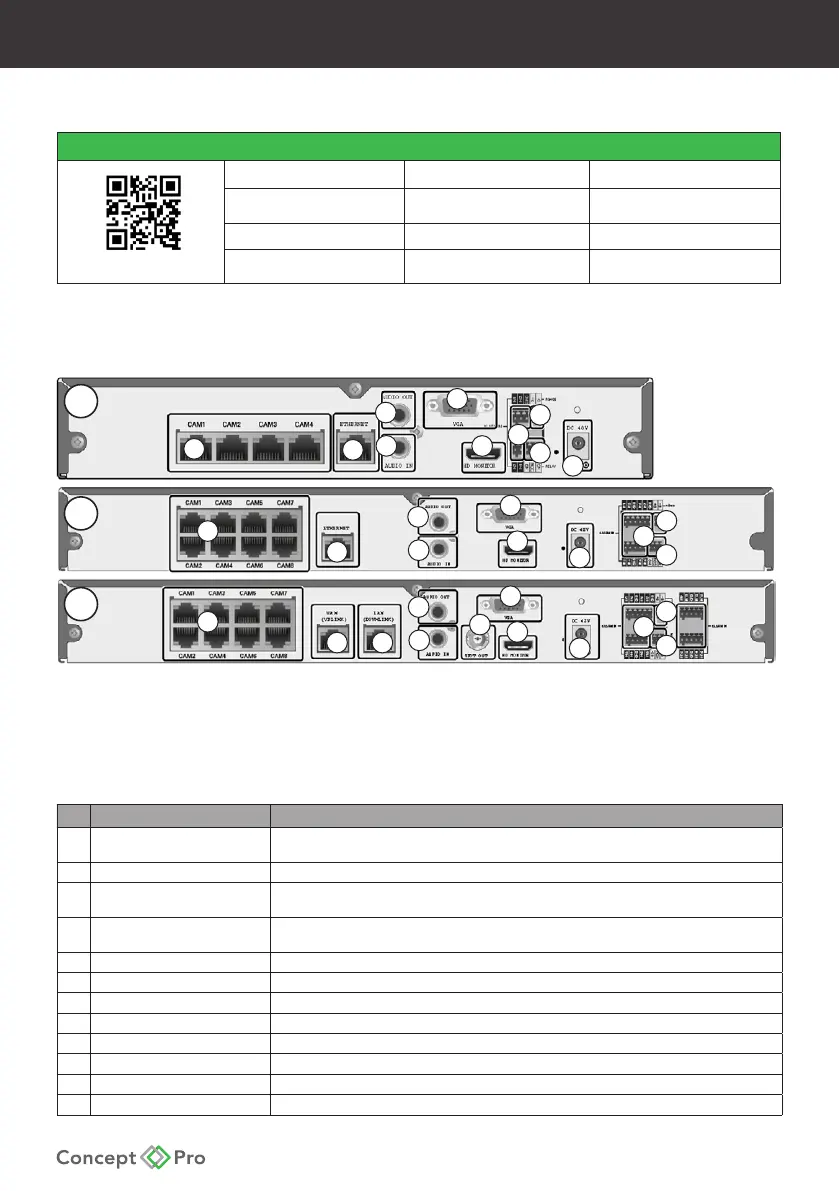
Rear Panel
1
1
2
3
4
5
6
7
7
7
8
8
8
6
6
5
5
4
12
12
12
4
10
3
11
11
11
3
2
2 9
1
A - VUHDIP-4
B - VUHDIP-8
C - VUHDIP-16
No Name Description
1 CAM1 – CAM4 (VUHDIP-4)
CAM1 – CAM8 (VUHDIP-8/16)
Ethernet ports used for connecting and providing power to network video cameras
through Power over Ethernet protocol (Max. 15W per channel).
2 ETHERNET/WAN (UPLINK) Network port for connection to the Internet, router, or hub.
3 VGA VGA display output for connection to a main display monitor
(Max. 1920x1080 display resolution).
4 HD MONITOR HDMI display output for connection a main display monitor
(Max. 3840x2160 display resolution).
5 ALARM IN Alarm input terminals (AI1, AI2, ..., AI16, GND).
6 RS-485 Communications port for connecting peripheral equipment such as a control keyboard.
7 ALARM OUT Alarm relay output port (N/O, N/C, COM).
8 DC48V Power input for the NVR.
9 LAN (DOWNLINK)
(VUHDIP-16 only) Network port dedicated for the 8CH PoE Expansion Hub accessory
10 SPOT OUT
(VUHDIP-16 only)
BNC display output port for connection to a spot monitor
11 Audio Input Input for audio pickup device such as a microphone.
12 Audio Output Output for audio device such as a speaker.
A
B
C
Technical Documents



 To Next Page