pg. 4
TROUBLESHOOTING:
SYMPTOM: New shredder has trouble shredding maximum capacity
Inordertocalibratetheshredder’scuttingmechanism,shred4sheetsofpaperfortherstfewshredding
cycles. This will allow the internal lubrication to be equally redistributed to all the moving parts in the cutter
assembly. If the shredder does not initially accept or shred 10 sheets of paper completely without stopping,
please continue to shred 4 sheets for a few more shredding cycles.
SYMPTOM: The unit does not operate
1. Verify that the unit is plugged into the wall receptacle.
2. Verify that the unit is in the AUTO or REVERSE position.
3. Verify that the unit is properly placed on the basket. (For safety reasons, the shredder will not operate
unless the shredder is properly placed.)
SYMPTOM: The unit stops shredding
This shredder cannot be used for constant shredding for a long period of time. To protect the shredder from
damage, the overload protector will stop the shredder. The normal duty cycle for continuous shredding at
maximum capacity is 2 minutes ON and 30 minutes OFF.
SYMPTOM: Paper Jams
The following measure should be taken to remove paper jams from the paper entrance of the shredder:
1. Slide the switch to the REVERSE position to clear the jam.
2. Return the shredder into AUTO or ON position.
Other problems?
Call us on our toll-free support line at 1-877-259-7989 or email us help@conceptsolutions.biz
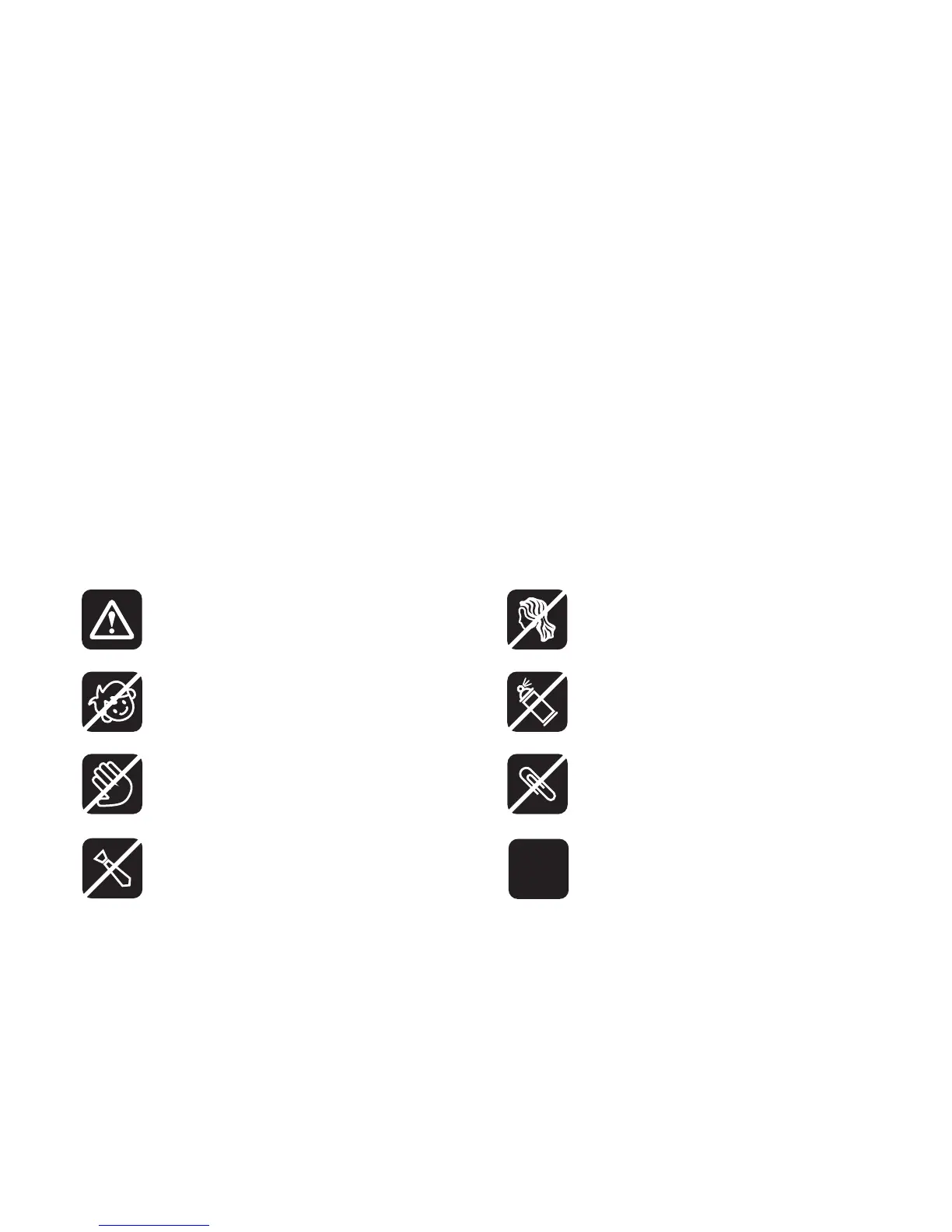
ATTENTION!
NO CHILD: The shredder is not
intended for use by children.
NO AEROSOL PRODUCT:
Keep aerosol products away.
NO HAIR: Avoid hair touching
the document feed opening.
NO HAND: Avoid touching the
document feed opening with hands.
NO CLIPS: Remove paper clips
before shredding.
NO NECKTIE: Avoid clothing
touching the document feed opening.
SHEET CAPACITY: Do not
exceed the 10 sheet-at-a-time
capacity.


 To Next Page
 Loading...