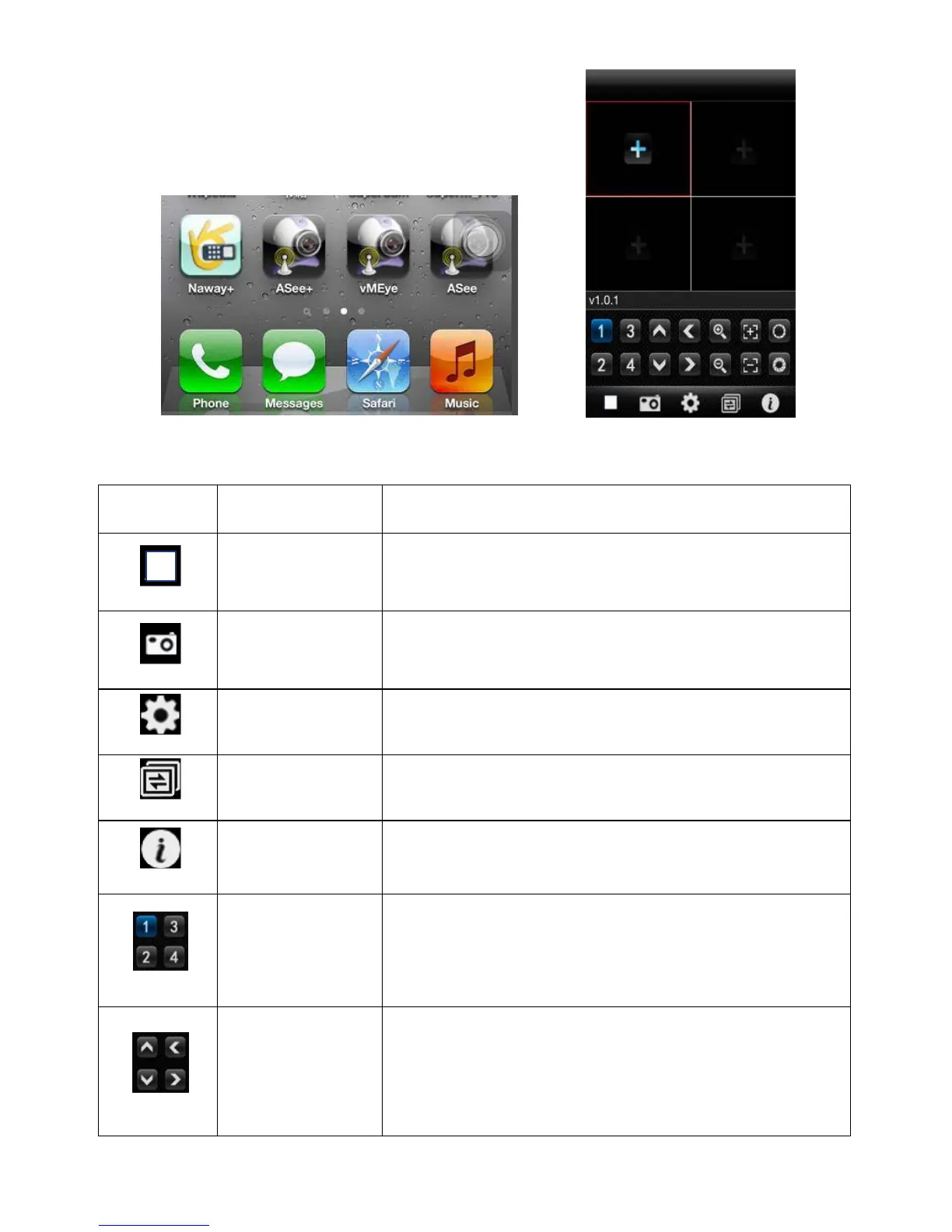
When the program disconnects with device, stop playing the video.
Capture the current image (the default save path: the default pictures
directory of mobile).
Set some information of the device, such as IP address, dynamic domain
name, port, username, password and device alias information.
It can switch to next channels group.
Some device information of the software.
Choose one channel video of the broadcasting equipment. And cooperate
with "next group " can achieve the switch of 8ch and 16ch.
PTZ direction control including up, down, left and right.
2)Click the program icon Asee+ and the initial interface after running procedure is shown in the above image.
The corresponding functions of buttons show as follows:



 To Next Page