<Port>:The mobile phone port set in DVR(default parameter is 8888).
<User ID>:The username permitted to login the DVR(default username is ‘admin’).
<Password>:The password of the user (default password is empty).
<Max Channel>:The actual channel number of DVR.
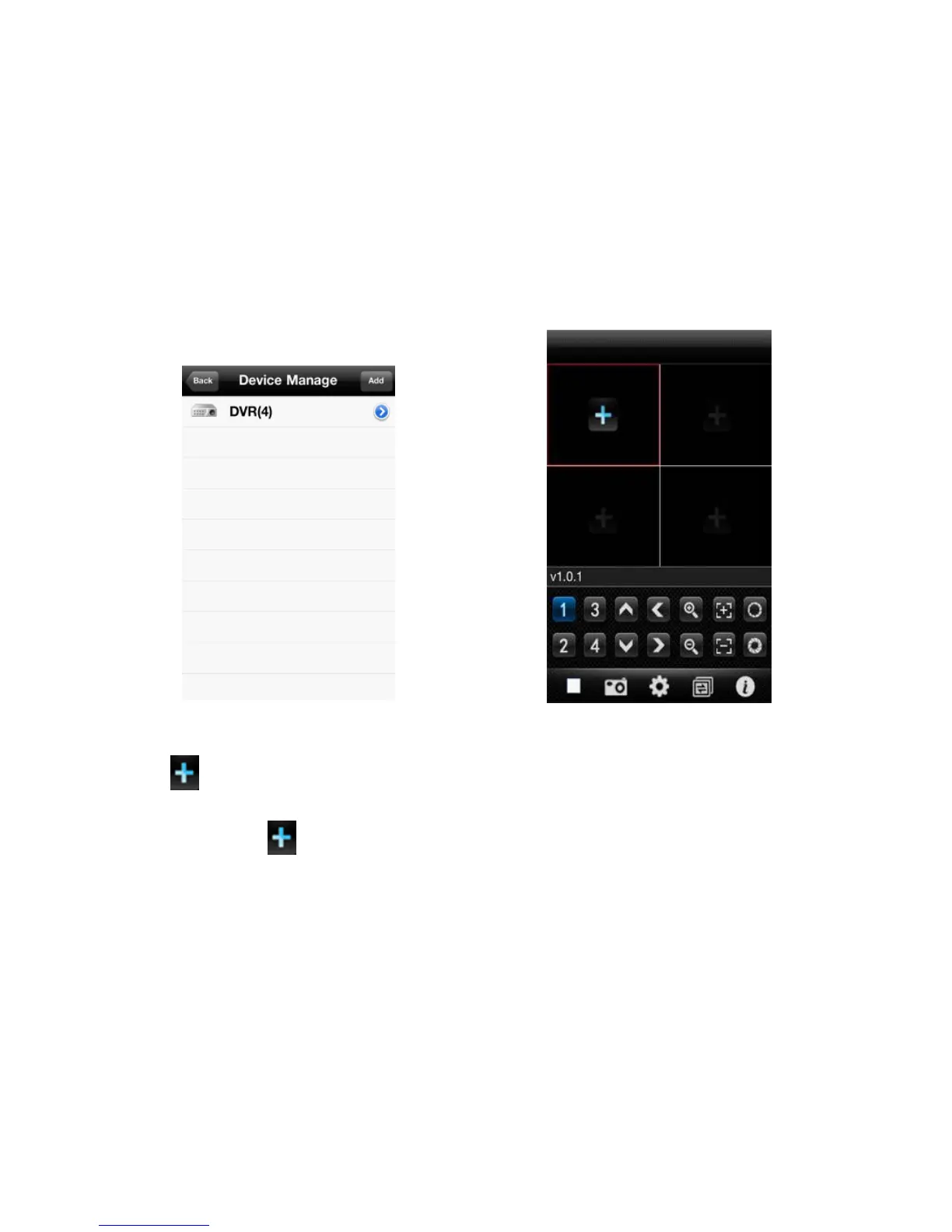
3. After finishing, click <OK>, enter <Device Manage> interface. As shown in the below image.
4. In the <Device Manage> page, click the <back> button, enter the <add channel> interface, then click the <+>
button , as shown in the above image.
5. Click the <+> button , and switch automatically to <Device List>, as shown in the below image.



 To Next Page