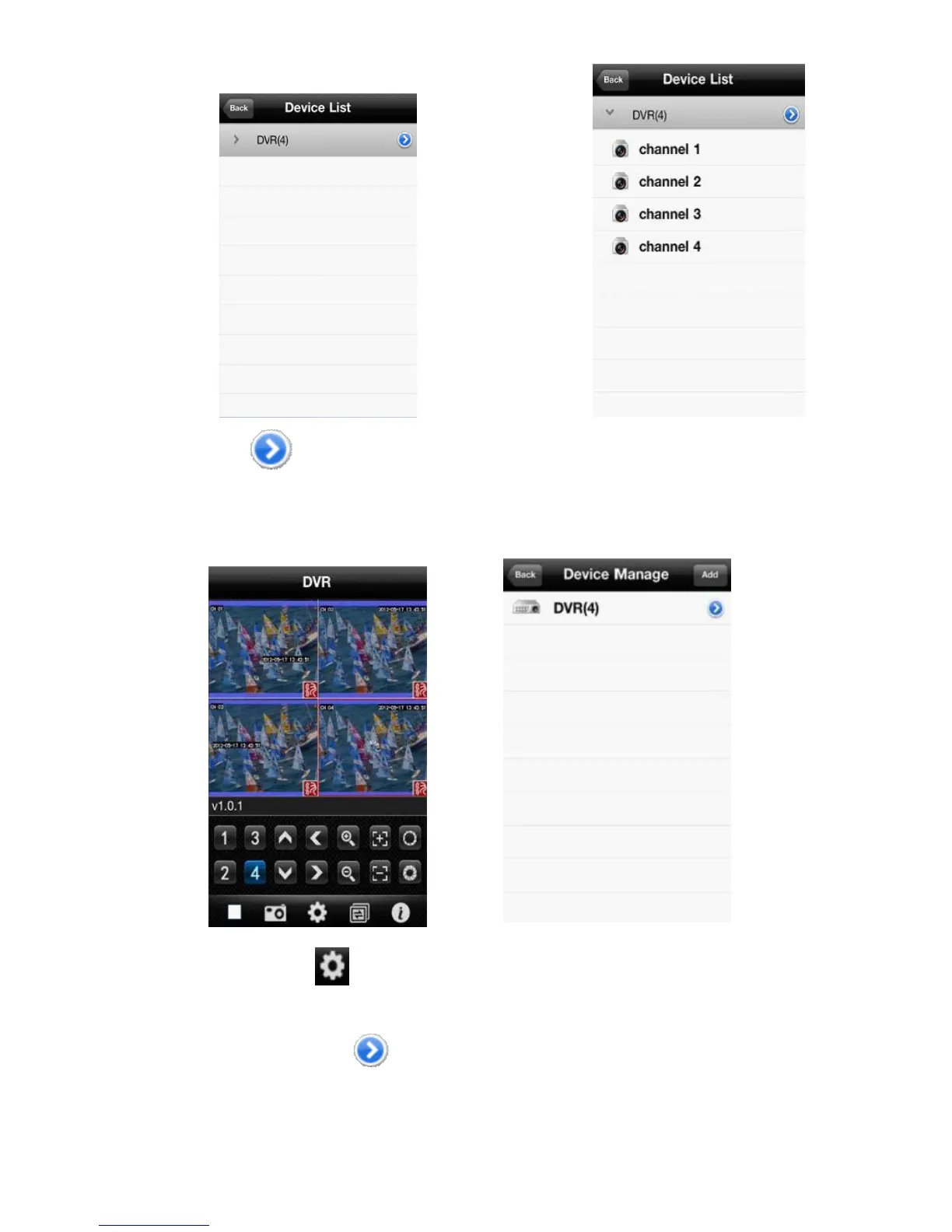
6. Click the button to view all channel numbers, as shown in the above image.
7. Double click any channel, then switch to the <channel preview> interface to preview channels, it can support four
channels previewing at the same time, as shown in the below image.
8. Click the <settings> button enter the <Device Manage> interface, as shown in the above image. The user
can edit, modify and delete device information by clicking the corresponding icon or slipping the item.
(1)Click the <edit> button enter <parameter modifying> interface, as shown in the below image.



 To Next Page