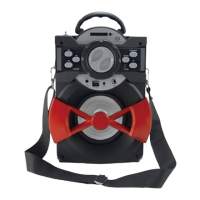
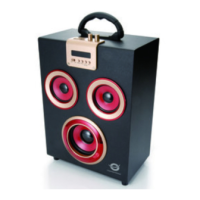
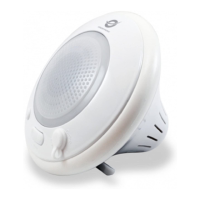
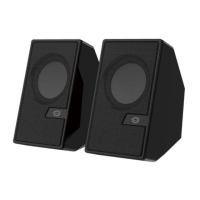
English
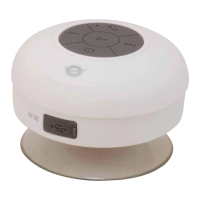
1. Power switch
2. Alarm set
3. Sleep indicator
4. Sleep mode on/off
5. Alarm on/off
6. Clock set
7. Charging port
8. Charging indicator
9. TF Port
10. LINE IN: AUX input
11. Microphone
12. LED Display
13. Mode
14. : Previous / vol - / number down
15. : Next / vol + / number up
16. : Play / pause / Answer and hang up the phone
17. On / off
Note: Press Power switch using a pin or needle
before first use.
Clock/Alarm setting:
Long press Clock/Alarm Set button to enter the Clock/Alarm Setting Mode.
Press to switch hours or minutes setting.
Press or to set displayed numbers.
Short press Clock/Alarm Set button to finish setting the clock/alarm.
Automatic sleep mode:
Press sleep button to set countdown timer for 10 mins, 20 mins or 30 mins.
Bluetooth mode:
Turn the Power button to “ON”.
Press the Mode button to enter Bluetooth mode, the display screen will show
“BLUE”.


 To Next Page
 Loading...