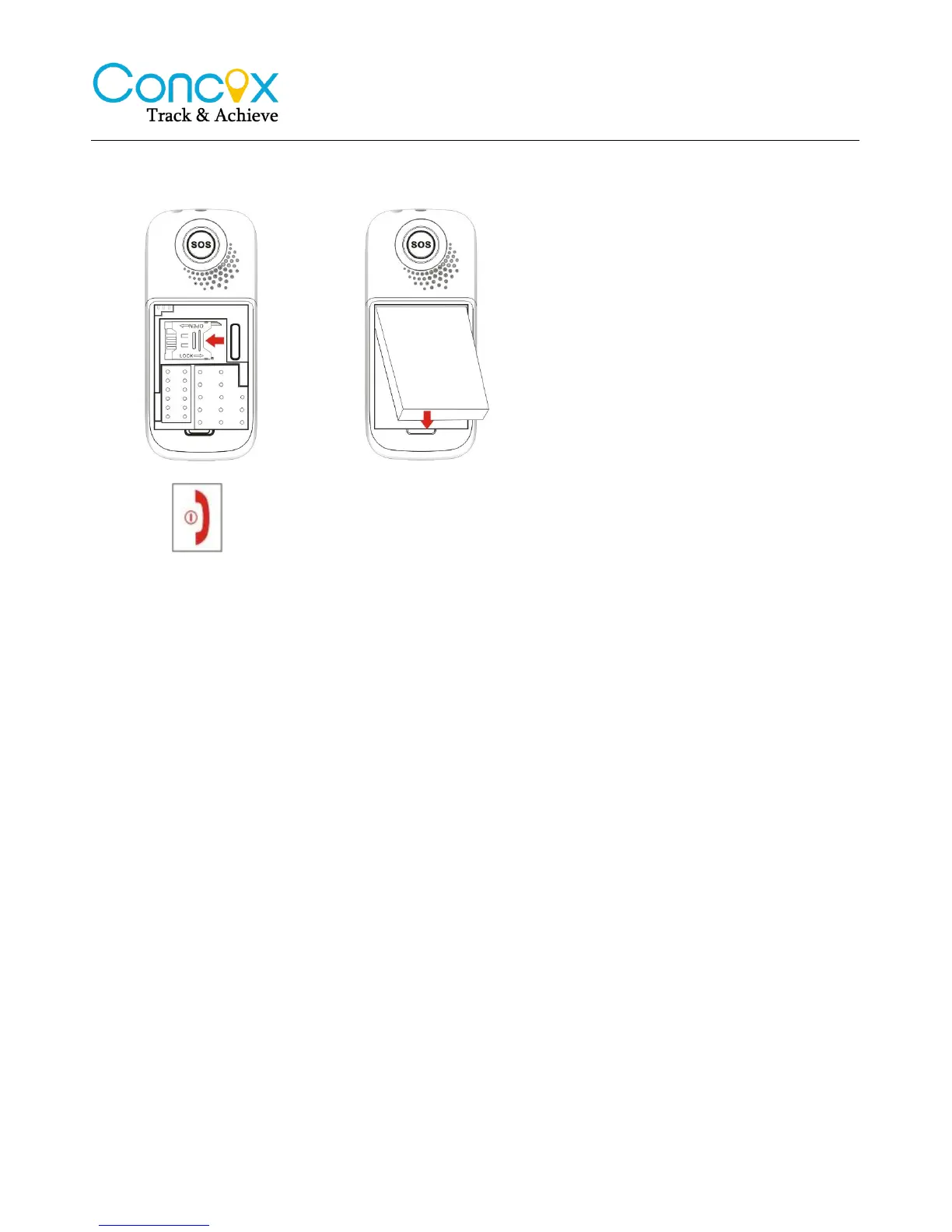
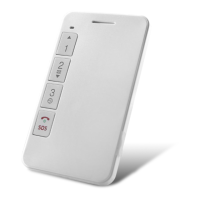
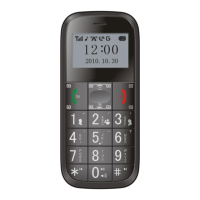
3. Getting start
Install SIM Install Battery
Long Press to Turn on
Please use GSM SIM Card
4. Other functions
4.1 Torch
Push up the torch key to turn on the light, there is no matter with whether the mobile is on or off.
4.2 Keypad lock
Move down: Lock
Move up: Unlock
5. Functional menu
5.1 Phone book
5.1.1 View record: View the saved mobile number
5.1.2 Search contact: To find the contact by names
5.1.3 Add new contact:【Enter into option】→【Select “Add new contact to SIM card or mobile phone”】→【input contact
name and cell phone numbers】→After inputting the information, press the hang off key to save and then press
confirmation key to confirm.
5.1.4 Delete contact: The contact information can be all deleted or single deleted from SIM card or mobile phone.
5.1.5 Copy phonebook: Providing two ways of copying phonebook: from mobile to SIM card and from SIM card to mobile.
5.1.6 Memory status:It shows the memory of phone and sim card. Phone and sim card can save 50pcs of sms in
maximum.
5.2 SOS
5.2.1 SOS number setting: Three SOS Numbers could be set
Select 【SOS】→ SOS Number Setting → Select the number from the phonebook
5.2.2 SOS alarm mode
There are three SOS alarm modes: Calling only/SMS & Calling/SMS only.
The default mode is SMS & Calling


 To Next Page