EasyManua.ls Logo

Concox GK309 - User Manual

Concox GK309
10 pages
Print Icon
To Next Page IconTo Next Page
Loading...
Student Card Phone
User Manual
(Version 1.0)

Questions and Answers

Summary

Appearance and accessories

Appearance

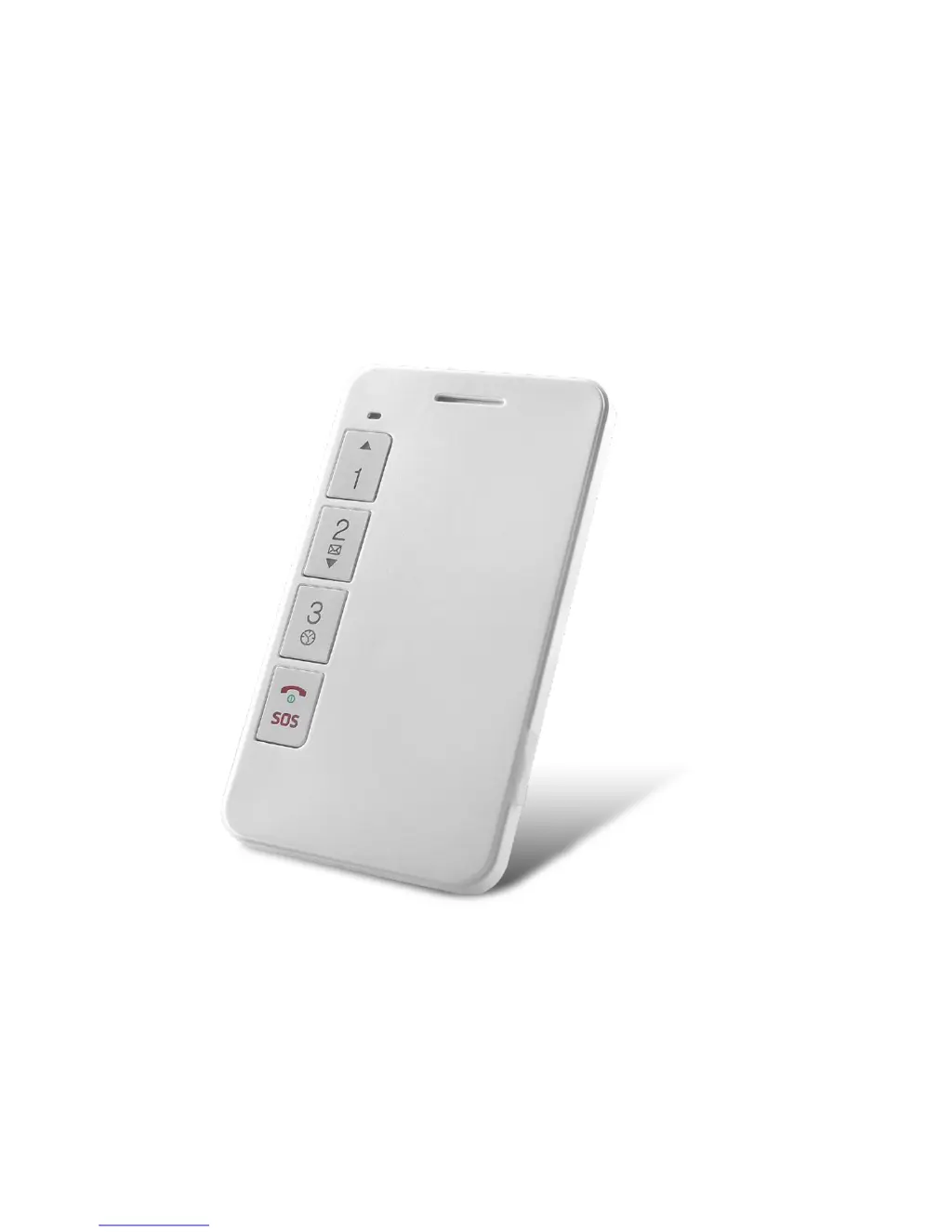
Details the physical components of the Student Card Phone, including receiver, LED light, buttons, speaker, and connectors.

Accessories

Lists and illustrates the included accessories such as USB cable, travel charger, screwdriver, pin, and lanyard.

Quick start

Provides a step-by-step guide for the initial setup of the device, including SIM card insertion.

LED indicator

Explains the meaning of different LED light statuses (colors and patterns) for GSM, GPS, and power.

Function of buttons

Before use

Check the accessories

Instructs users to verify that all accessories are present after opening the box.

Operating environment

Specifies the recommended temperature and humidity ranges for device operation and advises on placement.

Battery

Explains how to identify low battery status via the red LED and notes on standby time.

Charging

Details the process of charging the device, including cable connection, charging time, and normal heat generation.

SIM card

Guides on how to insert and remove the SIM card, emphasizing powering off the device first.

Parameter setting

Set APN

Explains how to configure the Access Point Name (APN) using SMS commands for network connectivity.

Add SOS Number

Describes how to add emergency SOS contact numbers using SMS commands.

Delete SOS Numbers Via SMS command

Provides SMS commands to delete existing SOS numbers, either by sequence or by number.

Set Family Numbers

Details how to add or delete family contact numbers using SMS commands.

Call Family Numbers

Explains how to initiate calls to preset family numbers by pressing the buttons.

Answer phone calls

Describes how the device indicates incoming calls and how to answer them.

White List

Mentions setting up a White List of up to 15 numbers on the platform to prevent interference.

Silent mode for classes (off as default)

Notes that silent mode, disabling alarms, can be set via the platform.

Low battery alarm

States that SOS numbers receive low battery alerts when the device's battery is depleted.

Call reminder mode

Explains how to set call reminder modes (ringtone, vibration) via SMS commands.

Power Off Limited function

Details how to enable or disable the power-off limitation feature using SMS commands.

SOS alarm

GPS working period

Check location

Check by calls

Describes how to initiate a GPS location check by calling the device and hanging up.

Check by SMS

Explains how to retrieve location coordinates and Google Maps links using SMS commands like WHERE# and URL#.

Voice monitor

Geo-fence (Off as default)

RFID

Appendix

Battery security

Provides crucial safety guidelines for handling and charging the device's battery to prevent damage.

Trouble shooting

Offers solutions for common problems encountered with the device, such as reception issues or connectivity failures.

Concox GK309 Specifications

General IconGeneral
BrandConcox
ModelGK309
CategoryTelephone
LanguageEnglish

Related product manuals