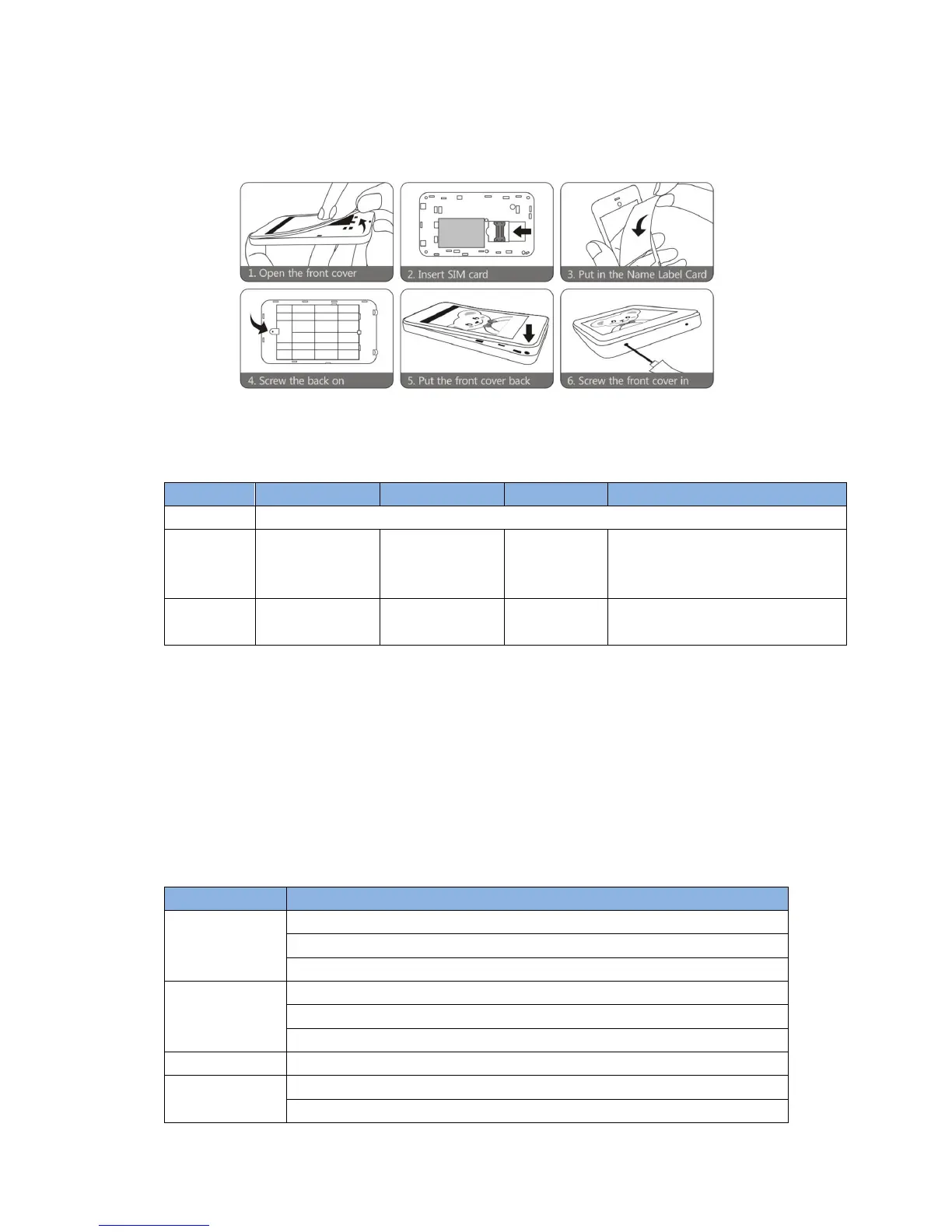
1.3 Quick start
1.4 LED indicator
Purple – Missed SMS/Calls
Flashing
(every 1
second)
Indicated order:
(1) No internet/ No SIM card
(2) Missed SMS/calls
(3) Low battery/ GPS is working
(4) GPRS is connected
(5) GSM is on
2 Function of buttons
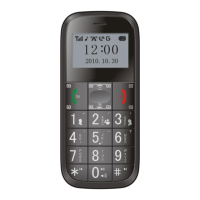
Long press to call Family Number 1.
During phone calls, short press to add one level of volume.
After ringtone is set, short press once to add one volume during playing.
Long press to call Family Number 2.
During phone calls, short press to add one level of volume.
After ringtone is set, short press once to add one volume during playing.
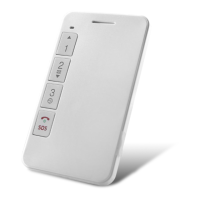
Long press to call Family Number 3.
When the device is off, long press to turn it on.
In standby mode, long pressing the button will call the pre-set SOS numbers


 To Next Page