WIRELESS PROJECTION: ANDROID DEVICES
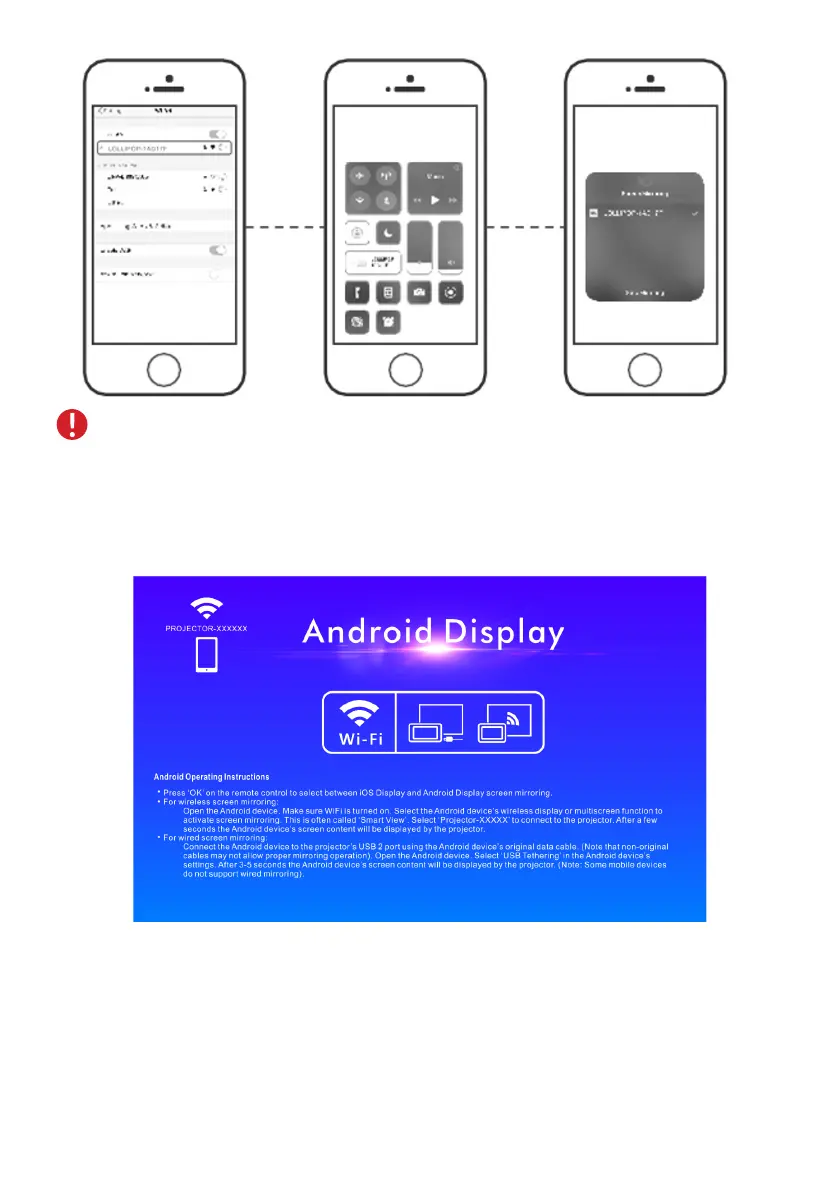
Select the Wireless projection option via the source button on the projector’s
control panel or remote control. Press the ”OK” key on the remote control and then
switch the system to Android.
NOTE! Support iOS6 or above.
Open your Android device, go to ”Device connectivity” from settings and select
”Wireless projection” and search for projector name ”Connex Falcon 2”. Select the
projector name to connect.
7


 To Next Page