6
VGA CONNECTION
Connect a VGA cable to the VGA Input on the back of the Projector. Navigate to
the VGA media source and press either the OK Button on the Remote Control or
the OK Button on the Projector.
AUDIO CONNECTION
Connect a 3.5 mm jack cable to the 3.5 Output on the back of the projector.
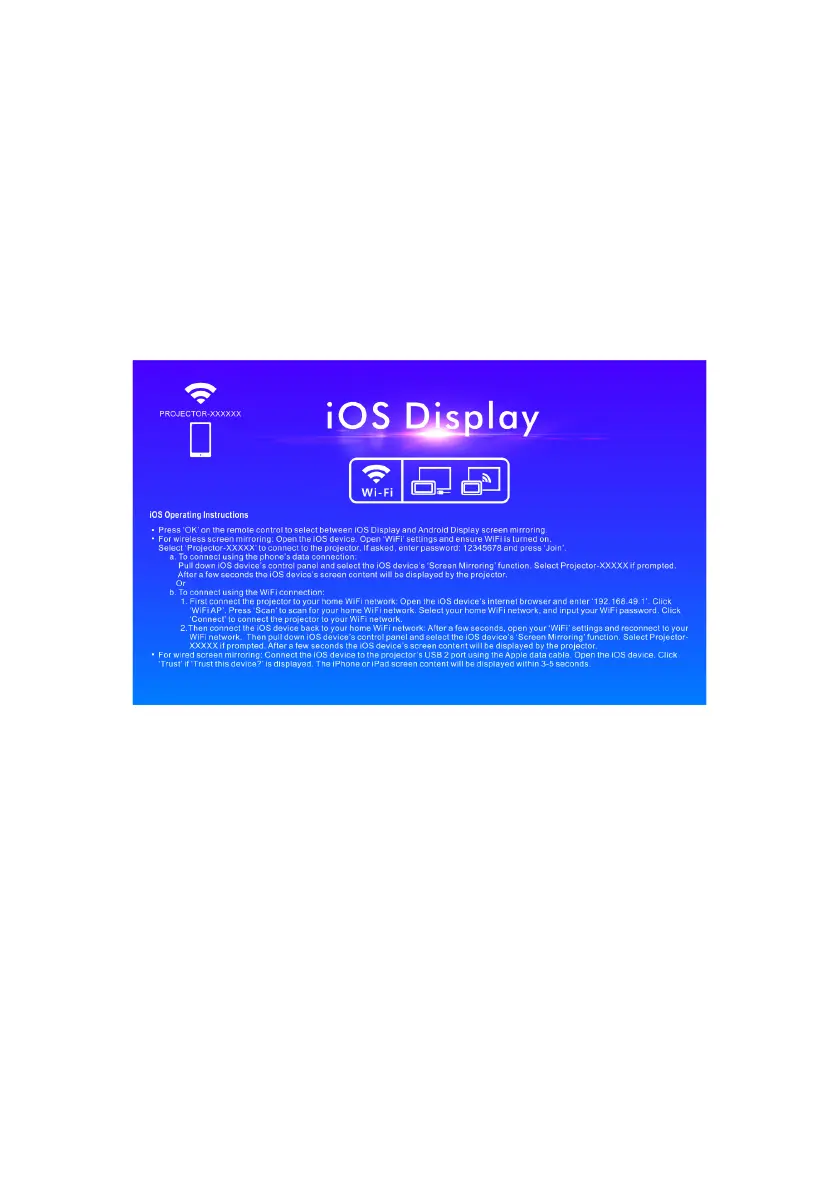
WIRELESS PROJECTION: iOS DEVICES
Select the Wireless projection option via the source button on the projector’s
control panel. Press the ”OK” key on the remote control and then switch the
system to iOS.
Open the iOS device, go to ”WIFI” from settings to search for the name of the
projector to be connected, then open the mirror function of the iOS device. Select
the projector name and input the password to connect successfully.


 To Next Page