9
WIRED PROJECTION: ANDROID DEVICES
Select the Wireless projection option via the source button on the projector’s
control panel or remote control. Press the ”Ok” key on the remote control and then
switch system to Android.
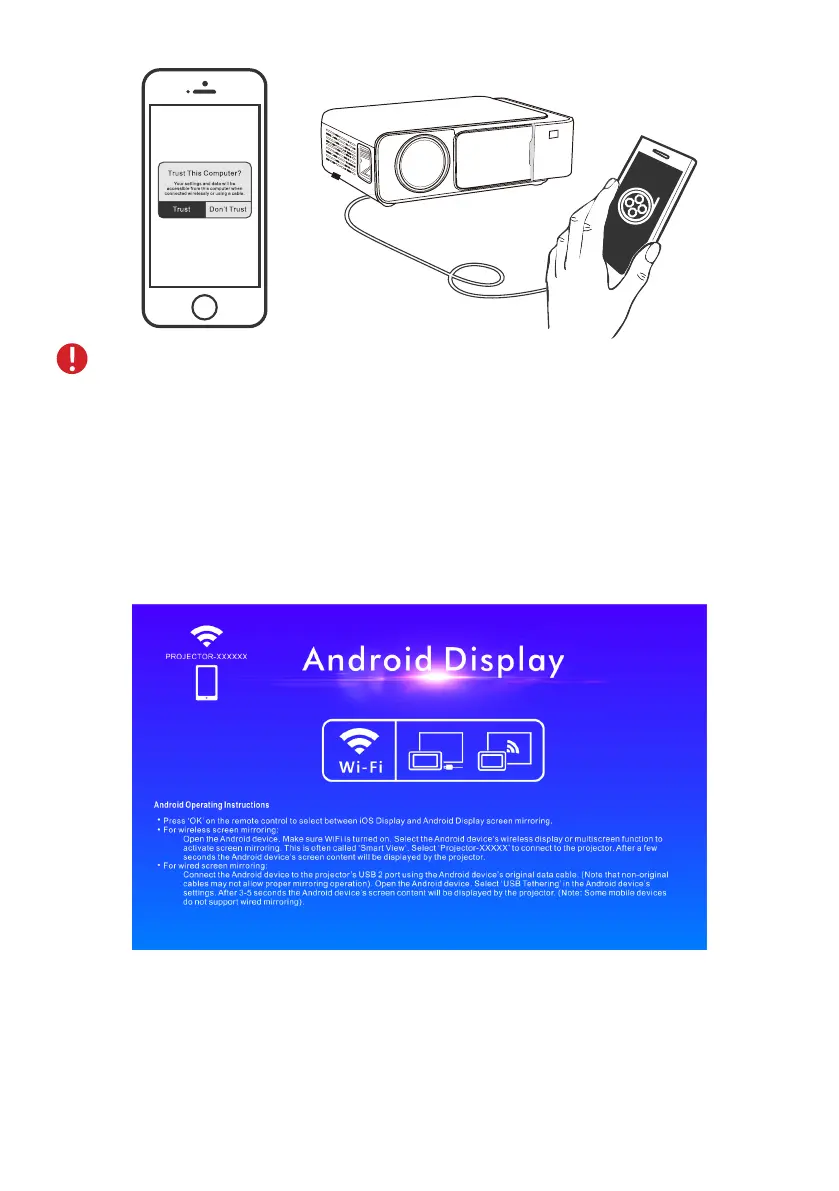
NOTE: Some iOS devices will pop up the ”This accessory may not be
supported” window, please feel free to use it because this the normal
notication. Please wait patiently while the wired connection program
updates if the mobile phone system version is outdated.
Connect a data cable to the USB2 interface. Open the ”USB tethering” in the
mobile phone’s ”Settings” interface. Wait for 3-5 seconds to connect successfully.


 To Next Page