Blocking Incoming Calls
The Call blocking options helps you to block incoming calls and SMS messages from blocked
numbers.
To block incoming calls from certain numbers, tap Call blocking > Add a number.
Enter the phone number to be blocked and tap Block.
3 How to use Night-vision Camera
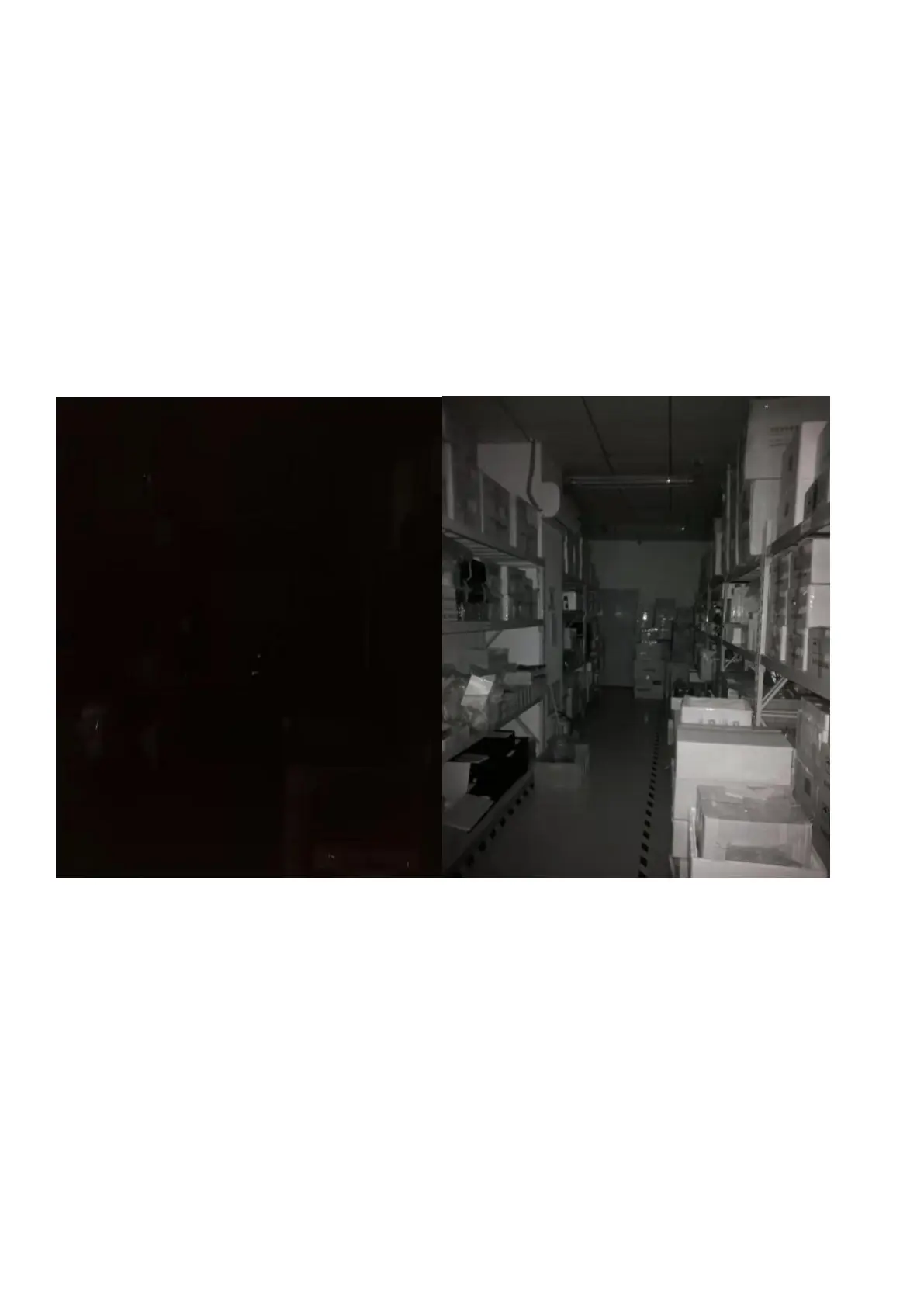
3.1 To take an night vision picture:
Open the camera APP, select the Night Vision function under the mode function bar and click the
photography button.
Normal mode Night vision
3.2 To record an night vision video:
Open the camera APP, select right corner’s button and choose Night Video.


 To Next Page