Conrad Meier
™
Compact Vac With Multicyclonic Technology Page 9Page 8 Conrad Meier
™
Compact Vac With Multicyclonic Technology
Setting Up
Before assembly, ensure you have all components by checking ‘What’s
included?’
DO NOT plug in the Vacuum before assembly.
Connecting the Hose
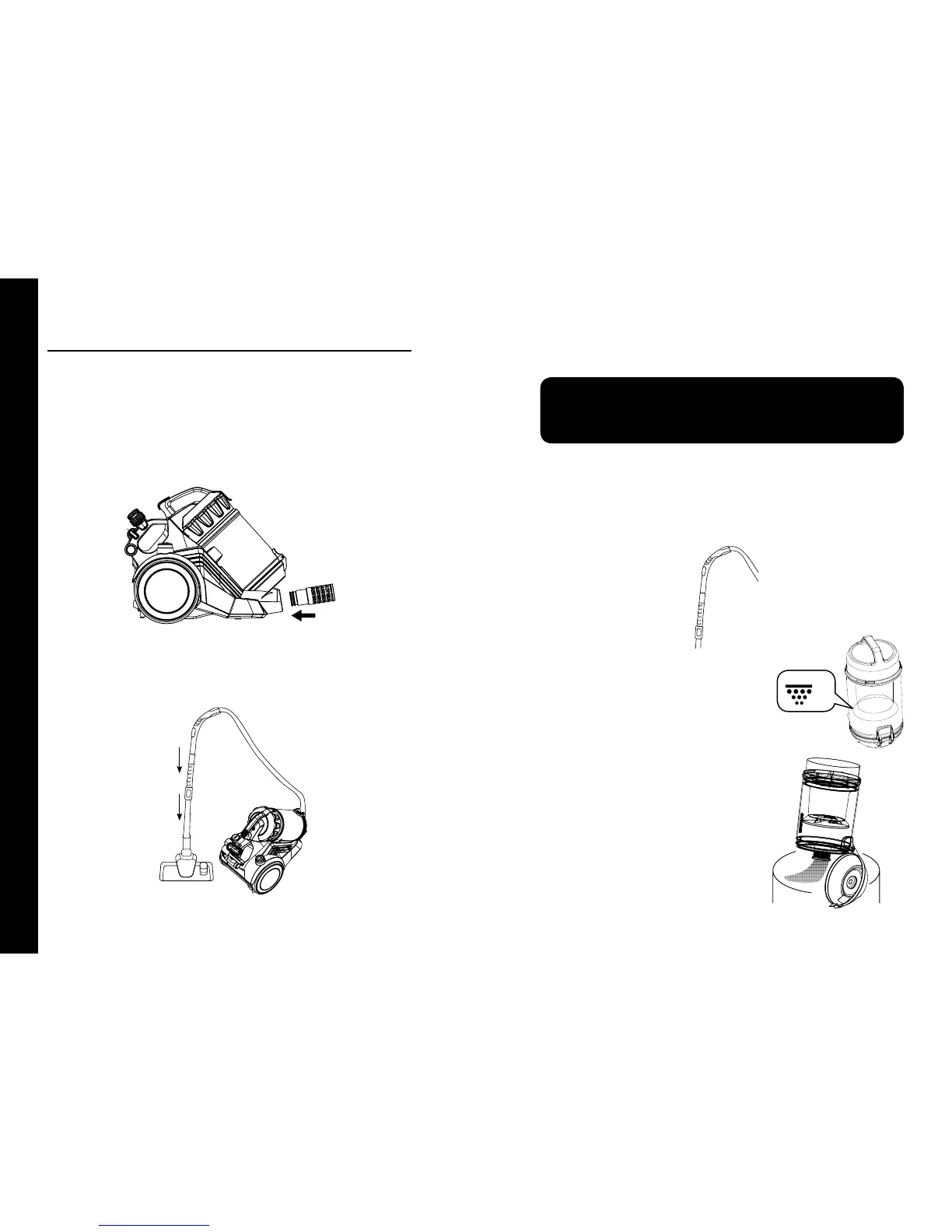
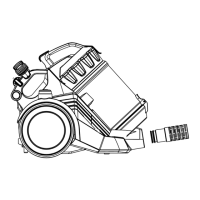
Insert the Hose into the Hose Inlet until it clicks into place (Fig. 1).
To remove the Hose, press the Hose Release Button.
Setting Up
Removing and emptying the Dust Cup
• Empty the Dust Cup regularly when dirt reaches
the MAX line (Fig. 4).
• Turn off the Vacuum.
• Remove the Dust Cup from the Vacuum by
pushing the Dust Cup Release Button and lifting
the Dust Cup off the Vacuum.
• Hold the Dust Cup over a rubbish bin (Fig. 4).
• Press the Release Button to open the bottom
door of the Dust Cup. Dirt will automatically fall
out.
Using your Conrad Meier MultiCyclone Compact Canister
Vacuum Cleaner
Pull the Power Cord out of the Vacuum to the desired length and plug into a
power outlet.
Warning!
The yellow band on the Power Cord indicates its maximum length. Never
pull the Power Cord out past the red band as damage may result.
Press the Power Button with your hand or foot to turn the Vacuum on and start
to vacuum.
NOTE: When vacuuming, tow the Vacuum behind you on its wheels.
Suction Control
Use the Air Release Switch on the Hose to increase or decrease suction (Fig. 3).
Telescopic Tube and Vacuum Head
Insert the leading end of the Hose (1) into the top of the Telescopic Tube (Fig. 2).
Then insert the leading end of the Telescopic Tube (2) into the Vacuum Head (Fig. 2).
(Fig. 2)
1
2
(Fig. 1)
(Fig. 3).
(Fig. 4).
MAX


 To Next Page