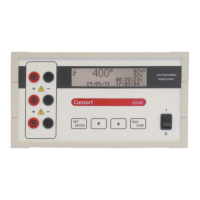
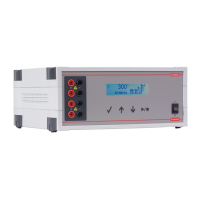
Manual Electrophoresis Power Supply, rev. 32/2018
11
When paused
A procedure can be paused when a timer has been set. This allows also to check the migration during the
electrophoresis process.
• Press / to pause the running procedure.
• The device will show the descending Voltage at the output sockets until it is sufficiently lowered to a
safe value before proceeding.
• Press ✓ to continue. To stop the procedure completely, hold ✓ pressed until the main menu
appears.
• In case of a Method procedure is it possible to modify the settings of the next steps in the same
manner as during the programming of the method. The modifications will be stored in the non-volatile
memory.
• Press / to continue with the procedure.
End of a procedure
• The procedure will stop automatically when the timer has reached its end value. A signal will sound
for 10 seconds. The sound signal can be ended by pressing a button.
• The procedure can also be stopped by pressing /. The power supply will then be in a paused
condition. To stop the procedure completely, hold ✓ pressed until the main menu appears.
• The power supply will remain showing the display of the running condition until the voltage has
lowered to a safety value.
• When the procedure has finished, a report will be shown on the display. Scroll the display lines with
the buttons to see it completely. Press ✓ or / to return to the main menu.



 To Next Page