en Getting to know your appliance
32
*Getting to know your
appliance
Get t i ng to know your appl i ance
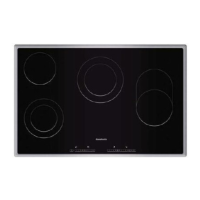
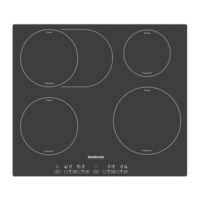
The instruction manual is the same for various different
hobs. You can find the hob dimensions in the overview
of models. ~ Page 2
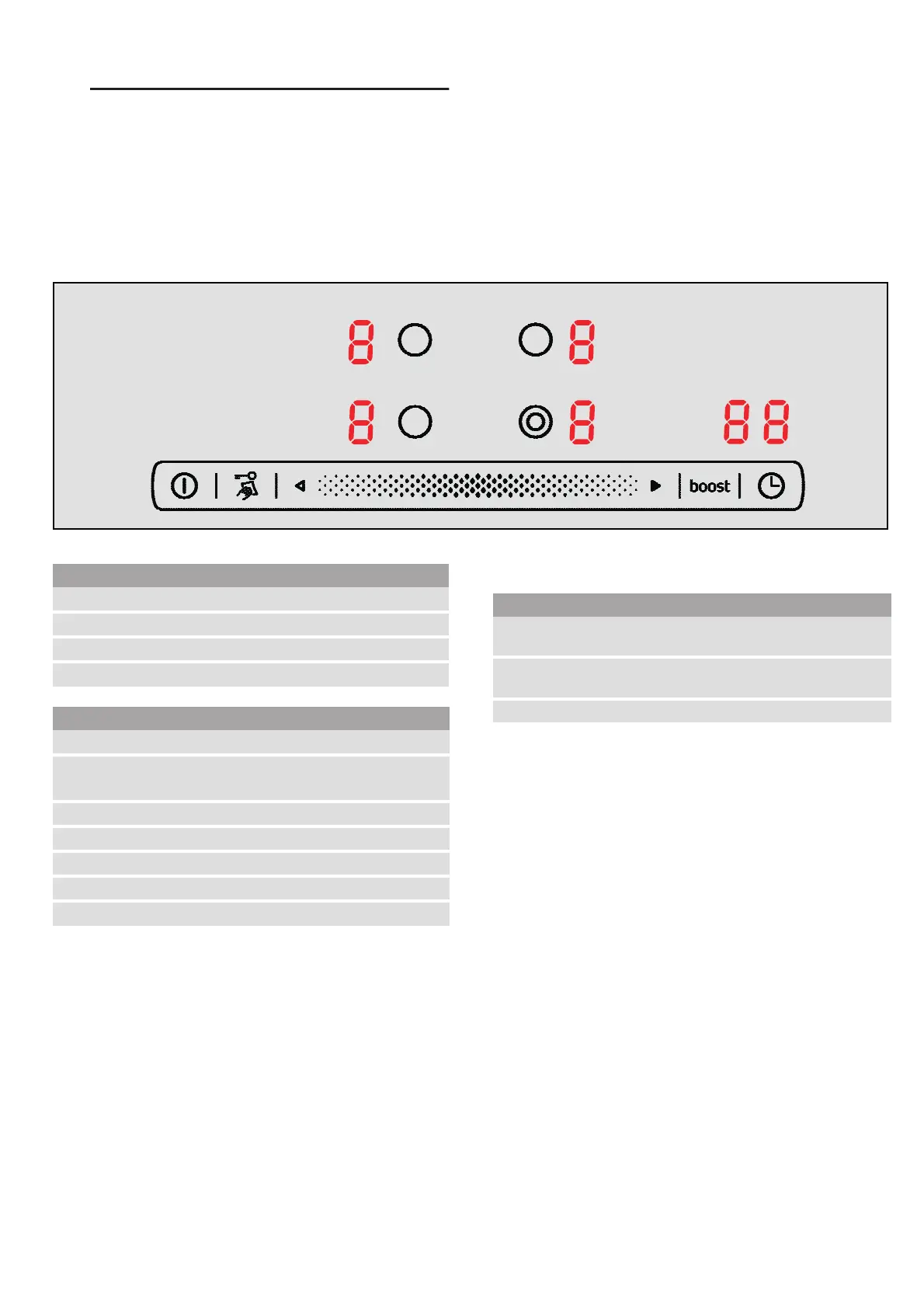
The control panel
Notes
■ When you touch a symbol, the respective function is
activated.
■ Always keep the controls dry. Moisture reduces their
effectiveness.
■ Do not pull pans close to the displays and sensors.
The electronics could overheat.
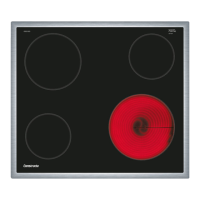
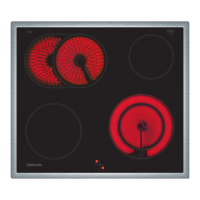
The hotplates
Notes
■ Any dark areas in the glow pattern of the hotplate
are due to technical reasons. The function of the
hotplate is not affected.
■ Hotplate temperature is regulated by the heat
switching on and off.The heat may also switch on
and off at the highest setting.
This ensures e.g.:
– sensitive components are protected from
overheating
– the appliance is protected from electrical
overload
– better cooking results are achieved
■ With multi-circuit hotplates the heater elements of the
inner filament circuits and the heater element of the
activations may switch on and off at different times.
Residual heat indicator
The hob has a two-stage residual heat indicator for
each hotplate.
If • appears in the display the hob is still hot. It may be
used, for example, to keep a small meal warm or to
melt cooking chocolate. As the hotplate cools down
further, the display changes to œ. The display remains lit
until the hotplate has cooled sufficiently.
Displays
‚-Š
Heat settings
•/œ
Residual heat
›
PowerBoost function
‰‰
Timer
Touch controls
#
Main switch
@
R
Childproof lock
Wipe protection
•
Control panel
$
Hotplate selection
ð
Automatic zone control
.
PowerBoost function
0
Timer
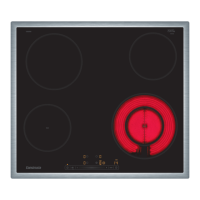
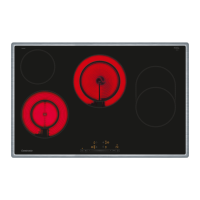
Hotplate Activating and deactivating
$
Single-circuit hot-
plate
ð
Dual-circuit hotplate
Select the hotplate and touch the ð
symbol again.
When the hotplate is activated, the corresponding display lights up



 To Next Page