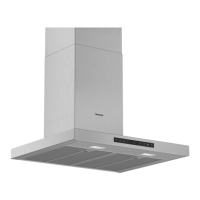
en Familiarising yourself with your appliance
20
5 Familiarising yourself with your appliance
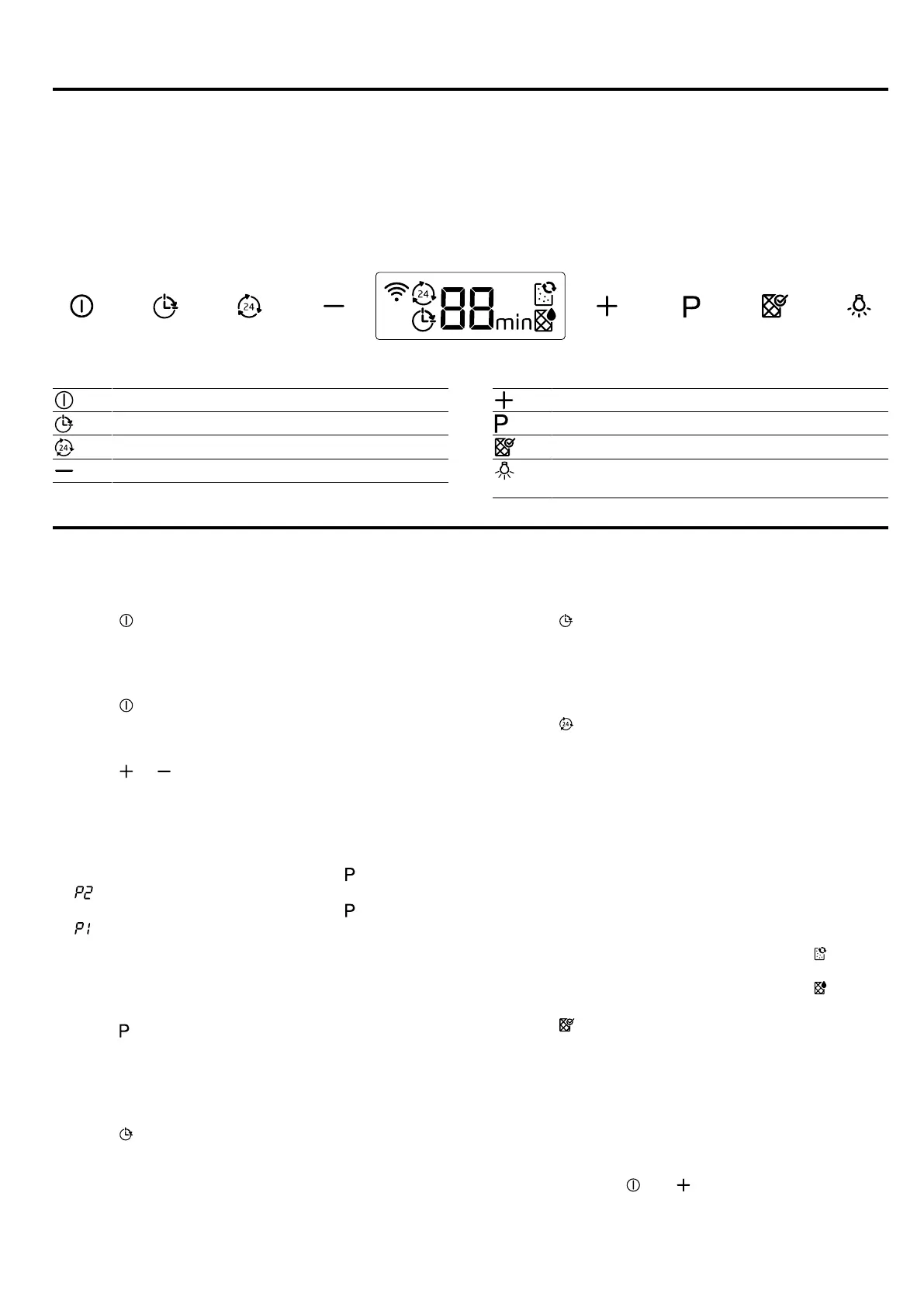
5.1 Control panel
You can use the control panel to configure all functions of your appliance and to obtain information about the operat-
ing status.
Switching the appliance on or off
Switching the fan run-on on or off
Switching the intermittent ventilation on or off
Decreasing the fan setting
Increasing the fan setting
Switching intensive modes on or off
Resetting the filter saturation indicator
Switching the lighting on or off
Setting the brightness
6 Basic operation
6.1 Switching on the appliance
▶
Press .
a The appliance starts at fan setting2.
6.2 Switching off the appliance
▶
Press .
6.3 Selecting a fan setting
▶
Press or .
6.4 Switching on intensive mode
If particularly strong odours or vapours develop, you
can use intensive mode.
1.
To switch on intensive mode 2, press .
a appears on the display.
2.
To switch on intensive mode 1, press again.
a appears on the display.
a After approx. 6 minutes, the appliance automatically
switches to fan setting 3.
6.5 Switching off intensive mode
▶
Press .
6.6 Switching on the fan run-on
During the fan run-on, the appliance continues to run
for a short time and then switches off automatically.
▶
Press
a The fan run-on starts at fan setting1.
a The appliance switches off automatically after ap-
prox. 10 minutes.
6.7 Switching off the fan run-on
▶
Press
6.8 Switching on intermittent ventilation
With intermittent ventilation, the appliance switches the
ventilation on and off at regular intervals.
▶
Press .
a The appliance runs for5minutes per hour at fan
setting1.
6.9 Resetting the saturation indicator
After cleaning the grease filter or after changing the
odour filter, the saturation indicator can be reset.
Note:The saturation indicator does not apply for non-
regenerative odour filters that are inserted downstream
of the grease filters. These odour filters must be re-
placed twice a year.
Requirements
¡ After the appliance has been switched off, ap-
pears on the display for the grease filter.
¡ After the appliance has been switched off, ap-
pears on the display for the odour filter.
▶
Press .
a The saturation indicator is reset.
6.10 Setting the saturation indicator
The saturation indicator must be adjusted depending
on the filter used.
Requirement:The appliance is switched off.
1.
To set circulating-air mode (non-regenerative filter),
press and hold and until indicator 2 appears
on the display.


 To Next Page