18 19
BATTERY INDICATOR
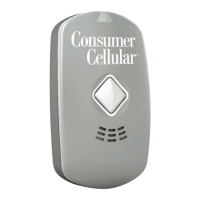
The Battery Indicator, which surrounds
the Call Button, shows the level of
battery charge.
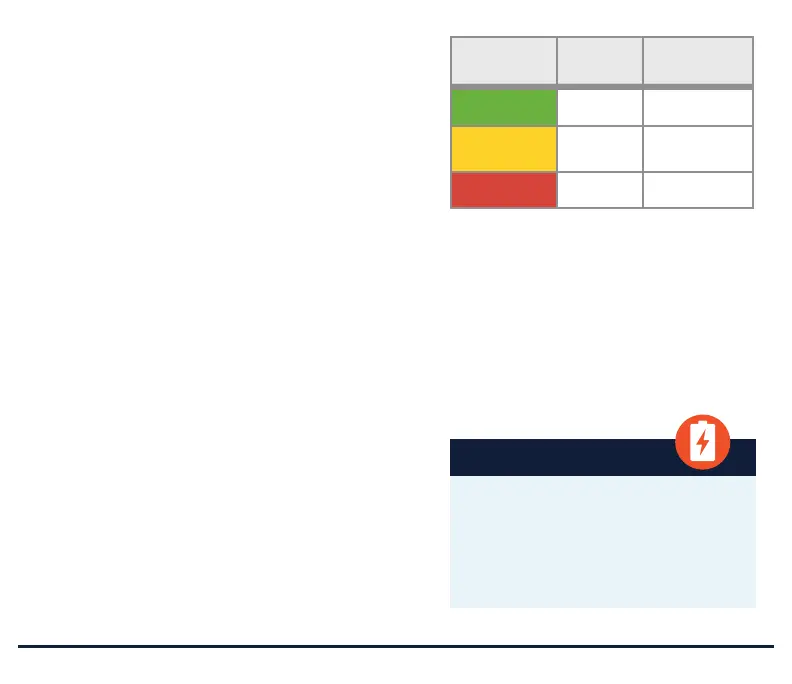
• When the Battery Indicator is green,
your Ally is adequately charged.
• When the Battery Indicator is amber,
your Ally is moderately charged.
• When the Battery Indicator is red,
the battery charge is low. Consider
charging soon.
• NOTE: During Pre-Activation,
when the Ally is placed into the
charger for the first time, the Battery
Indicator will flash between amber,
blue, green, and red. At various
times during the Activation and
Set-Up as well as during normal use,
you may see a blue light. Generally,
this refers to a call being attempted,
placed, or ended.
BATTERY
INDICATOR
STATUS
ACTION
REQUIRED
Green Good Ready for use
Amber Moderate No action
needed
Red Low Charge soon
The Ally battery is designed to operate
on a single charge for 36 hours but
may be reduced as a result of user
activity, cellular coverage, talk time,
device-specific settings, and device life.
IMPORTANT
Your Ally requires an adequate
battery charge to function properly.
Prior to use, please charge your Ally
for at least 4 hours. We recommend
charging the device each night.


 To Next Page