42
Aluminum Foil & Foil Container
* Combination: applicable for both "microwave + grill", and "microwave + convection" cooking.
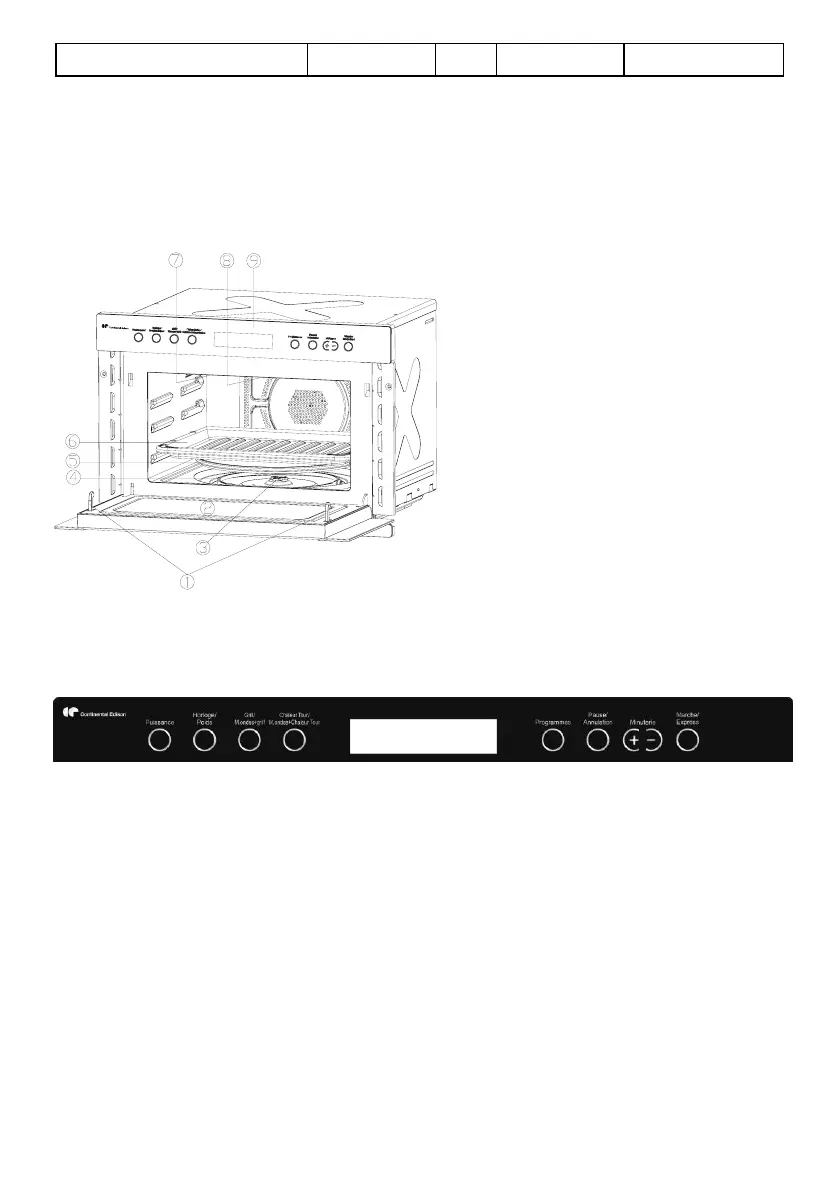
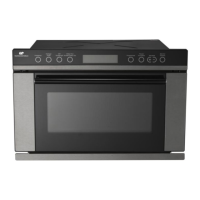
PART NAMES
1. Door Safety Lock System
2. Oven Window
3. Shaft
4. Roller Ring
5. Glass Tray
6. Baking Plate
7. Wave Guide (Please do not remove
the mica plate covering the wave
guide)
8. Grill Heater
9. Control Panel
CONTROL PANEL
DISPLAY SCREEN
Cooking time, power, indicators and present time are displayed.
POWER LEVEL (PUISSANCE)
Press to select microwave cooking power level.
CLOCK/WEIGHT ADJUST (HORLOGE/POIDS)
Touch this button to set the oven clock or select food weight.
GRILL/MICRO.+GRILL(GRILL/M.ONDES+GRILL)
Press this button to set a grill-cooking program.
Press to select one of two combination cooking settings of microwave and grill.


 To Next Page