19
This microwave oven applies modern electronic control to adjust cooking parameters
to meet your needs better for cooking.
Note: 1. When power is supplied,time will not count (show 0:00) if clock is not set.
2. During setting the clock, if you press " Stop/Clear " key, the clock
setting will be exit .
Operation Instructions
1. Clock Setting
When the microwave oven is electrified, the LED will display "0:00", buzzer will ring once.
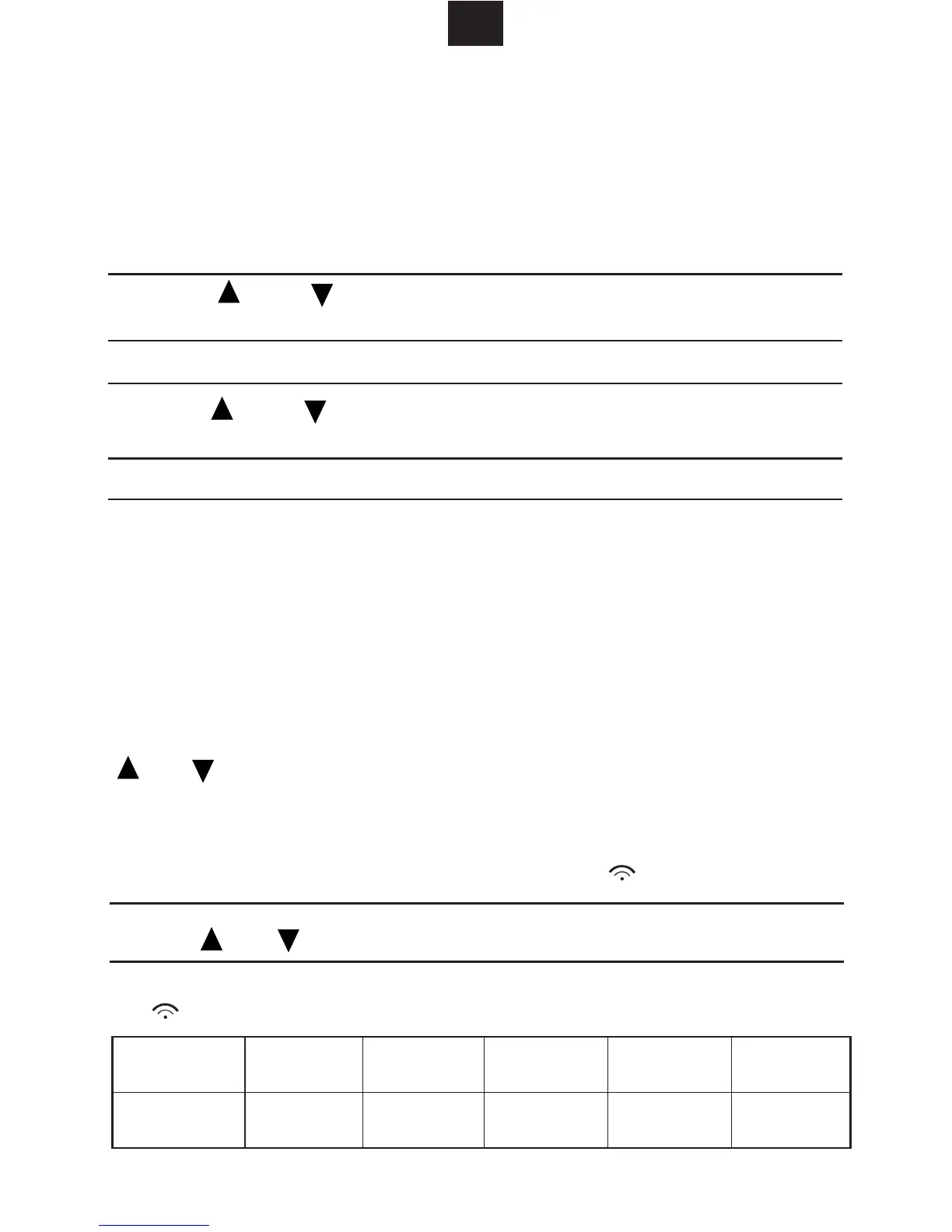
2) Press " " or " " to adjust the hour figures, the input time should be
within 0--23(for 24H) or 1--12(for 12H).
3) Press "
", the minute figures will flash.
1) Press "
or 12H will be displayed.
4) Press " " or " " to adjust the minute figures, the input time should
be within 0--59.
5) Press "
" to finish clock setting. ":" will flash and the time will light.
6) If you want to reset the clock, just to follow the above steps. If the "
"
is not pressed to confirm, press "Stop/ Clear" or no operation within 1 minute,the
clock that has been set will be canceled.
Power
Display
100% 80% 50% 30% 10%
P100 P80 P50 P30 P10
2. Microwave Cooking
Press " " different times to choose different microwave power,
and "P100, P80,P50, P30, P10" will be displayed in cycle. Then press
" " or " " to adjust the cooking time(up to 95 minutes). Press
" " to start cooking.
Example:
If you want to use 50% power to cook for 20 minutes, you can operate
the oven as the following steps.
1) Keep pressing " " till "P50" displays. And " " will light.
2) Press " " or " " to adjust the cooking time till the oven displays "20:00".
3)
Press " " to start cooking. ":" will light and
" " will flash. Five beep will sound when cooking finishes.
GB
Horloge/
Preselection
" once or twice to choose 24 hours or 12 hours system,
and 24H
Horloge/
Preselection
Horloge/
Preselection
Horloge/
Preselection
Micro-ondes
Micro-ondes
Demarre
/Cuisson Express
/Confirmation
Demarre
/Cuisson Express
/Confirmation



 To Next Page