Need help?
Do you have a question about the Contixo SC1 and is the answer not in the manual?
Hold down the Power button for 2 seconds to turn on the SC1 Speed Crawler.
Attach the wrist remote securely around your palm and index finger, then boot it by pressing the power button.
Utilize three modes for SC1 control: default movement, alternate controls, and music player functions.
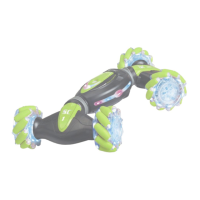
Toggle between Stealth and Truck formations for the SC1 in Mode 1 and Mode 2.
Overview of the remote control buttons including direction, modes, volume, and special functions.
Instructions for movement controls, mode toggling, and understanding directional inputs.
Instructions for installing the battery in the SC1 car and AA batteries in the remote control.
Connect the charging cable to the remote control watch's charging port.
Fill the smoke chamber by opening the stopper at the front of the car and adding water.
Crucial safety advice for lithium batteries, including handling leaks and charger precautions.
Instructions for charging status, using correct cables, safe environments, and charging temperature.
Information on electronic waste disposal and battery charging/usage durations.
 General
| Battery Life | 4 hours |
|---|---|
| Control Type | Touchscreen |
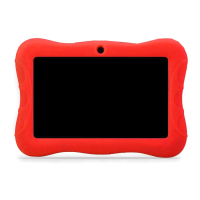
| Type | Kids Tablet |
| Screen Size | 7 inches |
| RAM | 1 GB |
| Item Weight | 1.1 pounds |
| Manufacturer | Contixo |
| Camera | No camera |
| Features | Parental controls |
| Storage | 16 GB |
| Connectivity | Wi-Fi |
| Batteries Required | Yes |

 To Next Page