5
Contour+ User Manual
Note: Record/GPS status will flash while
camera is obtaining a GPS position
Fix and go solid once a GPS fix is achieved.
+
RECORD
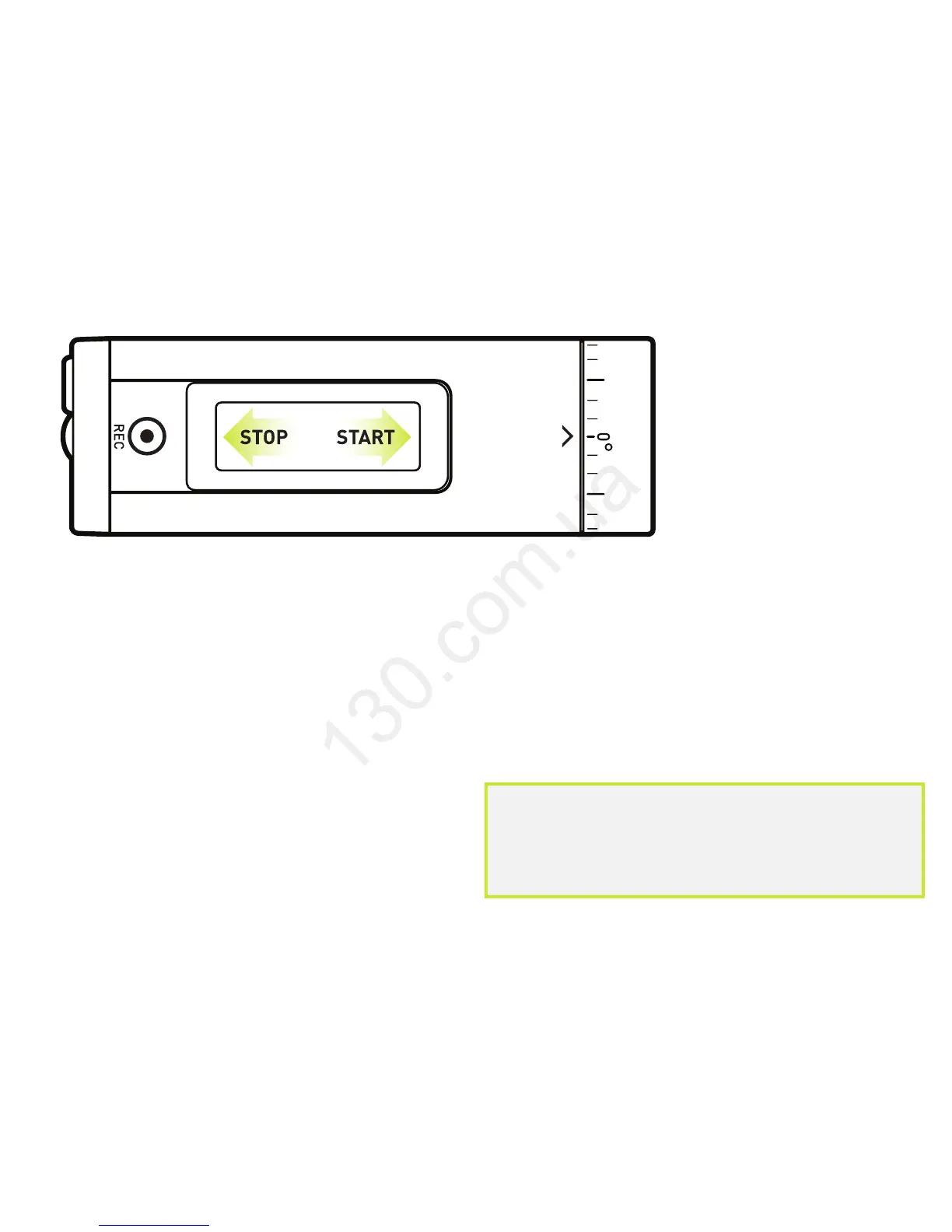
+ Start: slide switch forward. Camera beeps once
and the front Record/GPS LED turns red.
+ Stop: slide switch back. Camera beeps twice and
the front Record/GPS LED turns green.
+ Congrats, your first video!


 To Next Page