12
Manage Amplifier Output Zones
View System Status Screen
To view the System Status Screen:
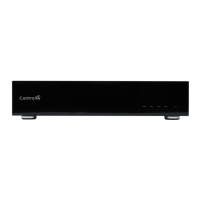
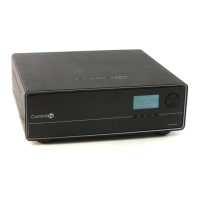
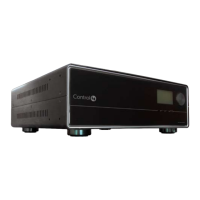
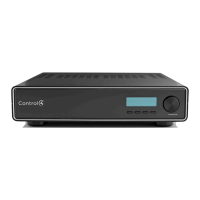
1. Ensure your Multi Channel Amplifier is powered up
and that the Output to Input screen is displaying in
the front display.
-----placeholder table and text------
The screen consists of 16 output zones and any
assigned input source. When an input source is
highlighted (as Input 1 in this example), the
highlighting indicates that a signal is present.
The buttons on the front panel provide access to
these menu options:
` Out/In: Displays an Output-specific screen. The
most recent screen accessed is displayed by
default, but you can choose to view a different
output’s setting by changing the Output number.
` Network: Displays a Network screen. This is
essentially view-only information.
` Display: Displays the Display Configuration
Screen.
Use Master Volume
Use the Selection Dial to control the volume (0-100).
Output to Input
1-
1 5- 9- 13-
2- 6-3 10- 14-
3- 4 7- 11- 15-
4- 8- 12- 16-
OUT/IN NETWORK DISPLAY


 To Next Page