16
2.
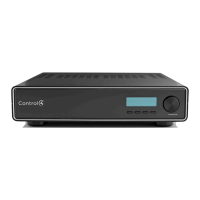
Use the buttons and/or the Select Dial to choose a
setting to change: Once you press the Select button
(or press the dial), you enter Edit mode.
3. In Edit mode, use the buttons or Select Dial to
change the highlighted setting; then press the OK
button (or press the dial) to save the change and exit
Edit mode.
Brightness: Supported range: 0 to 100
Contrast: Supported range: 0 to 100
Backlight Timeout: Supported settings are:
`
OFF (Always Off)
` 1 to 90 seconds (default is 30 seconds)
` ON (Always On)
Display Configuration
Brightness:
100
Contrast: 100
Backlight Time: 10
DOWN UP SELECT EXIT



 To Next Page