6
Control Solutions, Inc. | 503-410-5996 | support@vfcdataloggers.com
Stopping the
Logger
Press and hold the Start/Clear/Stop button for
1-2 seconds.
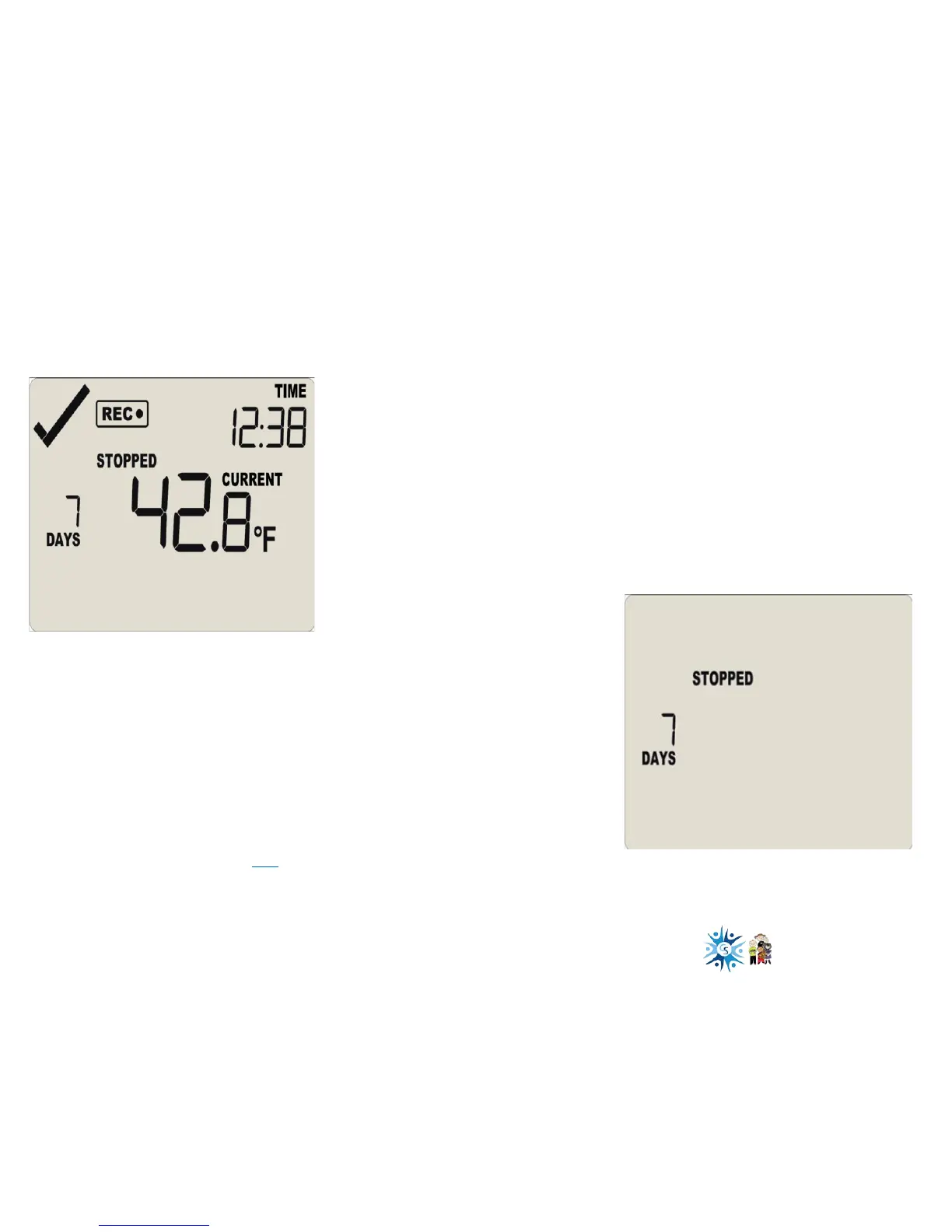
• STOPPED will appear
• REC● will disappear after 1-2 seconds
• Release the button when REC● disappears
Stopping the logger prior to
downloading is recommended.
The display will say STOPPED and show only
the number of days collected.
Now you can download your data.
• Take the logger to your PC
• Open the Control Solutions VTMC software
(you can get the software here)
• Place the logger in the docking station to
download the data



 To Next Page