EasyManua.ls Logo

Convair M3000 Coolmaster - User Manual

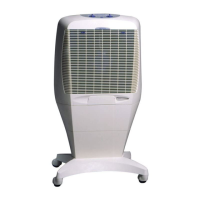
Convair M3000 Coolmaster
16 pages
Print Icon
To Next Page IconTo Next Page
Loading...
®
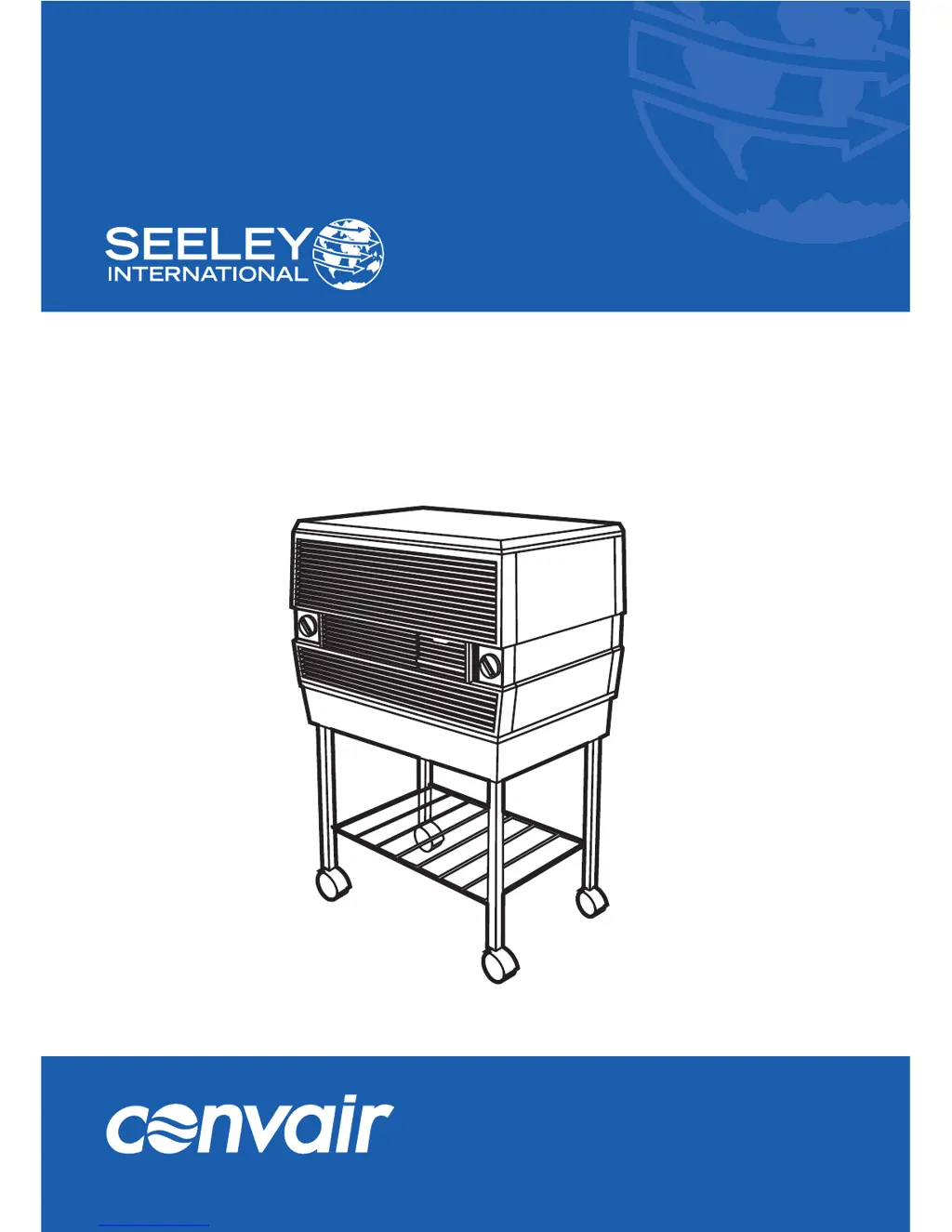
OWNER’S MANUAL
Portable Evaporative Cooler
(English) (M3000)
ILL1409-A
M3000 Coolmaster

Questions and Answers

  • R
    Richard SandersAug 16, 2025
    How to fix a Convair M3000 Coolmaster Air Conditioner that will not turn on?
    • H
      hmckinneyAug 16, 2025
      If your Convair Air Conditioner isn't starting, first ensure the power outlet is switched on. Then, check the power supply to confirm it's providing the correct voltage.
  • G
    Glenn AndrewsAug 20, 2025
    What to do if my Convair M3000 Coolmaster stops after running for a while?
    • A
      aaron23Aug 20, 2025
      If your Convair Air Conditioner shuts off after running, the motor may have overheated. Wait 30-45 minutes for it to cool down, and it should restart automatically. If this continues to happen, take the cooler to a service agent.
  • T
    thomas92Aug 25, 2025
    Why does my Convair Air Conditioner smell bad?
    • E
      Erika MortonAug 25, 2025
      A bad smell from your Convair Air Conditioner could be due to a dirty reservoir or cooling pad, or poor water quality. Try draining the reservoir and refilling the cooler with clean water. If the smell persists, clean the reservoir and consider replacing the cooling pad. You can also add a little vanilla essence or perfume to the water.
  • C
    Christine ReynoldsAug 28, 2025
    How to stop scraping noise of Convair M3000 Coolmaster Air Conditioner at the start of the season?
    • R
      Ronald SmithAug 28, 2025
      If your Convair Air Conditioner is making scraping or rattling noises at the start of the season, dirt may have accumulated inside the pump. Turn the cooler off and completely drain the reservoir. Refill with water. Switch fan knob to high speed (3), turn the cool knob to 'COOL',run the cooler for 10-15 minutes non-stop. This will help dissolve and flush out the dirt.
  • D
    Deanna HamiltonAug 31, 2025
    What to do if Convair M3000 Coolmaster reservoir overflows?
    • R
      Regina StephensAug 31, 2025
      If water is overflowing from the reservoir of your Convair Air Conditioner, there's likely too much water in it. Drain some of the water out.
  • C
    Christian SingletonSep 4, 2025
    What to do if the power cord is damaged on a Convair Air Conditioner?
    • T
      Tiffany GarrisonSep 5, 2025
      If the power supply cord of your Convair Air Conditioner is damaged, it must be replaced by Authorised Service Agents.
  • S
    Sheryl SmithSep 7, 2025
    What to do if Convair Air Conditioner will not operate at all?
    • S
      Susan JenkinsSep 8, 2025
      If your Convair Air Conditioner will not operate at all, it may be due to an electrical fault. Electrical parts must only be repaired and replaced by Authorised Service Agents.
  • J
    James PowellNov 12, 2025
    Why is my Convair M3000 Coolmaster not cooling?
    • D
      Dennis RogersNov 12, 2025
      Several factors can cause a lack of cooling in your Convair Air Conditioner. First, ensure the cooling control is set to 'COOL'. Next, check that the water reservoir is filled to the 'FULL' level with approximately 18 liters of water. If the weather is too humid, switch the cool knob to '0' and use the cooler as a fan only. If the aspen cooling pad or pump inlet screen is blocked or dirty, turn off the cooler, drain the reservoir, refill it, set the fan to high speed (3), and turn the cool knob to 'COOL'. Run it for 10-15 minutes. If the pad is still not wet, have it checked by a service agent. Also, ensure that the supply voltage is at the correct level. If the pump impellor is broken, have the cooler repaired by a service agent. Unfortunately, the solution for when the pump is not workin...

Summary

SAFETY

General Safety

Safe indoor use, maintaining upright position, airflow clearance, and avoiding objects or flammable substances.

Electrical Safety

Verify voltage, handle cord properly, and ensure damaged cords are replaced by qualified personnel.

COMPONENT LOCATION

ASSEMBLY

Unpacking and Trolley Assembly

Instructions for unpacking the cooler and assembling the base trolley with wheels and magazine rack.

Voltage Check

Essential pre-operation step to confirm cooler voltage matches the power supply.

OPERATING THE COOLER

Optimizing Cooling Performance

Placement advice for fresh air intake and cross-ventilation to maximize cooling efficiency.

Filling with Water

Procedure for turning off the unit, opening the inlet, filling with water, and checking the level indicator.

Operating Safety Instructions

Precautions for moving the unit with water, switching off before servicing, and avoiding items on top.

USING THE COOLER

Fan Speed and Operation Modes

Guidance on selecting low/high fan speeds for cooling or fan-only ventilation modes.

Conditioning Aspen Cooling Pad

Initial run procedure to prepare cooling pads, noting expected water discoloration and smell.

Air Direction Control

Instructions for adjusting the air guide vane levers located on the front grille.

MAINTENANCE

Exterior Cleaning

Wiping down the cooler's external surfaces with a damp cloth and mild detergent.

Draining the Cooler

Steps to remove water from the reservoir using the drain plug and a bucket.

Accessing Interior

Method for removing the top panel by releasing internal catches for cleaning access.

INTERNAL MAINTENANCE

Component Identification

Labels for internal parts: Aspen cooling pad, wire mesh support, spreader, and water strainer.

Spreader Pad Removal

Procedure to remove the Aspen pad assembly, including disconnecting the water hose.

Cleaning Internal Components

Washing the cooling pad, cleaning the pump strainer, and cleaning the inside of the reservoir.

TROUBLESHOOTING

SPARE PARTS LIST

M3000 COOLMASTER EXPLODED VIEW

WARRANTY

Warranty Terms and Conditions

Details on warranty period, coverage for defects, repair/replacement options, and exclusions.

WARRANTY CLAIMS AND LIMITATIONS

Warranty Exclusions and Recommendations

Conditions voiding warranty, recommendations against non-genuine parts, and unauthorized modifications.

How to Claim Warranty

Steps for initiating a warranty claim, including contact methods and product return procedures.

WARRANTY SERVICE AND RECORDS

Service Centre Information

Contact phone numbers, website, and physical address for warranty service and inquiries.

Personal Records

Fields for the user to record product serial number, model, and purchase date for reference.

Convair M3000 Coolmaster Specifications

General IconGeneral
BrandConvair
ModelM3000 Coolmaster
CategoryAir Conditioner
LanguageEnglish

Related product manuals