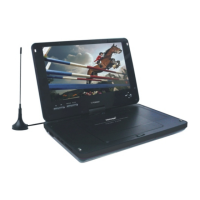
3D Processing
25. USB and SD/MMC/MS card
Press USB card or SD/MMC/MS card into the unit . Press (DVD/USB/AV input) ,
it shows function menu . Direction key Choose USB or SD/MMC/MS to start to paly..
26. AV IN and ANALOG TV (ATV)
Connect AV IN or anntenna of ANALOG TV with the unit , press this function key
( DVD/ATV/AV IN ) shows the function menu .Use direction key choose AV IN or
Analog TV and press enter key to enter you choosed function.
27. Rechargeable battery
The unit use long life polymer battery and it is bulit -in for easy to carry ,
li battery has feature of high store volume and low obsolescence, it means the
battery has no momery effect , there fore you can charge the battery safely no
matter it is fully or partial discharged, each charging time should be 4 hours , it can
last working ab out two hours if it is fully charged,
recharge indicator light (CH):
it is red when the battery is charging,The red light will be shut off when it is fully
charged.the green light is power indicates.
Basic Operation
Use and maintain the battery
(1) Normal working temperture:0 C-45 C
(2) The unit turns heat during it is playing , It should avoid to play in long time.
(3) It should be put away from heat source or damp place and avoid to clash.
SYSTEM SETUP
Press SETUP key enter into setup menu when the system stop state .The option
you can setting are USUAL SETUP,SOUND SETUP,VIDEO SETUP,INITIAL
SETUP, etct. You can use direction keyand play key and ENTER key to amend
setup . The enactment duty will take effect immediately. Press setup key or
direction key return when jumpping dialog box.press setup key enter menu.
on DVD state, press setup key,it will enter into setup window, it will appear all
options,but the initial setup can be set up when the disc stop or OPEN state.
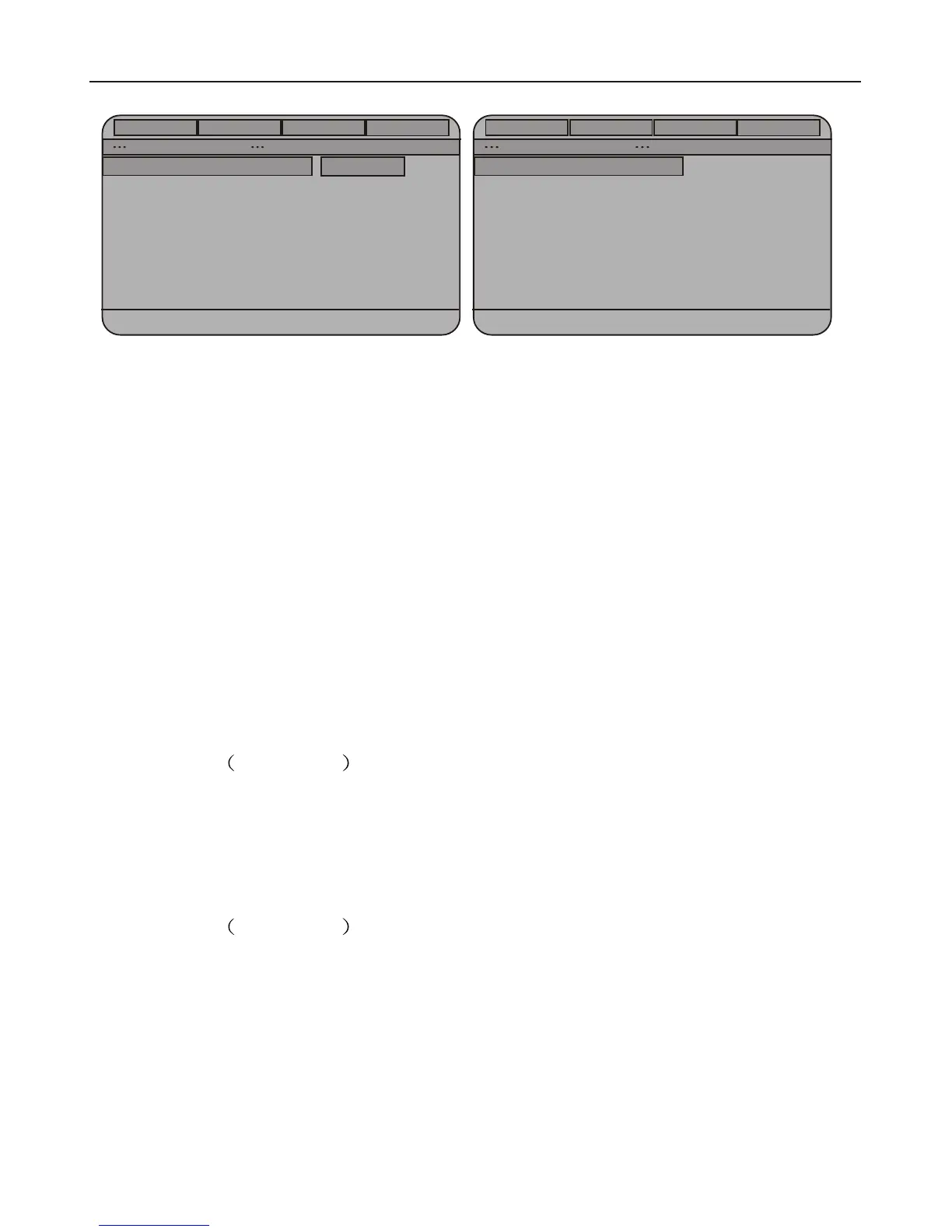
1.usual setup e.g photo 2
1)screen mode
normal/full screen:when the unit is connected with TV,wide screen image will be
fully in TV screen keep ratio,but the left part will be cut away
normal/mailbox:when the unit is connect with TV,wide screen image will be on TV
screen in ratio,but the TV screen top and bottom have a black belt.
Wide screen: when the unit is connect with TV,wide screen image will be on TV
screen fully in ratio,4:3 image will be stretched in full screen.
2)angle mark
angle open:when it play multi angle DVD,the screen will show angle mark
angle off:no angle mark on screen
3)display language
to setup menu language displayed on screen
4)screen saver
open:when the unit on stop or quiescence sate,it will appear screen save photo,
you can press any key to awake the unit.
5)last memory setup
open:every times when you shut off the unit or stop palying disc, the unit can
remember last play point .when you open the unit next times and put the the same
disc,the system will play according to last memory point
off:to shut off the function
2.audio setup e.g photo 3
1)equalizer setup
equalizer type:no,roll,popular,theatre,dance,electronic, classical, solft music
2)3D setup
Mixed mode:off,music hall,living room,bath room,hole, arena, church
3.video setup e.g photo 4
1)sharpness degree
high,middle and lower for your choose
2)brightness and contriteness
To press left,right direction key to adjust setup data,and press enter key to
confirm when you come into this set up window.
Additional Operation
General
Audio
Video
Preference
Audio setup page
General Setup page
PS
ON
Eng
ON
1X
Off
Equalizer
TV Display
Angle mark
OSD lang
Screen saver
HDCD
Last Memory
Normal / PS
Normal / LB
Wlde
Set TV Display Mode
GO TO Equualizer page
PHOTO(2) PHOTO(3)
10
11
General
Audio
Video
Preference


 To Next Page
 Loading...