50
50
50
R-T
16:9
4. initial setup e.g photo 5
1)TV system
To choose according to your television colour system:NTSC,PAL,
AUTO.please select according your television, if your television
supporting both NTSC and PAL , you can choose AUTO mode .Then
the unit will choose the TV SYSTEM according the DVD disc
2)audio,caption,disc option
on above setup menu,to choose default audio, subtitle.and disc
menu language.while the audio language can be choosed by AUDIO
key,subtitle language can be choosed by subtitle key.
3)age control
it is used to set up allowed play grade, if the setup is exceed the
grade,it need input password to play by this unit.
Note: this function is only for the disc which has age control function.
4)password setup
it is used to set up allowed play grade, if the setup is exceed the
grade it need input password to play by this unit.
Note: this function is only for the disc which has age control function.
5)initial default data
To resume default initial setup in factory.it doesn't include age
grade and password setup
Image ,TV setup e.g photo 6,7
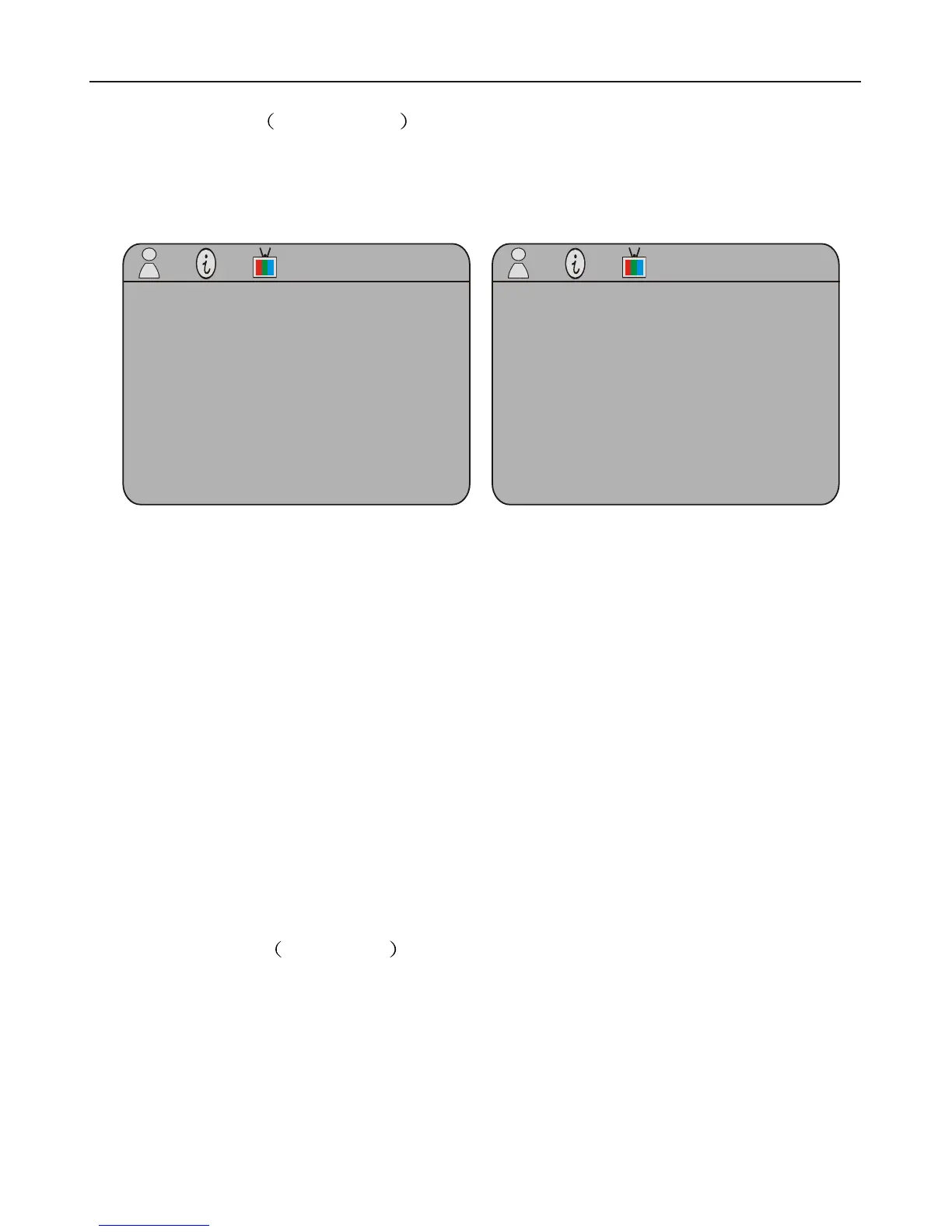
On mode of DVD,AV input,TV ,press the image key on remote controller,it wil
appear following menu window(note:TV search function setup is only refer to
those models with TV function)
1.image setup, e,g (6), photo(7)
1)brighness,contrastness, saturation setup
Come into this setup respectively and press left,right key to adjust,and then put
enter key to confirm
2)display(R-T,L-B)
come into this setup,press left,right direction can watch as photo R-T or L-B style
3)display mode
come into the setup,press left,right direction key can watch as photo 16-9 or 4-3
style
4)language
enter into the setup,press left,right key can set this menu setup languages
5)restore
enter into this setup,it is for resume this menu setup's default data: ratio,
brightness, saturation,display mode
2.TV search setup e.g photo 8
1)channel display current program position
2)auto search it used to search TV channel from lower frequency to higher
frequency.Afte research TV channel, it will save TV channel automatically from
lower to higher frequency.
Video Setup Page
Sharpness
Brightness
Contrast
LOW
00
00
High
Medium
Low
TV Type
Audio
Subtitle
Disc Menu
Parental
Password
Defauit
NTSC
Eng
Eng
Eng
Sharpness GO TO Preference page
Screen
Dispmodel
Language
Reset
Contrast:
Brightness
Saturation
English
PHOTO(6) PHOTO(7)
PHOTO(4) PHOTO(5)
Additional OperationAdditional Operation
12
13
General
Audio
Video
Preference
General
Audio
Video
Preference
Preference Page
u


 To Next Page
 Loading...